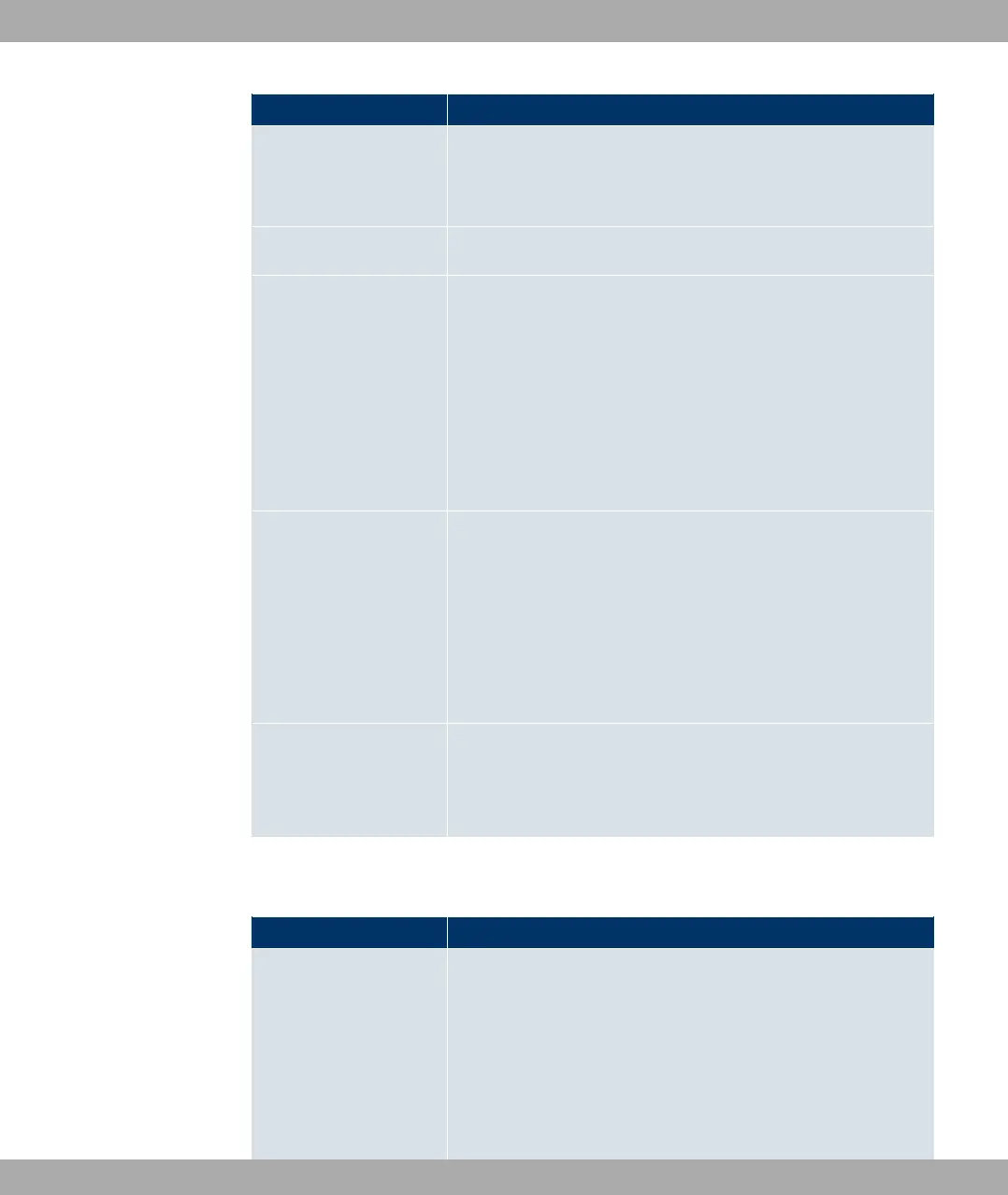
Field Description
• !0//! (default value): The destination port is not specified.
• -,%) ,: Enter a destination port.
• -,%) , $: Enter a destination port range.
Source Interface If required, select your device's source interface.
Source IP Address/
Netmask
Enter, if required, the source IP address and netmask of the
data packets.
Possible values:
• 0) (default value)
• @&: Enter the IP address of the host.
• *: Enter the network address and the related net-
mask.
Source Port/Range Enter, if required, a source port number or a range of source
port numbers.
Possible values:
• !0//! (default value): The destination port is not specified.
• -,%) ,: Enter a destination port.
• -,%) , $: Enter a destination port range.
Special Handling Timer Enter the time period during which the specified data packets
are to be routed via the route that has been defined.
The default value is seconds.
The menu Advanced Settings consists of the following fields:
Fields in the Advanced Settings menu
Field Description
Frozen Parameters Specify whether, when data packets are subsequently sent, the
two parameters Destination Address and Destination Port
must have the same value as the first data packet, i. e. whether
the subsequent data packets must be routed via the same Des-
tination Port to the same Destination Address.
The two parameters Destination Address and Destination
Port are enabled by default.
14 Networking Funkwerk Enterprise Communications GmbH
204 bintec Rxxx2/RTxxx2



 To Next Page