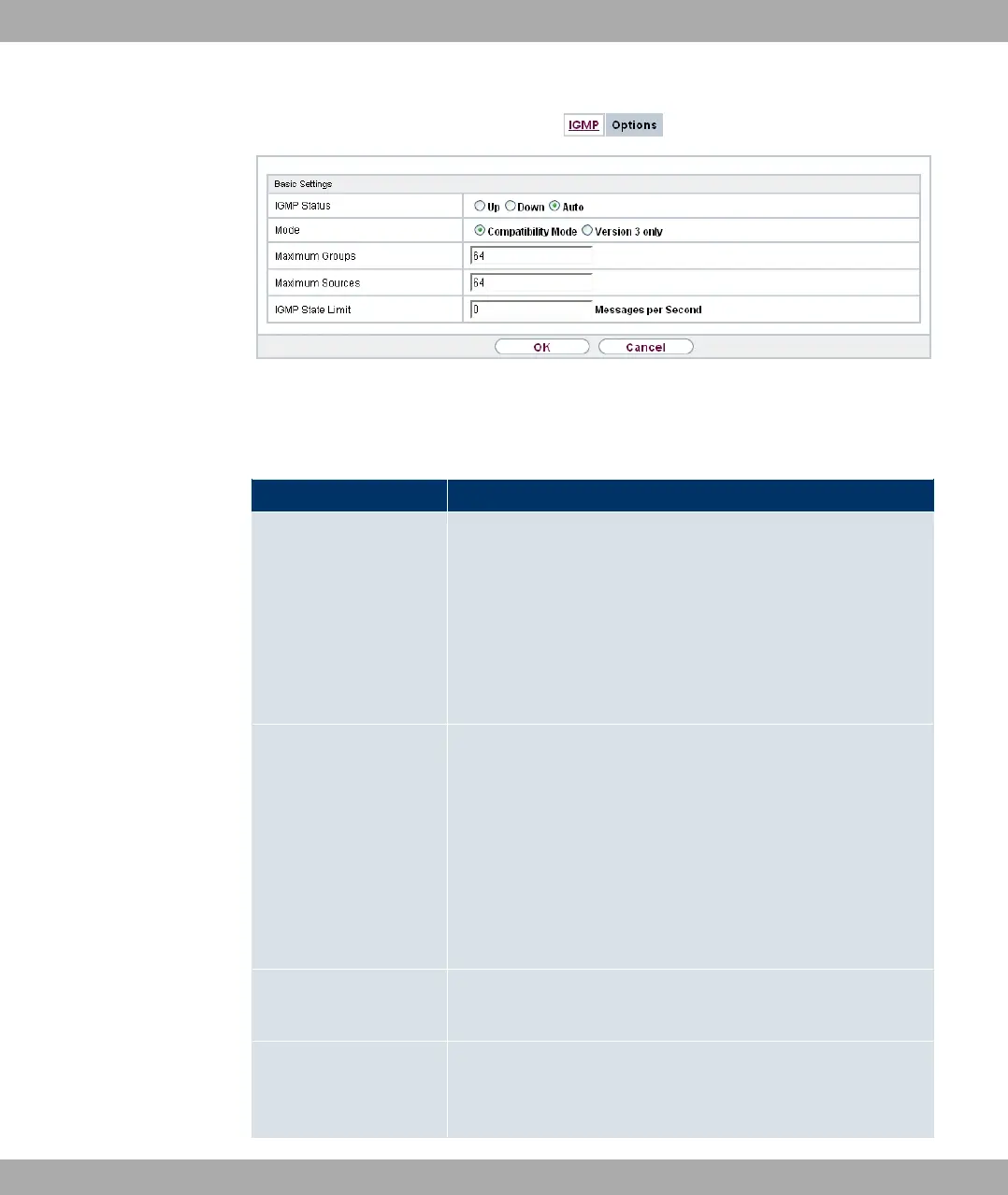
Fig. 103: Multicast->IGMP->Options
The Multicast->IGMP->Options menu consists of the following fields:
Fields in the Basic Settings menu
Field Description
IGMP Status Select the IGMP status.
Possible values:
• 0 (default value): Multicast is activated automatically for
hosts if the hosts open applications that use multicast.
• 3,: Multicast is always on.
• 1: Multicast is always off.
Mode Only for IGMP Status = 3, or 0
Select Multicast Mode.
Possible values:
• 4,#/) ( (default value): The router uses IG-
MP version 3. If it notices a lower version in the network, it
uses the lowest version it could detect.
• 8& ' /): Only IGMP version 3 is used.
Maximum Groups Enter the maximum number of groups to be permitted, both in-
ternally and in reports.
Maximum Sources Enter the maximum number of sources that are specified in ver-
sion 3 reports and the maximum number of internally managed
sources per group.
Funkwerk Enterprise Communications GmbH
16 Multicast
bintec Rxxx2/RTxxx2 251



 To Next Page