- 5 -
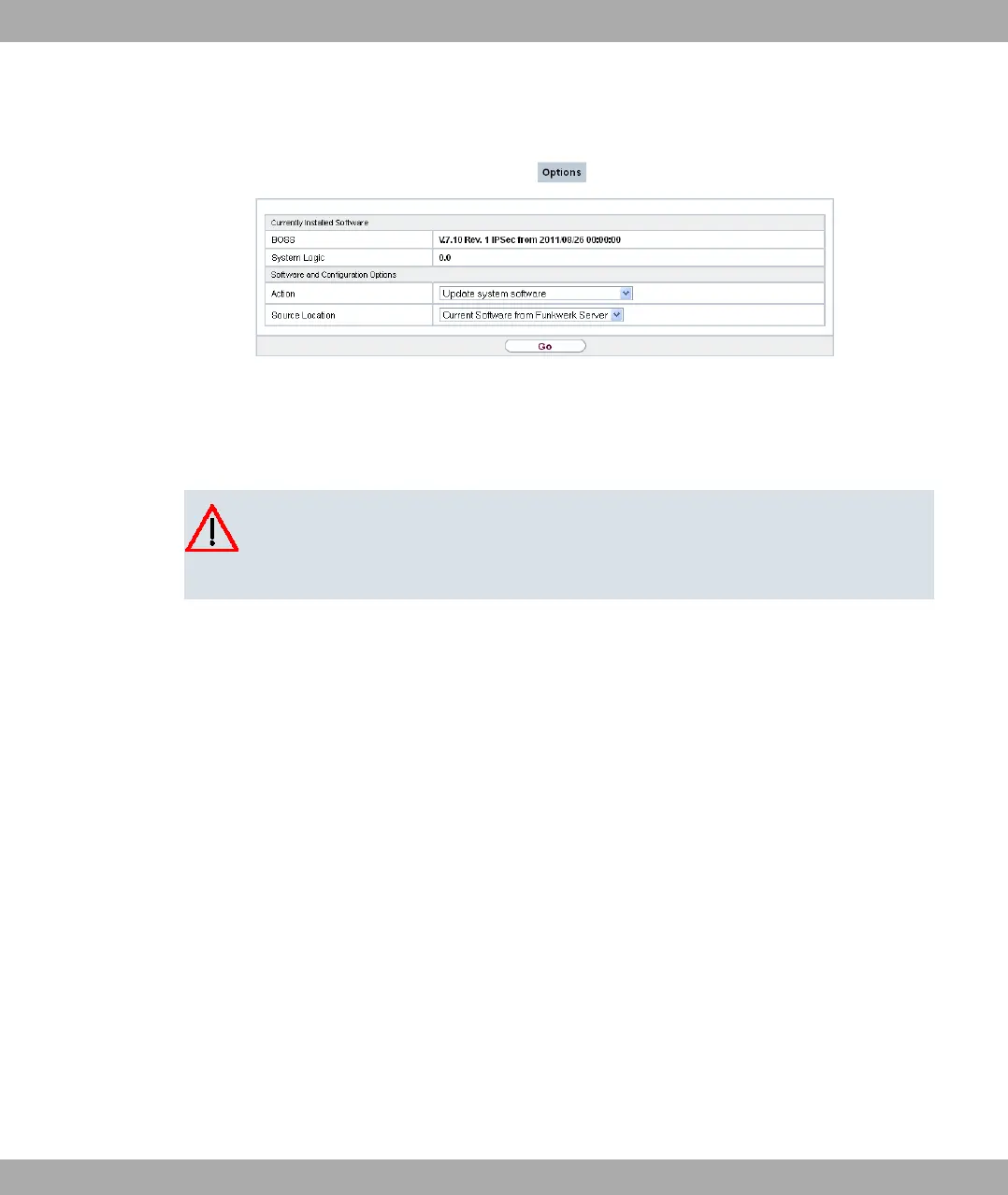
(3) Confirm with Go.
The device will now connect to the Funkwerk Enterprise Communications GmbH download
server and check whether an updated version of the system software is available. If so,
your device will be updated automatically. When installation of the new software is com-
plete, you will be invited to restart the device.
Caution
Once you have clicked on GO , the update cannot be cancelled/interrupted. If an error
occurs during the update, do not re-start the device and contact support.
Funkwerk Enterprise Communications GmbH
4 Basic configuration
bintec Rxxx2/RTxxx2 17



 To Next Page