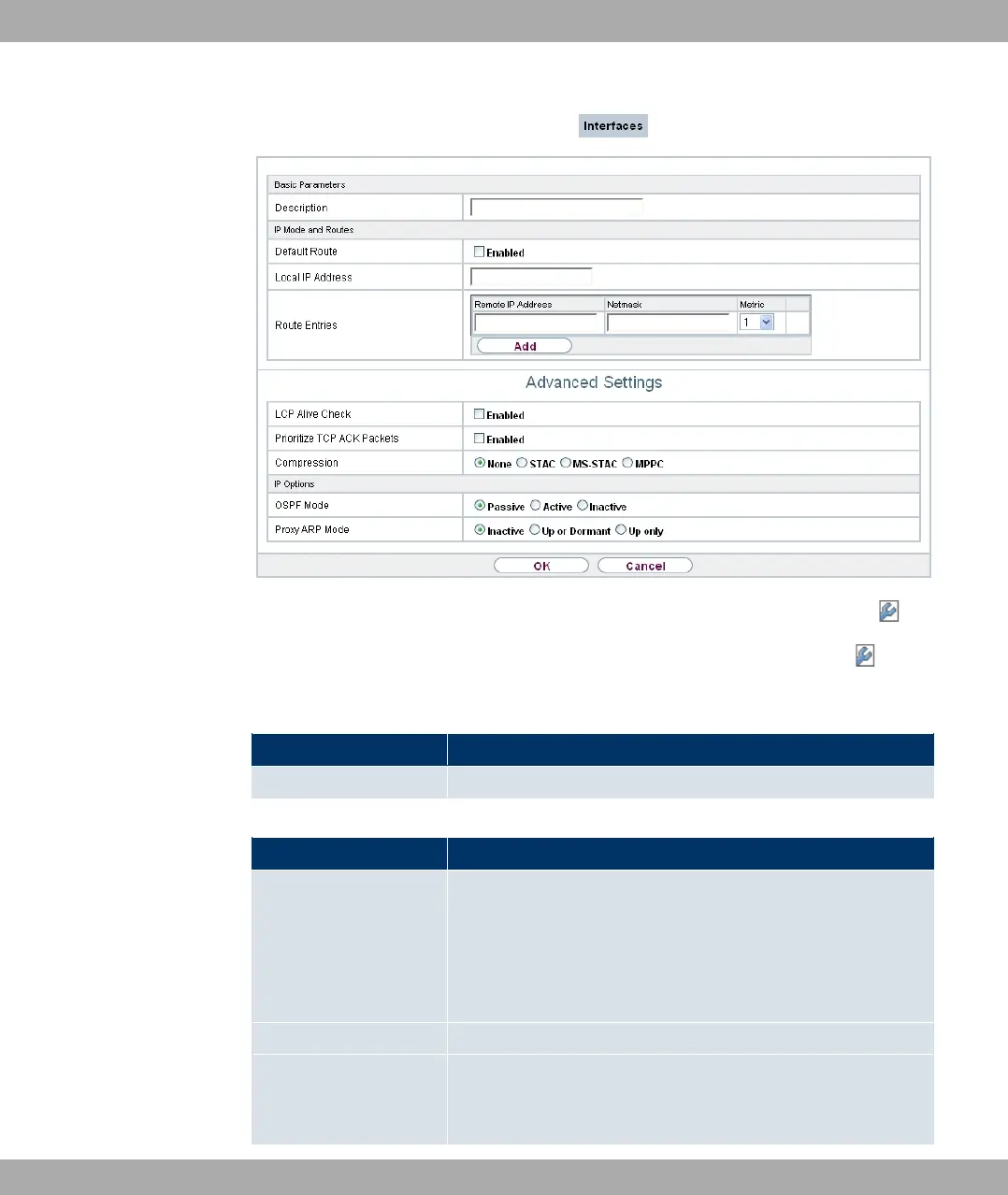
Fig. 121: WAN->Leased Line->Interfaces->Autogenerated from PRI (ISDN-S2M)->
The WAN->Leased Line->Interfaces->Autogenerated from PRI (ISDN-S2M)-> menu
consists of the following fields:
Fields in the Basic Parameters menu
Field Description
Description Enter the desired description for the connection.
Fields in the IP Mode and Routes menu
Field Description
Default Route Select whether the route to this connection partner is to be
defined as the default route.
The function is enabled with #/.
The function is disabled by default.
Local IP Address Enter the IP address you received from your network operator.
Route Entries
Define other routing entries for this connection class.
Add new entries with Add.
Funkwerk Enterprise Communications GmbH
17 WAN
bintec Rxxx2/RTxxx2 309



 To Next Page