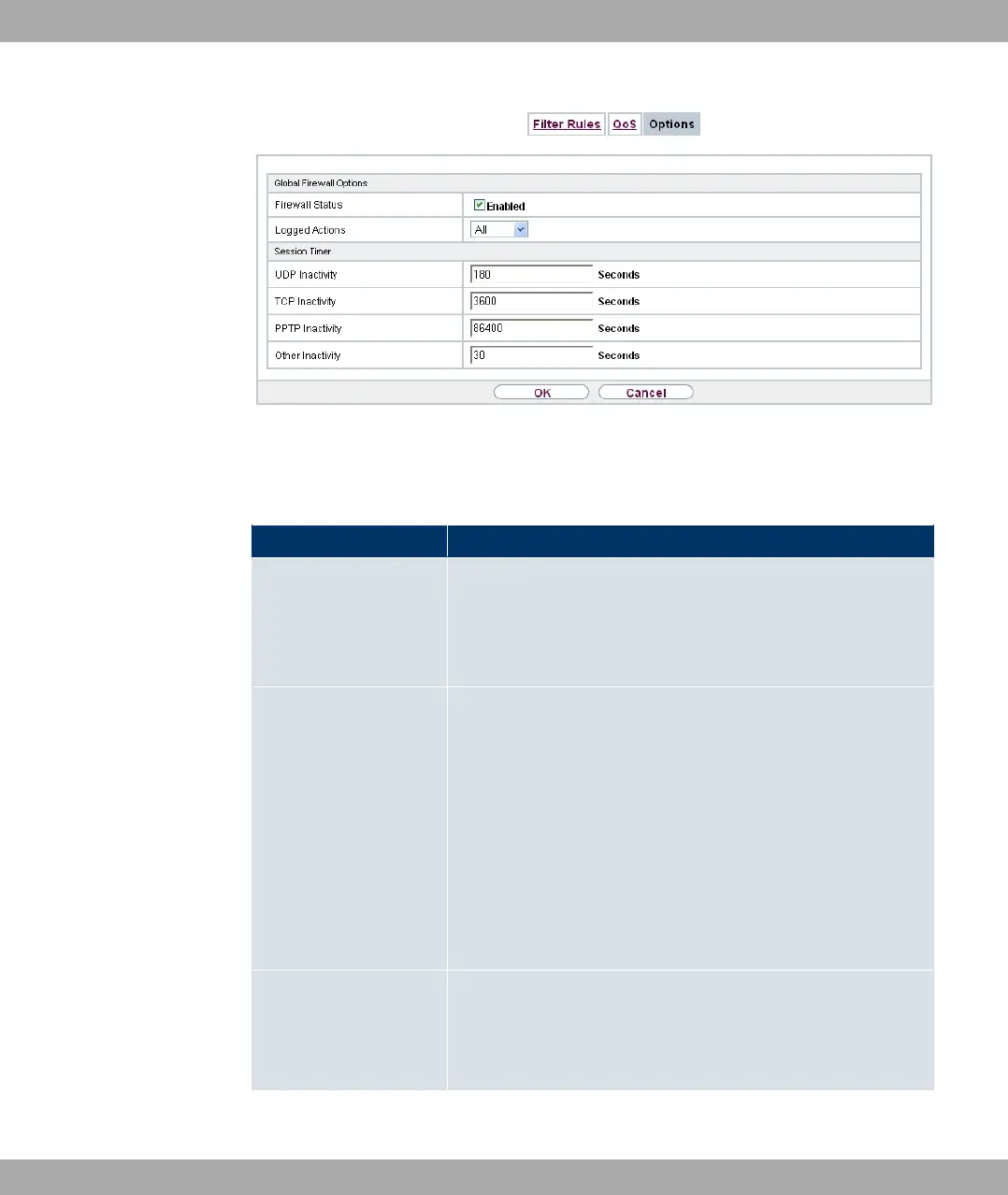
Fig. 142: Firewall->Policies->Options
The menu Firewall->Policies->Options consists of the following fields:
Fields in the Global Firewall Options menu
Field Description
Firewall Status Enable or disable the firewall function.
The function is enabled with #/
The function is enabled by default.
Logged Actions Select the firewall syslog level.
The messages are output together with messages from other
subsystems.
Possible values:
• 0// (default value): All firewall activities are displayed.
• 1) : Only reject and deny events are shown, see "Action".
• 0%%, : Only accept events are shown.
• * : Syslog messages are not generated.
Full Filtering Here you define whether packets are only to be filtered if they
are sent to an interface other than the interface that created the
connection.
With #/, all the packets are filtered (default value).
Fields in the Session Timer menu
Funkwerk Enterprise Communications GmbH
19 Firewall
bintec Rxxx2/RTxxx2 373



 To Next Page