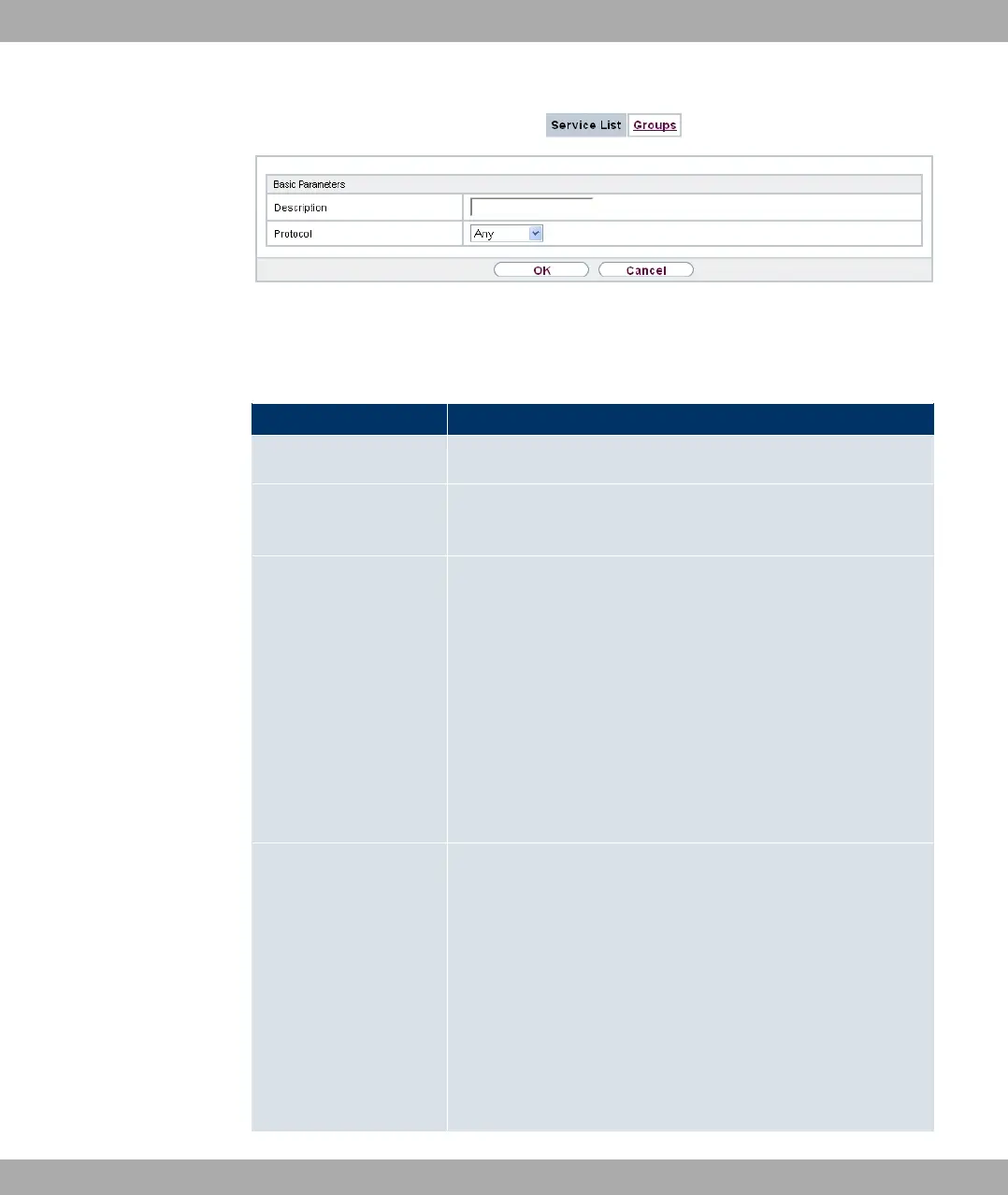
Fig. 146: Firewall->Services->Service List->New
The menu Firewall->Services->Service List->New consists of the following fields:
Fields in the Basic Parameters menu
Field Description
Description Enter an alias for the service you want to configure.
Protocol Select the protocol on which the service is to be based. The
most important protocols are available for selection.
Destination Port Range Only for Protocol = +4 , 317+4 or 31
In the first field, enter the destination port via which the service
is to run.
If a port number range is specified, in the second field enter the
last port of the port range. By default the field does not contain
an entry. If a value is displayed, this means that the previously
specified port number is verified. If a port range is to be
checked, enter the upper limit here.
Possible values are to '.
Source Port Range Only for Protocol = +4 , 317+4 or 31
In the first field, enter the source port to be checked, if applic-
able.
If a port number range is specified, in the second field enter the
last port of the port range. By default the field does not contain
an entry. If a value is displayed, this means that the previously
specified port number is verified. If a port range is to be
checked, enter the upper limit here.
Possible values are to '.
19 Firewall Funkwerk Enterprise Communications GmbH
378 bintec Rxxx2/RTxxx2



 To Next Page