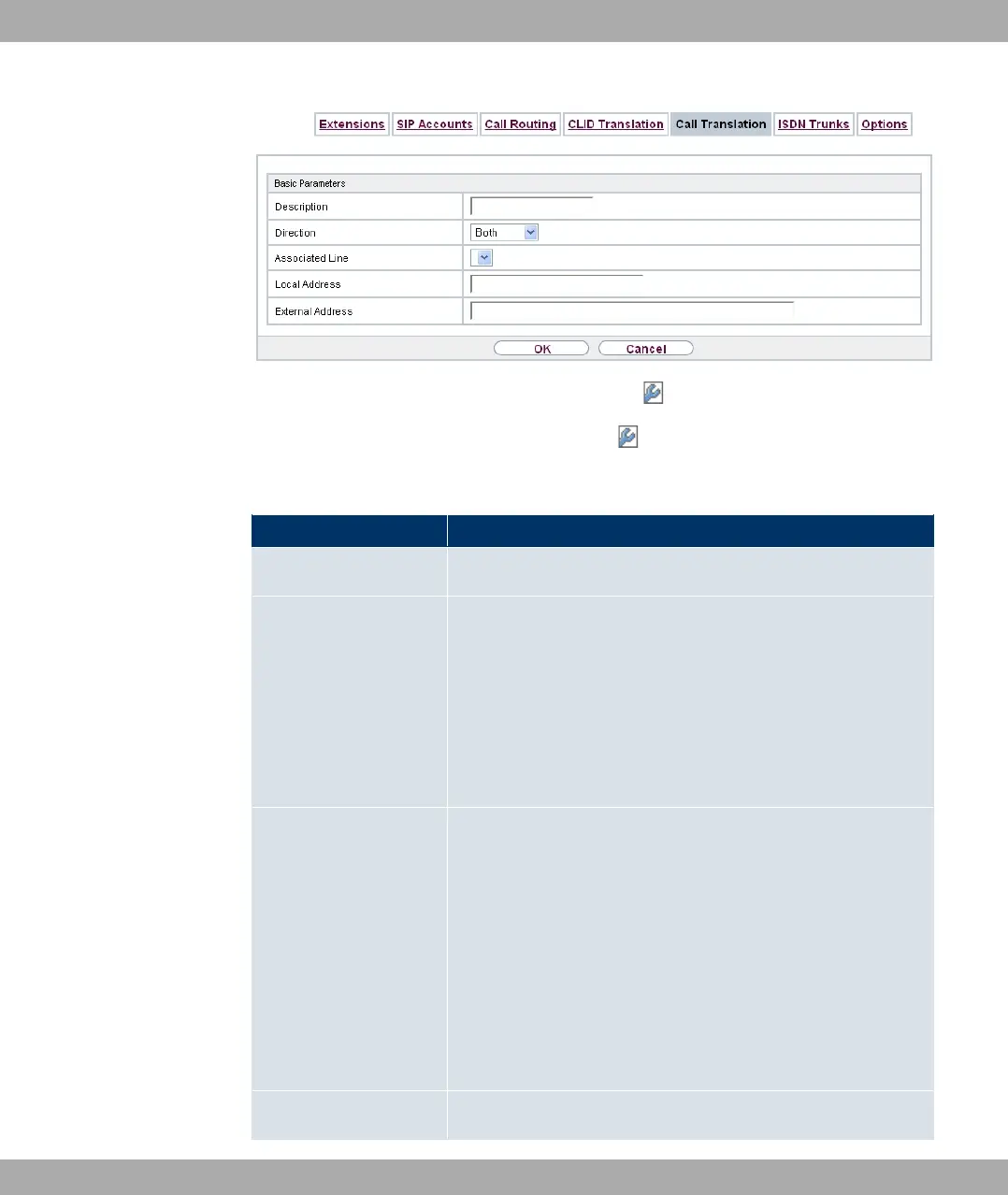
Fig. 154: VoIP->Media Gateway->Call Translation-> +New
The VoIP->Media Gateway->Call Translation-> +New menu consists of the following
fields:
Fields in the Basic Parameters menu
Field Description
Description Enter the name of the call translation.
Direction Select the direction for the entry.
Possible values:
• > (default value): For incoming and outgoing calls
(bidirectional).
• %$: For incoming calls.
• ?$$: For outgoing calls.
Associated Line Select the ISDN line or SIP account via which the calls are to be
routed.
Possible values:
• ,A% =B : Restricts the call to the selected
PRI interface.
• #A% =B : Restricts the call to the selected
BRI interface.
• A- 0%%B: restricts the call to the selected SIP ac-
count.
Local Address Enter the internal number (e.g. extension or PABX number). For
Funkwerk Enterprise Communications GmbH
20 VoIP
bintec Rxxx2/RTxxx2 405



 To Next Page