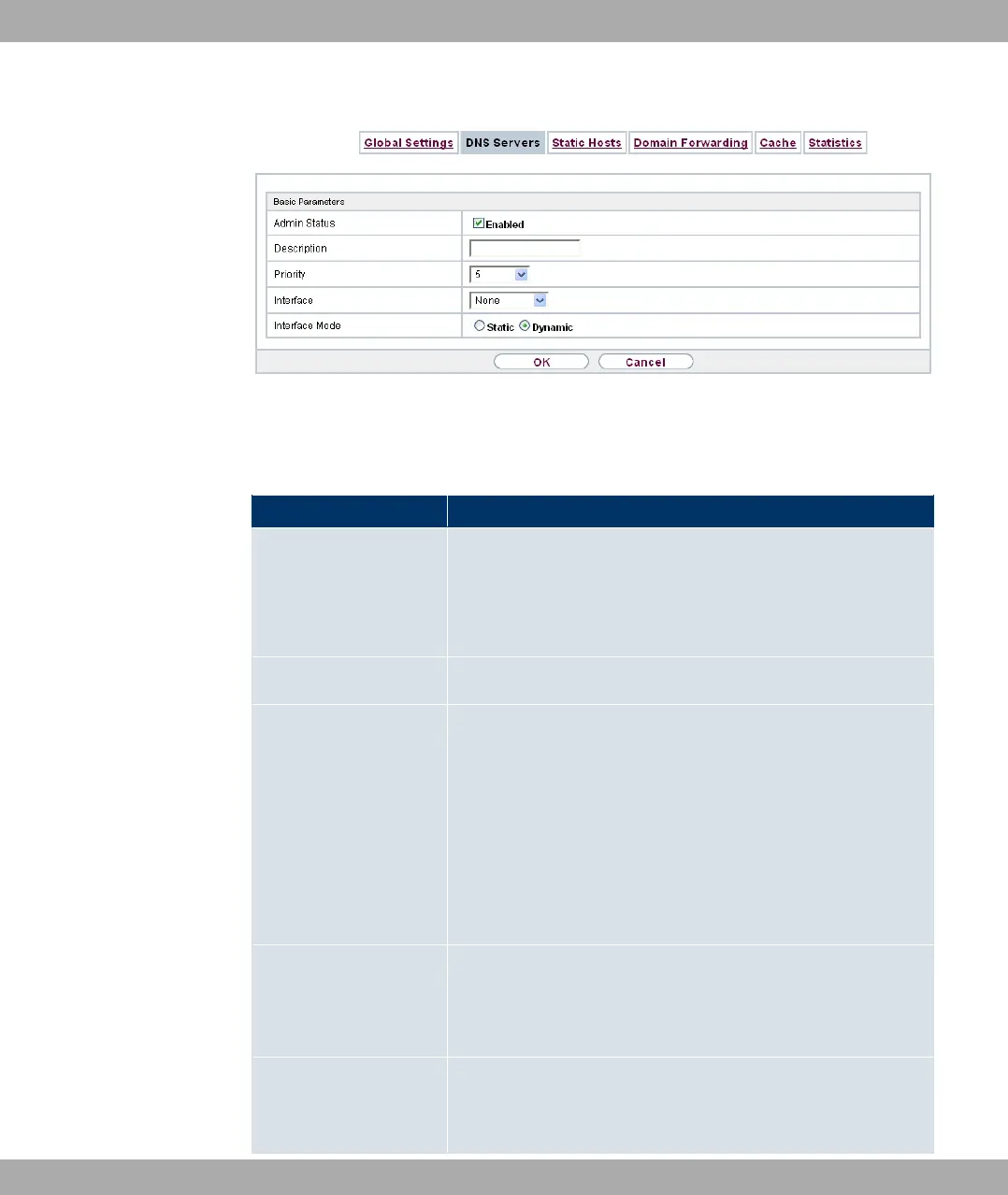
Fig. 159: Local Services->DNS->DNS Servers->New
The Local Services->DNS->DNS Servers->New menu consists of the following fields:
Fields in the Basic Parameters menu
Field Description
Admin Status Select whether the DNS server should be enabled.
The function is activated by selecting #/.
The function is enabled by default.
Description Enter a description for DNS server.
Priority Assign a priority to the DNS server.
You can assign more than one pair of DNS servers ( Primary
DNS Server and Secondary DNS Server) to an interface (i. e.
for example, to an Ethernet port or a PPPoE WAN partner). The
pair with the highest priority is used if the interface is "up".
Possible values from (highest priority) to (lowest priority).
The default value is .
Interface Select the interface to which the DNS server pair is to be as-
signed.
A global DNS server is created with the setting *.
Interface Mode Select whether the IP addresses of name servers for resolving
the names of Internet addresses are to be obtained automatic-
ally or whether up to two fixed DNS server addresses are to be
Funkwerk Enterprise Communications GmbH
21 Local Services
bintec Rxxx2/RTxxx2 417



 To Next Page