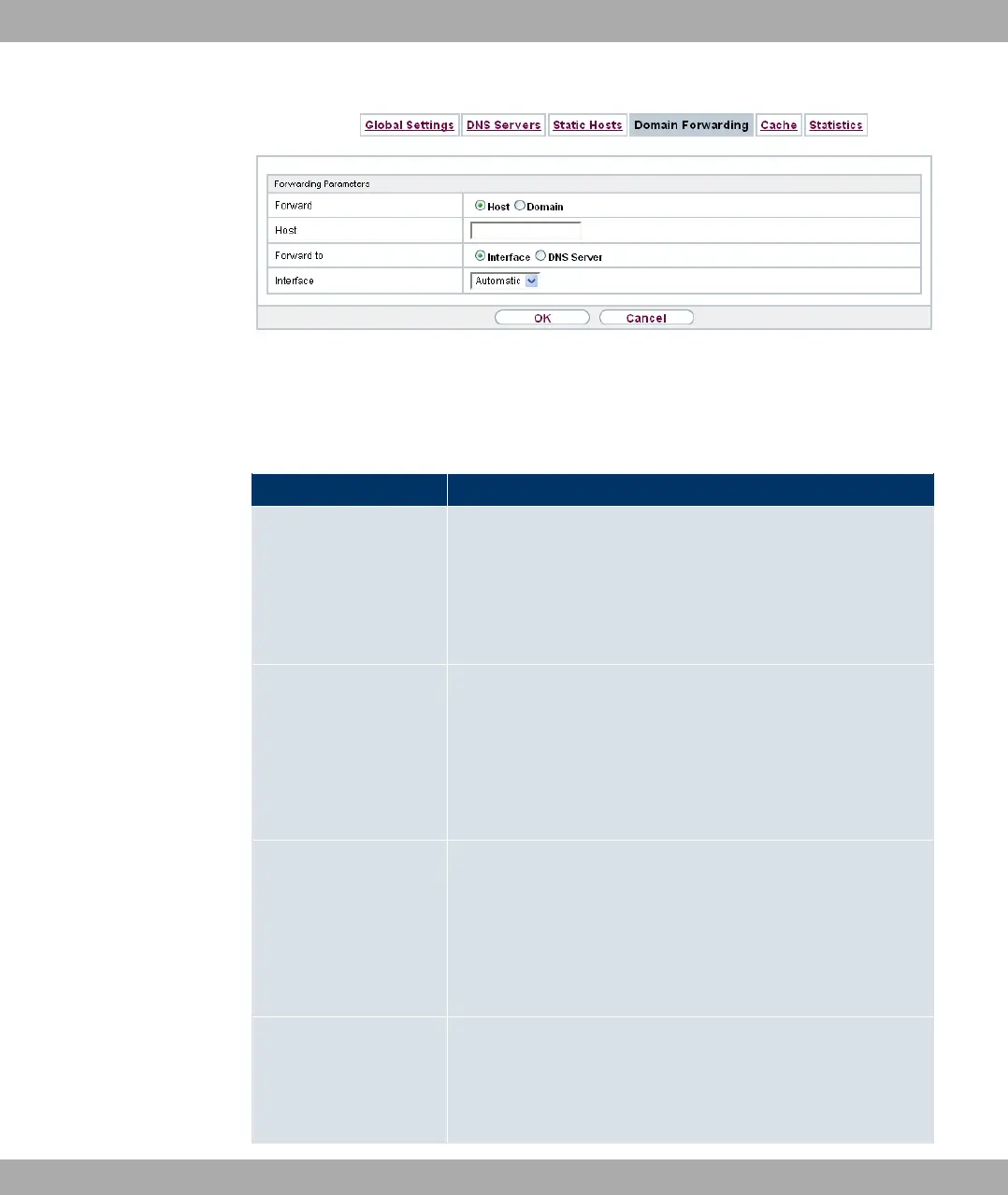
Fig. 161: Local Services->DNS->Domain Forwarding->New
The menu Local Services->DNS->Domain Forwarding->New consists of the following
fields:
Fields in the Forwarding Parameters menu
Field Description
Forward Select whether a host or domain is to be forwarded.
Possible values:
• @& (default value)
• 1
Host Only for Forwarding = @&
Enter the name of the host to be forwarded.
The entry can also start with the wildcard *, e.g. *.funkwerk.com.
If a name is entered without a full stop, you complete with OK "
<Default Domain>. " after confirmation.
Domain Only for Forwarding = 1
Enter the name of the domain to be forwarded.
The entry can also start with the wildcard *, e.g. *.funkwerk.com.
If a name is entered without a full stop, you complete with OK "
<Default Domain>. " after confirmation.
Forward to Select the forwarding destination requests to the name defined
in Host or Domain.
Possible values:
21 Local Services Funkwerk Enterprise Communications GmbH
420 bintec Rxxx2/RTxxx2



 To Next Page