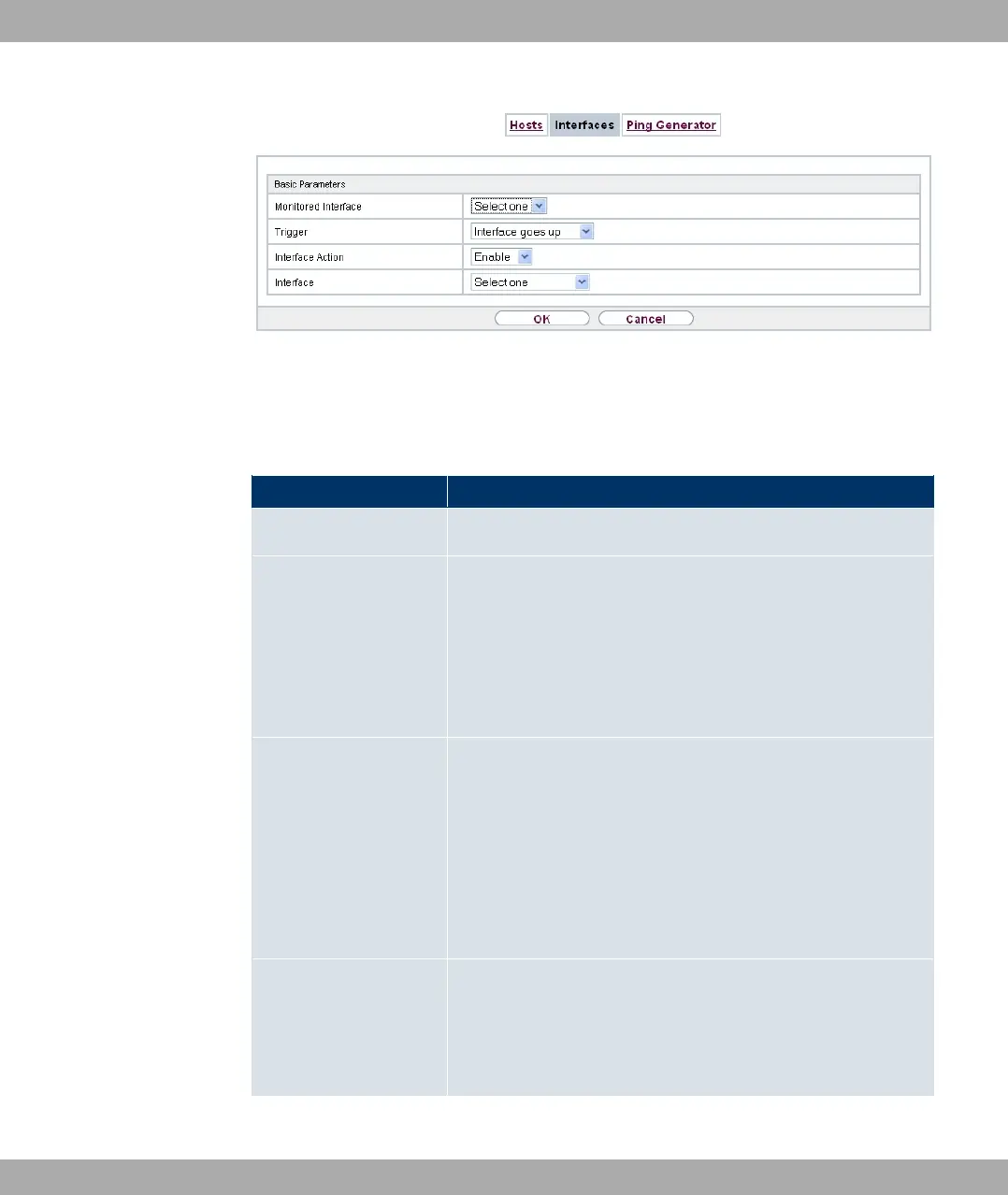
Fig. 180: Local Services->Surveillance->Interfaces->New
The menu Local Services->Surveillance->Interfaces->New consists of the following
fields:
Fields in the Basic Parameters menu
Field Description
Monitored Interface Select the interface on your device that is to be monitored.
Trigger Select the state or state transition of Monitored Interface that
is to trigger a particular Interface Action.
Possible values:
• % $& , (default value)
• % $&
Interface Action Select the action that is to follow the state or state transition
defined in Trigger.
The action is applied to the Interface(s) selected in Interface.
Possible values:
• #/ (default value): Activation of interface(s)
• 1&#/: Deactivation of interface(s)
Interface Select the interface(s) for which the action defined in Interface
is to be performed.
You can switch all physical and virtual interfaces as well as op-
tions 0// %& and 0// -% %& .
21 Local Services Funkwerk Enterprise Communications GmbH
462 bintec Rxxx2/RTxxx2



 To Next Page