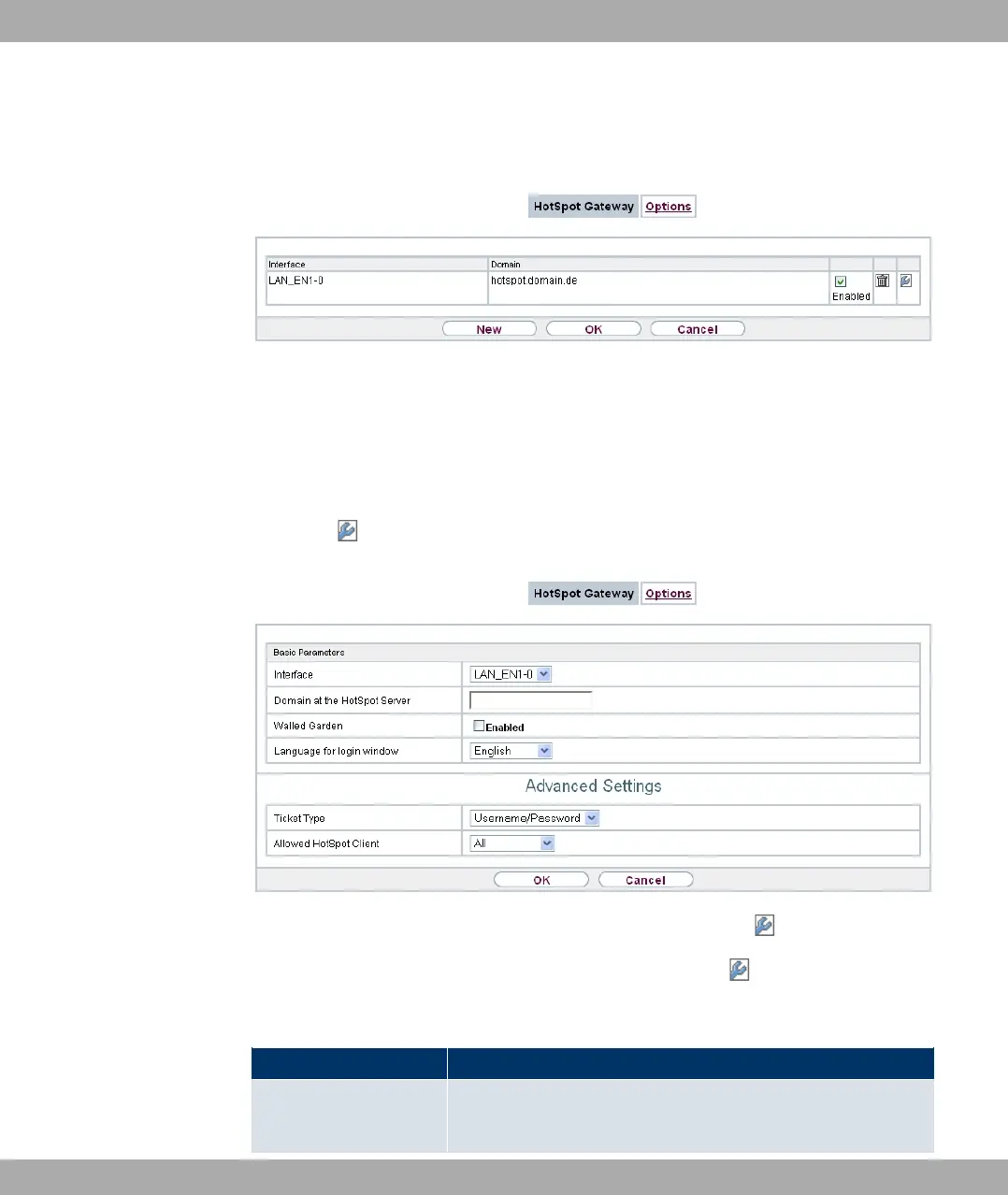
A list of all configured hotspot networks is displayed in the Local Services->HotSpot
Gateway->HotSpot Gateway menu.
Fig. 185: Local Services->HotSpot Gateway->HotSpot Gateway
You can use the Enabled option to enable or disable the corresponding entry.
21.11.1.1 Edit or New
You configure the hotspot networks in the Local Services->HotSpot Gateway->HotSpot
Gateway-> menu. Choose the New button to set up additional Hotspot networks.
Fig. 186: Local Services->HotSpot Gateway->HotSpot Gateway->
The Local Services->HotSpot Gateway->HotSpot Gateway-> menu consists of the fol-
lowing fields:
Fields in the Basic Parameters menu
Field Description
Interface
Choose the interface to which the Hotspot LAN or WLAN is con-
nected. When operating over LAN, enter the Ethernet interface
Funkwerk Enterprise Communications GmbH
21 Local Services
bintec Rxxx2/RTxxx2 471



 To Next Page