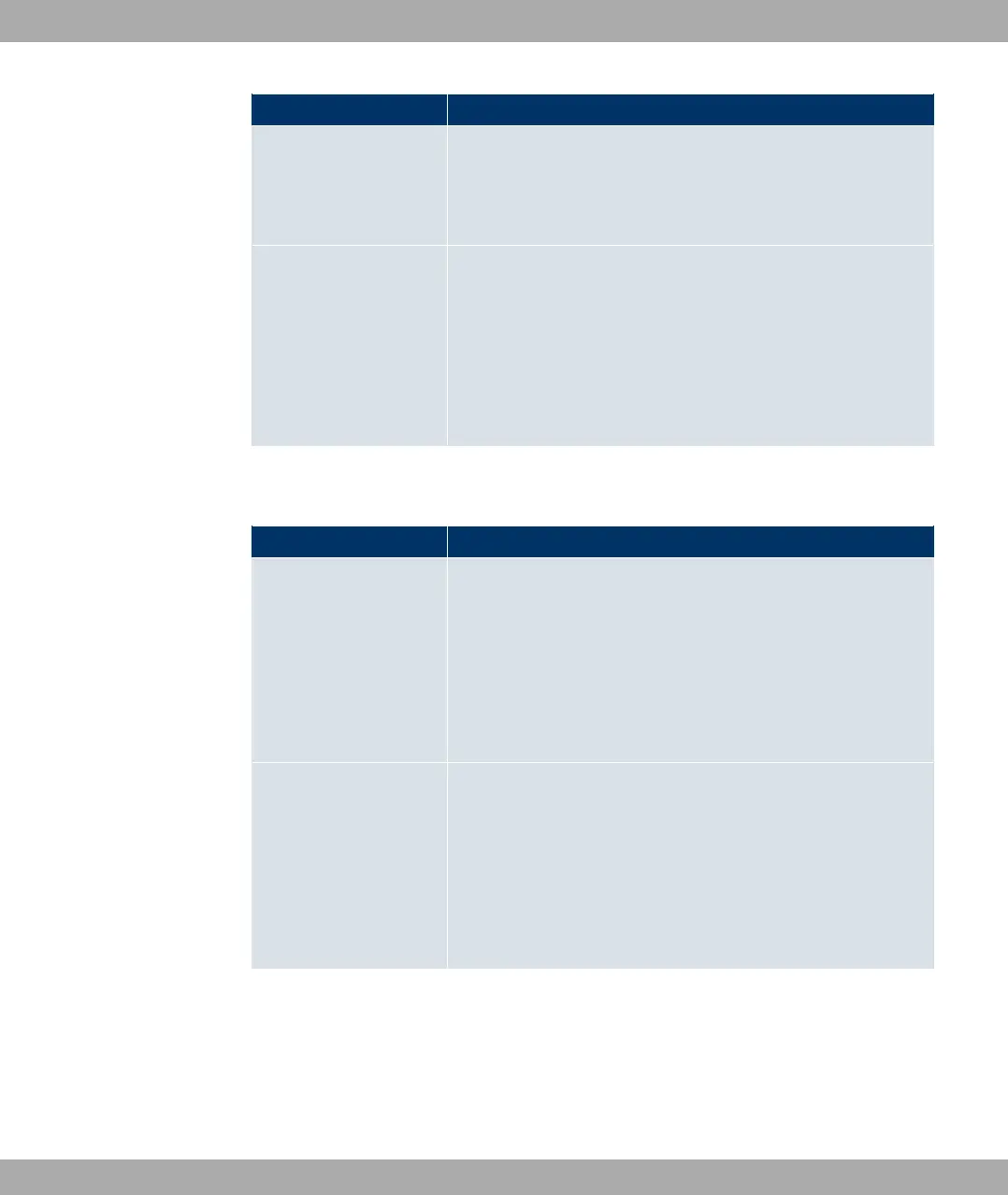
Field Description
In the Terms &Conditions input field, enter the address of the
general terms and conditions on the intranet server, or public
server, e.g., http://www.webserver.de/agb.htm. The page must
lie within the address range of the walled garden network.
Language for login
window
Here you can choose the language for the start/login page.
The following languages are supported: $/&, 1&%,
/, 5P&, &,Q/, $R& and *!
/& .
The language can be changed on the start/login page at any
time.
The menu Advanced Settings consists of the following fields:
Fields in the Advanced Settings menu
Field Description
Ticket Type
Select the ticket type.
Possible values:
• 8%: Only the user name must be entered. Define a de-
fault password in the input field.
• 3&7&& (default value): User name and pass-
word must be entered.
Allowed HotSpot Client
Here you can define which type of users can log in to the Hot-
spot.
Possible values:
• 0//: All clients are approved.
• 1@4 4/: Prevents users who have not received an IP
address from DHCP from logging in.
21.11.1.2 Options
In the Local Services->HotSpot Gateway->Options menu, general settings are per-
formed for the hotspot.
Funkwerk Enterprise Communications GmbH
21 Local Services
bintec Rxxx2/RTxxx2 473



 To Next Page