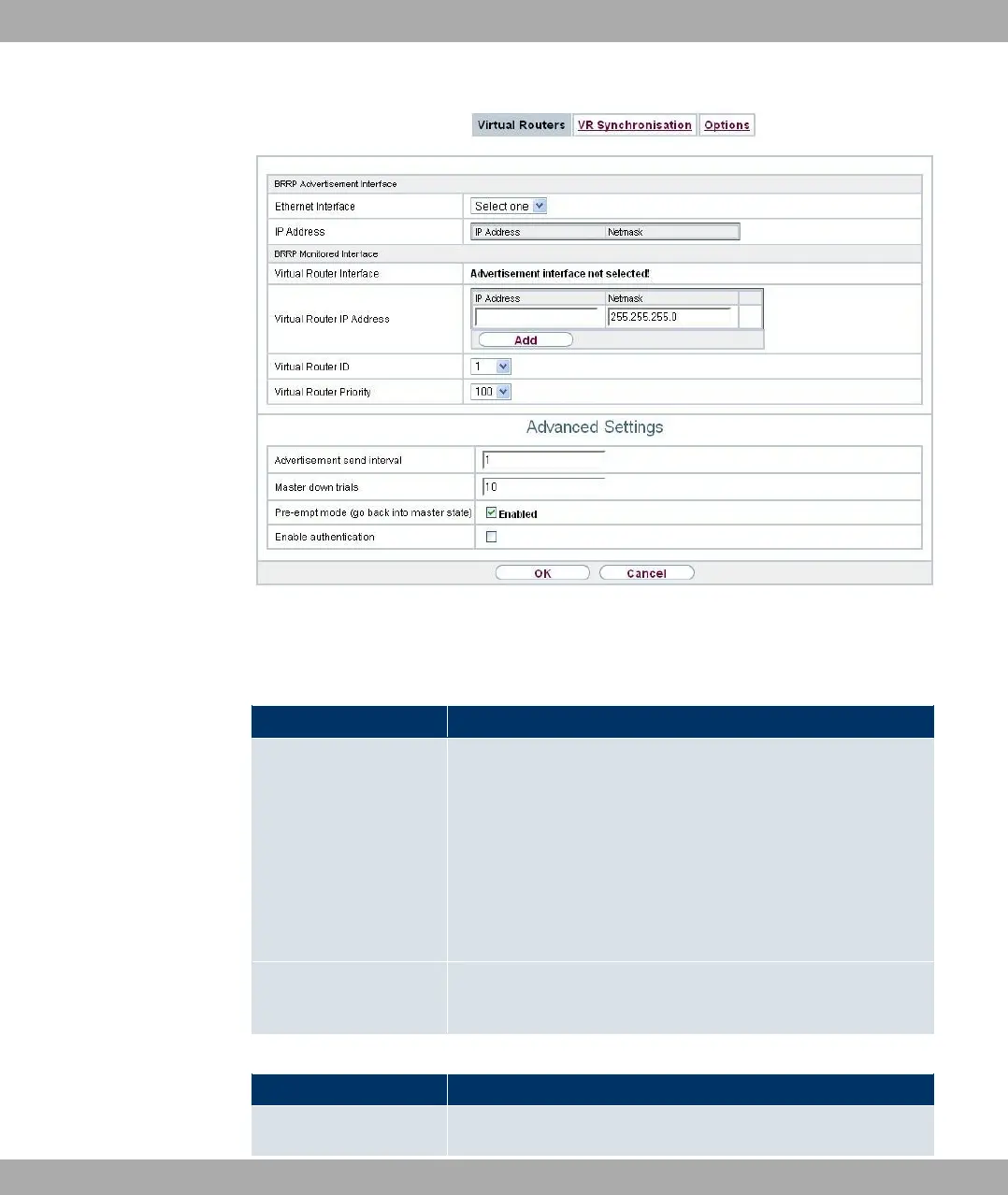
Fig. 188: Local Services->BRRP->Virtual Routers->New
The Local Services->BRRP->Virtual Routers->New menu consists of the following fields:
Fields in the BRRP Advertisement Interface menu
Field Description
Ethernet Interface Choose the interface via which BRRP advertisement packets
are sent and expected.
If you edit a Virtual Router, the Ethernet interface is displayed
and cannot be changed.
Note: The Ethernet interface for sending the advertisements is
always up and running and cannot therefore be used as the Vir-
tual Router Interface.
IP Address Shows the IP address(es) of the interface via which BRRP ad-
vertisement packets are sent and expected.
Fields in the BRRP Monitored Interface menu
Field Description
Virtual Router Interface
Indicates on which physical interface the virtual interface is
21 Local Services Funkwerk Enterprise Communications GmbH
478 bintec Rxxx2/RTxxx2



 To Next Page