Note
Before a reboot, make sure you confirm your configuration changes by clicking the
Save configuration button, so that these are not lost when you reboot.
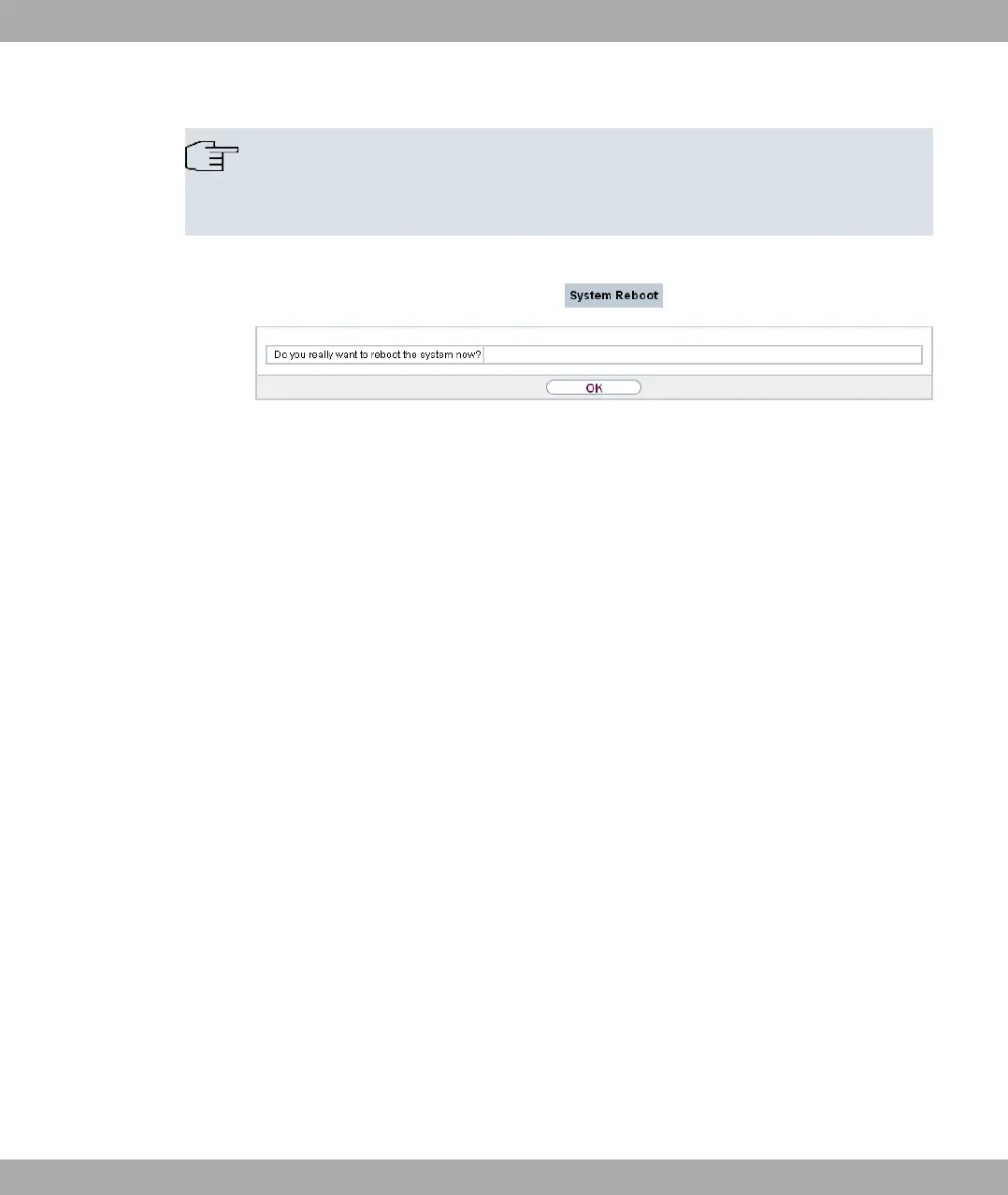
Fig. 195: Maintenance->Reboot->System Reboot
If you wish to restart your device, click on the OK button. The device will reboot.
Funkwerk Enterprise Communications GmbH
22 Maintenance
bintec Rxxx2/RTxxx2 491



 To Next Page