23.3.2.1 New
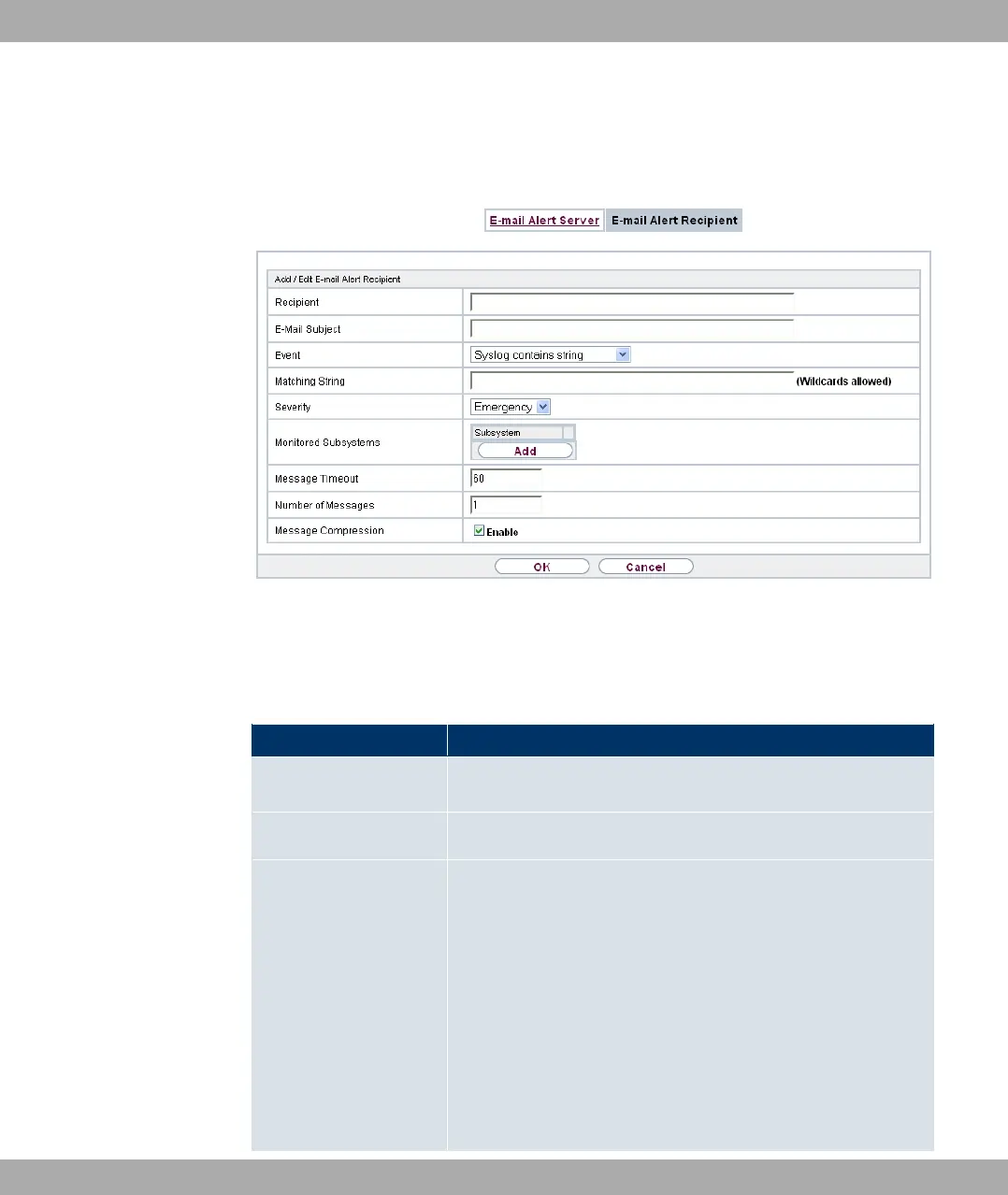
Choose the New button to create additional e-mail alert recipients.
Fig. 200: External Reporting->E-mail Alert->E-mail Alert Recipient->New
The menu External Reporting->E-mail Alert->E-mail Alert Recipient->New consists of
the following fields:
Fields in the Add / Edit E-mail Alert Recipient menu
Field Description
Recipient Enter the E-mail address of the recipient. The entry is limited to
40 characters.
E-Mail Subject
Enter a name for the email.
Event
Select the event to trigger an email notification.
Possible values:
• -)&/$ %& &$ (default value): A Syslog mes-
sage includes a specific string.
• * *$# 0 : A new adjacent AP has been
found.
• * ;$ 0 : A new Rough AP has been found,
i.e. an AP using an SSID of its own network, yet is not a com-
ponent of this network.
Funkwerk Enterprise Communications GmbH
23 External Reporting
bintec Rxxx2/RTxxx2 499



 To Next Page