6. DATA REPORT AND POLLING
6-10
7. Select [Destination] then press the Enter key.
8. Select DNID desired then press the Enter key. (LES ID and Member No. are au-
tomatically selected according to DNID.)
9. Select [Interval Time] then press the Enter key.
10. Select an interval (15 min, 30 min, 1 hr, 2 hrs, 3 hrs, 4 hrs, 6 hrs, 8 hrs) then press
the Enter key.
11. Select [Report Times] then press the Enter key.
12. Enter the number of times to transmit then press the Enter key. (Data is transmit-
ted only the number of times specified.)
6.5 LRIT Compliance
6.5.1 LRIT overview
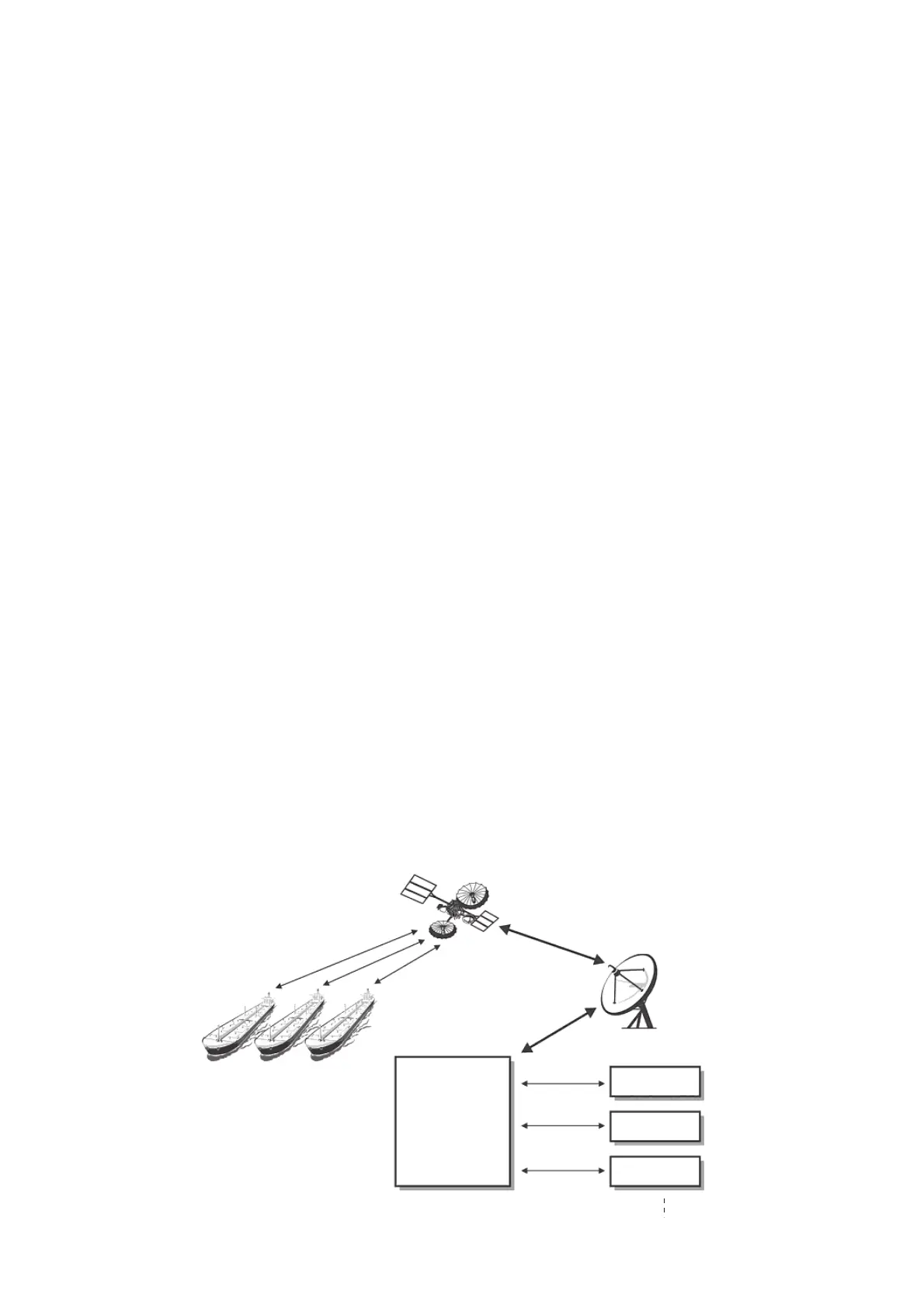
This equipment can function as a marine communications terminal for the LRIT (Long-
Range Identification and Tracking) system, as prescribed by the IMO resolution
MSC.202(81). The LRIT uses the FELCOM's Data Report/Polling feature for LRIT po-
sition reporting.
The LRIT system is fully automatic, thus no operation is required of the user. However,
follow the guidelines shown below to use this equipment as an LRIT device.
The data listed below is sent by the FELCOM when it receives a command from the
LRIT data center.
• ID number of this equipment
• Position of your ship
• Time of position
The FELCOM sends data at intervals between 15 minutes and 6 hours.
The FELCOM automatically receives commands (related to time of position reporting,
transmission interval) from the LRIT data center. To receive the commands at all
times, keep the equipment powered and logged in.
Satellite System
LRIT DATA
CENTER
Country A
Country B
Country C
Coast Station



 To Next Page
 Loading...







