6. DATA REPORT AND POLLING
6-2
6.1.1 How to prepare a data report
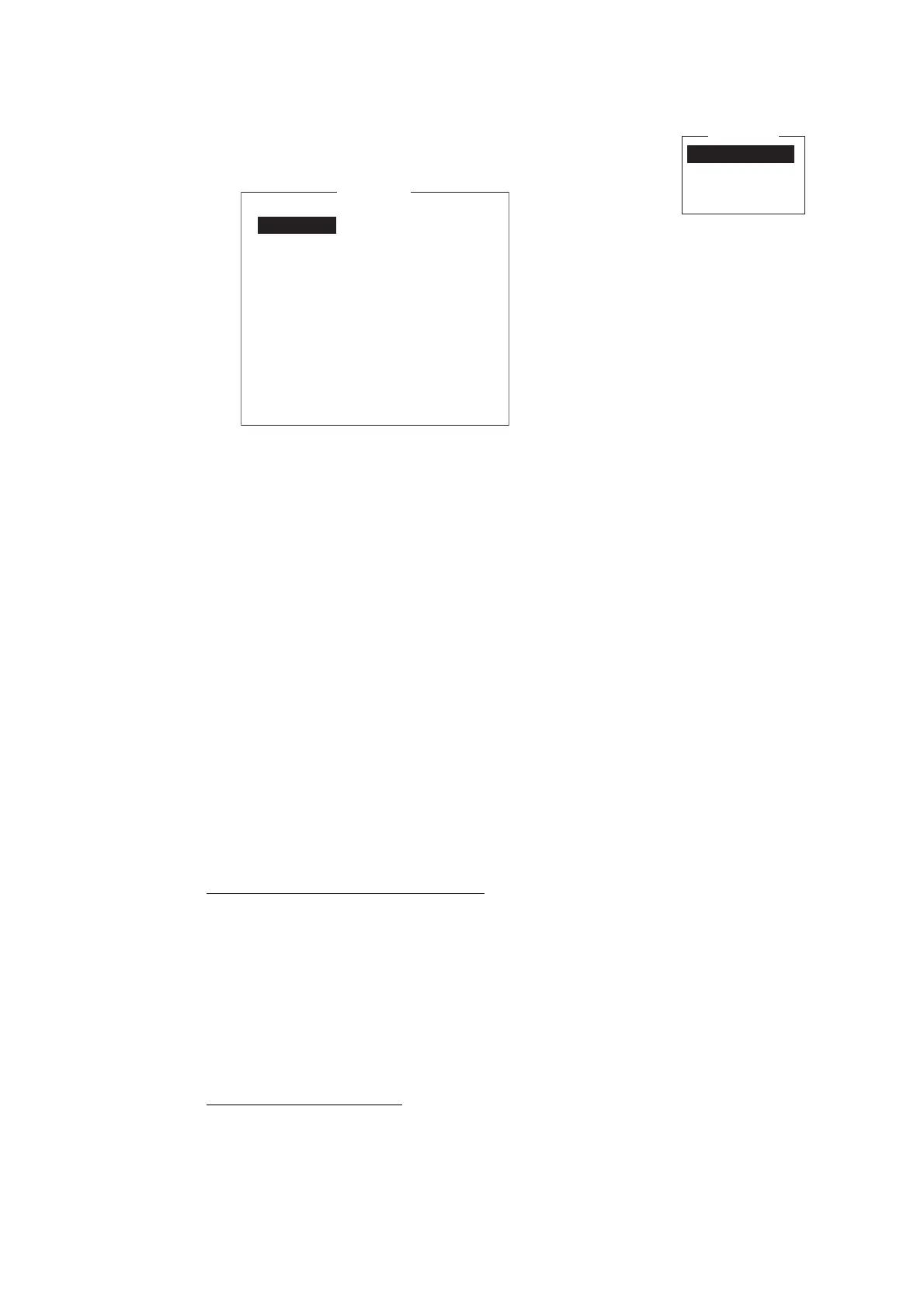
1. Press the F5 and 1 keys to show the [Data Report] menu.
2. Press the appropriate numeric key to select a data report.
3. [Status] is selected; press the Enter key to open the status options window.
4. Select appropriate option then press the Enter key.
OFF: Data report off
ON: Enhanced Data Report (Data report w/confirmation)
ON: Usual Data Report (Standard data report)
For assured transmission, select [ON: Enhanced Data Report].
5. Select [Report Length] then press the Enter key.
6. Select appropriate option then press the Enter key.
Position only: Own position
Position and Course/Speed: Position, course and speed
Position and Course/Speed with SEA INF: Position, course, speed, water tem-
perature, tide, and depth
7. Select [Destination] then press the Enter key.
8. Select DNID desired then press the Enter key. (LES ID and Member No. are au-
tomatically selected according to DNID.)
9. Select [Activation] then press the Enter key.
10. Select [Regular Interval] or [Daily] as appropriate then press the Enter key.
11. Do one of the following depending on selection made at step 10.
[Regular Interval] selected at step 10
1) Select [Interval Time] then press the Enter key.
2) Key in interval time then press the Enter key.
3) Select [Report Times] then press the Enter key.
4) Key in the report times, or press the BackSpace key to display “---” to select
[No Limit] to transmit data until the Status setting is turned OFF. Press the En-
ter key.
5) Press the Enter key to close the window.
[Daily] selected at step 10
1) Select [Start Time 1] then press the Enter key.
2) Key in the start time, in 24-hour notation, then press the Enter key.
3) If necessary, key in the start times 2-4.
12. Press the Esc key to show the [Update] window.
Data Report
1. Data Report 1
2. Data Report 2
3. Data Report 3
4. Data Report 4
Data Report
OFF
Position and Course/Speed
Regular Interval
00:10
1 (---: No Limit)
Data Report Programming
Status
Report Length
Destination
DNID
LES ID
Member No.
Activation
Interval Time
Report Times
Start Time1 - - : - -
Start Time2 - - : - -
Start Time3 - - : - -
Start Time4 - - : - -



 To Next Page
 Loading...







