6. DATA REPORT AND POLLING
6-4
2) Key in the subject then press the Enter key.
10. Select [LES ID] then press the Enter key.
11. Select LES then press the Enter key.
12. Select [Activation] then press the Enter key.
13. Select [Regular Interval] or [Daily] as appropriate then press the Enter key.
14. Do one of the following depending on selection made at step 13.
[Regular Interval] selected at step 13
1) Select [Interval Time] then press the Enter key.
2) Key in interval time then press the Enter key.
3) Select [Report Times] then press the Enter key.
4) Key in the report times, or press the BackSpace key to display “---” to select
[No Limit] to transmit data until the Status setting is turned OFF. Press the En-
ter key.
[Daily] selected at step 13
1) Select [Start Time 1] then press the Enter key.
2) Key in the start time, in 24-hour notation, then press the Enter key.
3) If necessary, key in the start times 2-4.
15. Select [Report Contents] then press the Enter key.
16. Select required report contents then press the Enter key.
NAV: Position, speed, course
NAV+SEA INF: Position, speed, course, water temperature, current, depth
NAV(R): Position, speed, course. The difference between this and [NAV] above
is that blank areas in data are shortened to lessen toll charge.
FILE: Select a file. When selected [FILE] is activated, select the file then press the
Enter key.)
17. Press the Esc key to show the [Update] window.
18. [Yes] is selected; press the Enter key.
19. Long-press the Esc key to return to the standby display.
6.1.3 How to automatically print data report, polling command
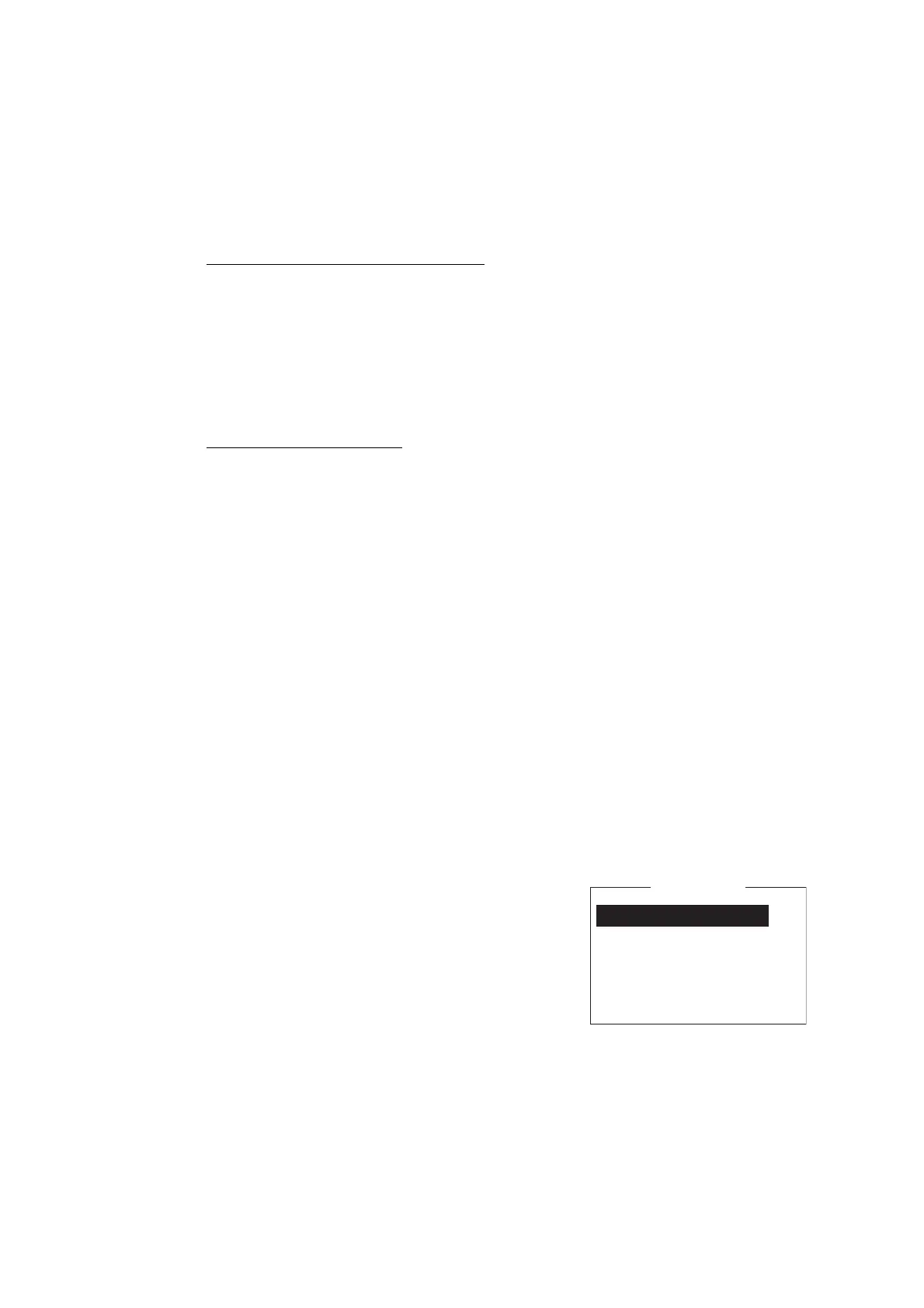
1. Press the F8 and 5 keys to show the [Auto Mode
Setup] menu.
2. Select [Data Report & Polling Print] then press
the Enter key.
3. Select [ON] to automatically print data reports
and polling commands then press the Enter key.
4. Long-press the Esc key to return to the standby
display.
Auto Communication Log Print OFF
Receive Alarm OFF
Auto Receive Message Save OFF
Auto Receive Message Print OFF
Data Report & Polling Print OFF
Auto EGC Message Save
Auto EGC Message Print
Auto Mode Setup



 To Next Page
 Loading...







