9. E-MAIL BY PC
9-3
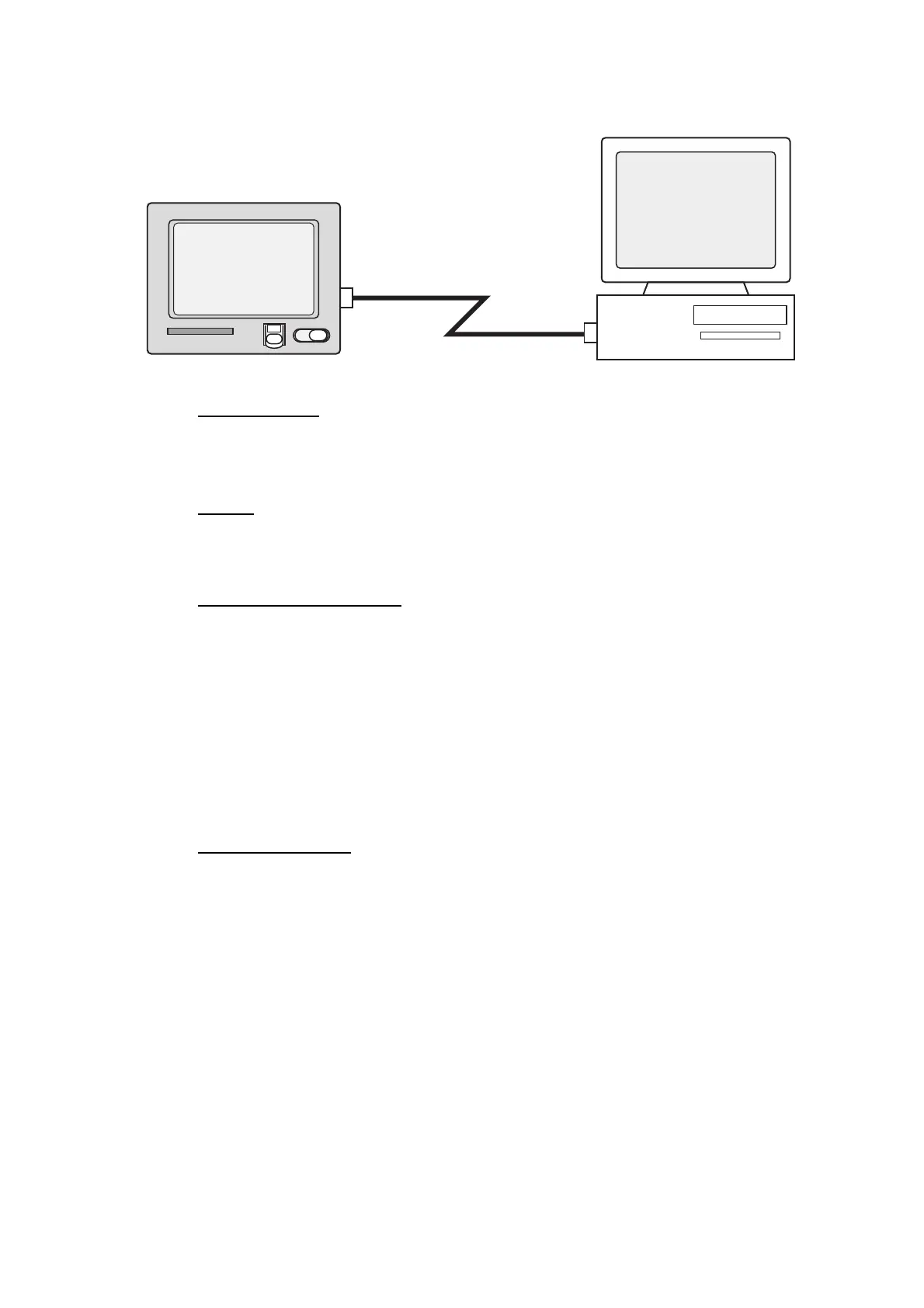
9.2 How to Connect the FELCOM to a Single PC
Parts required
• 10BASE-T or 100BASE-T cross cable
• PC (with LAN port or LAN card)
Wiring
Remove the plate from the LAN port at the rear of the terminal unit. Connect the cross
cable between the LAN port on the terminal unit and the LAN port on the PC.
Settings at the FELCOM
Default settings are as below. It is not necessary to set IP address and subnet mask
if their default values are to be used.
IP address: 172.31.16.2
Subnet mask: 255.255.0.0
Message size: 8 KB*
Attachment decoding format: UUENCODE**
* Setting may be changed. See section 9.3.5.
** Setting may be changed. See section 9.3.6.
Settings at the PC
Set network settings on the PC. For details refer to the PC’s owner’s manual.
IP address: 172.31.16.100
Subnet mask: 255.255.0.0
FURUNO
LAN port
FELCOM
PC
10BASE-T(100BASE-T)
Cross cable



 To Next Page
 Loading...







