8. OTHER FUNCTIONS
8-3
8.5 How to Find LES Information
Each time you log in LES data is automatically downloaded through the NCS common
channel to the FELCOM, and saved to the LES Information display. You may view this
display as follows:
1. Press the F7 and 7 keys to display the [LES Information] screen.
2. Use the ↑ and ↓ keys to scroll the list.
3. Long-press the Esc key to return to the standby display.
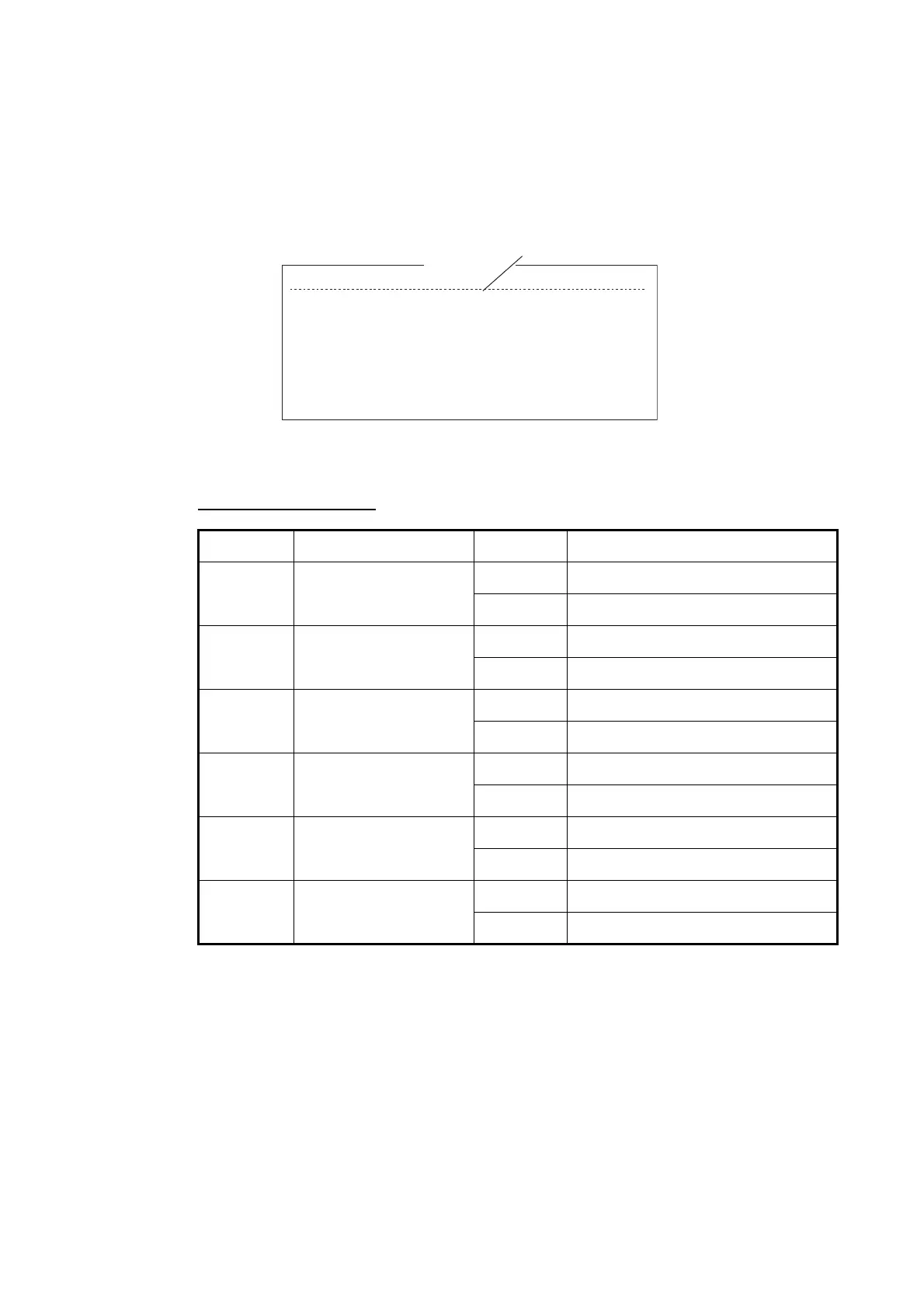
Description of status
Bit No. Status Flag Meaning
B8 Return link speed 1 600 bps
0 300 bps
B7 Operational or spare
satellite operation
1 Operational
0 Spare
B6 LES status 1 In service
0 Out of service
B5 LES status 1 Clear
0 Congested
B4 For LES use 1 Terrestrial links open
0 Terrestrial links closed
B3-1 Spare 1
0
LES ID Name Status Services TDM Ch.
201 Telnor S.S.Inc 11111000 AS-----EL 11982
202 Stratos M.N. 11111000 AS-----EL 11826
203 KDDI 11111000 AS-----EL 11806
204 Telnor S.S.AS 11111000 AS-----EL 11762
208 Korea Telecom 11111000 AS-----EL 11778
210 Singapore T. 11111000 AS-----EL 11842
211 Beijing Marine 11111000 AS-----EL 11754
212 Xantic 11111000 AS-----EL 11802
LES Information
B8-B1



 To Next Page
 Loading...







