5. INMARSAT COMMUNICATIONS
5-14
9. Select [TRANSMIT] then press the Enter key.
10. Press the Enter key to send the message.
Note: If some data is missing the message "Input error.xx" (xx: error) is displayed.
11. Long-press the Esc key to return to the standby display.
The message "Current State: SENDING" appears at the bottom of the screen during
transmission. If the message was sent successfully "Successful Sending message"
appears and the message is printed ([Confirmation] is turned ON). You can see the
contents on the [Display Log].
At present, not all LESs are offering the 2-digit code services. Contact the LES Oper-
ations Coordinator directly for information.
Some 2-digit code services may be provided free of charge by LESs, while other ser-
vices are available for a fee, in some cases at reduced rates. For information, contact
the LES directly.
5.1.7 Sent message log
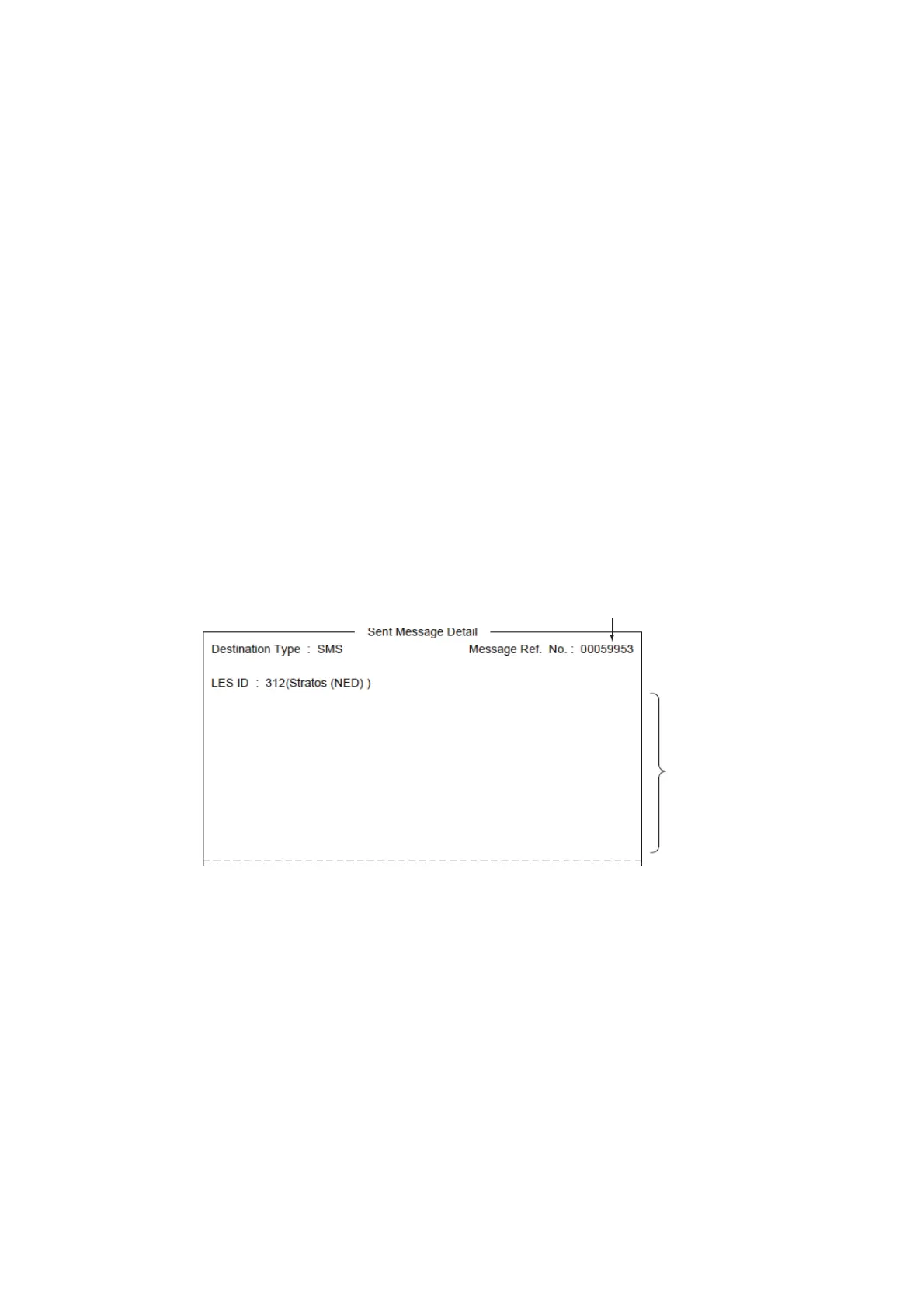
The [Sent Message] log stores all messages sent. You can view the contents of the
log as shown below.
1. Press the F6 and 1 keys to show the [Sent Message] log.
2. Select a file then press the Enter key to show file contents.
3. Long-press the Esc key to return to the standby display.
5.1.8 How to delete a sent message
1. Press the F6 and 1 keys to display the [Received Message] log.
2. Select the file to delete. To confirm contents of a file, press the Enter key. For
password-affixed messages the password entry window appears. Enter the pass-
word then press the Enter key.
3. Press the Del key to delete the file. You are asked if you are sure to delete the
message file. For password-affixed messages, the password entry screen ap-
pears. Enter password then press the Enter key.
4. Press the Enter key to delete the message, or select [No] then press the Enter
key to escape.
5. Long-press the Esc key to return to the standby display.
Number assigned by LES
Text
Destination : 870773999113



 To Next Page
 Loading...







