2. OPERATIONAL OVERVIEW
2-13
2.7 Error Messages and Alerts
The terminal unit displays error messages and alerts, in the CAUTION window, to call
your attention to mis-operation, failed operation and system error. A list of error mes-
sages appears in section 10.7 and alerts appear in the Appendix 2.
To erase an error message or alert, press the Esc key.
2.8 How to Use a PC as a Sub Terminal
A PC can be used as a sub terminal. The sub terminal sole function is communica-
tions; initial settings, etc. are done from the main terminal.
PC terminal software
Type: OP16-57, Code No.: 001-180-050
PC requirements
• Operating system: Windows
®
7, Windows
®
8, Windows
®
10 or Windows
®
11
• RAM: At least 512 MB (1GB or more is recommended)
• Hard disk: At least 1 GB free space
• CPU: 1 GHz processor or faster
• CD-ROM drive
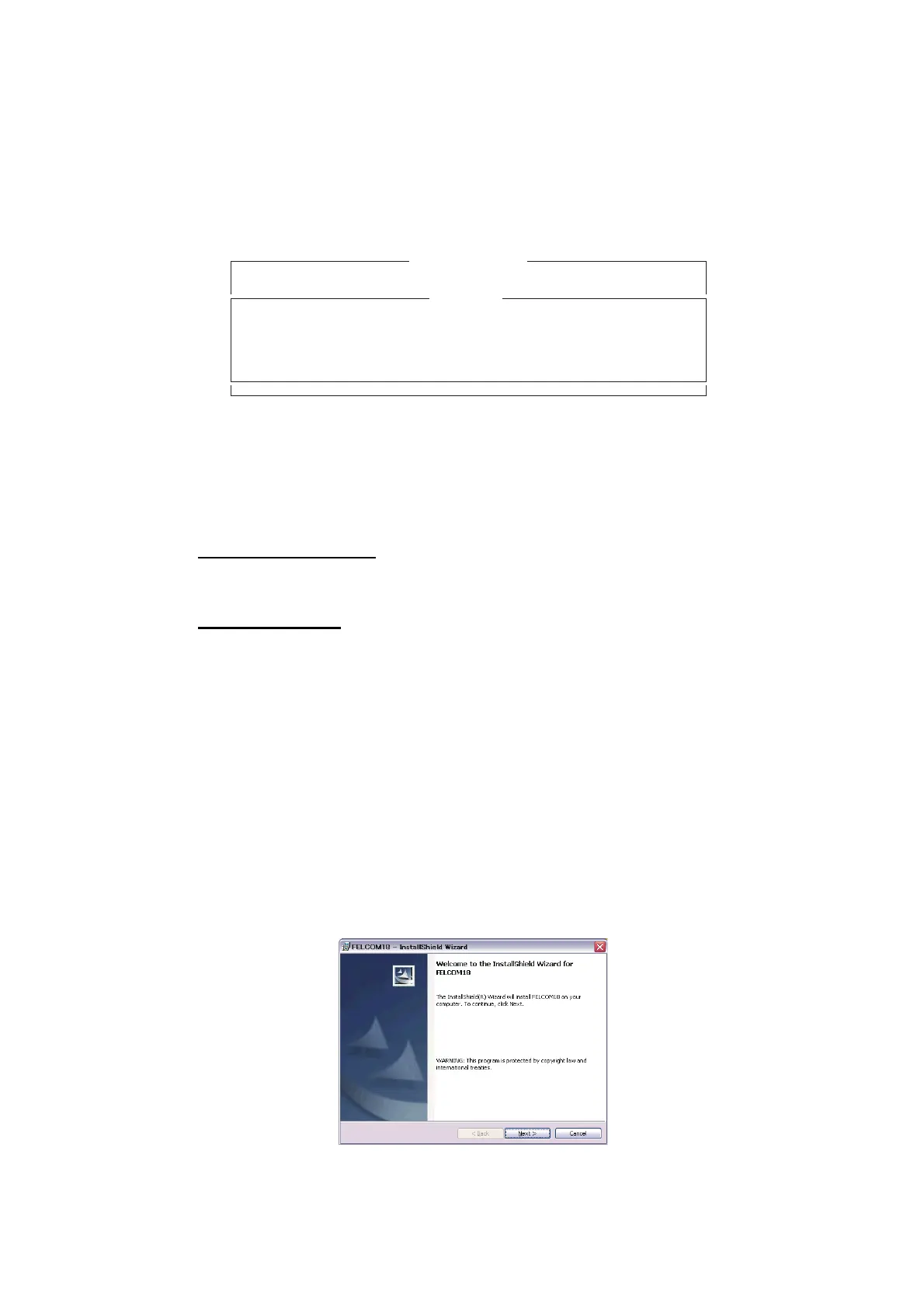
2.8.1 How to install the software
1. Turn on the PC.
2. Set the installation CD-ROM in the CD drive of the PC.
3. Click the icon of SETUP. EXE.
No. Message File Destination LES Priority Send Status Delivery
Sent Message
CAUTION
No Message.
<Press ESC key to continue>



 To Next Page
 Loading...







