2. OPERATIONAL OVERVIEW
2-14
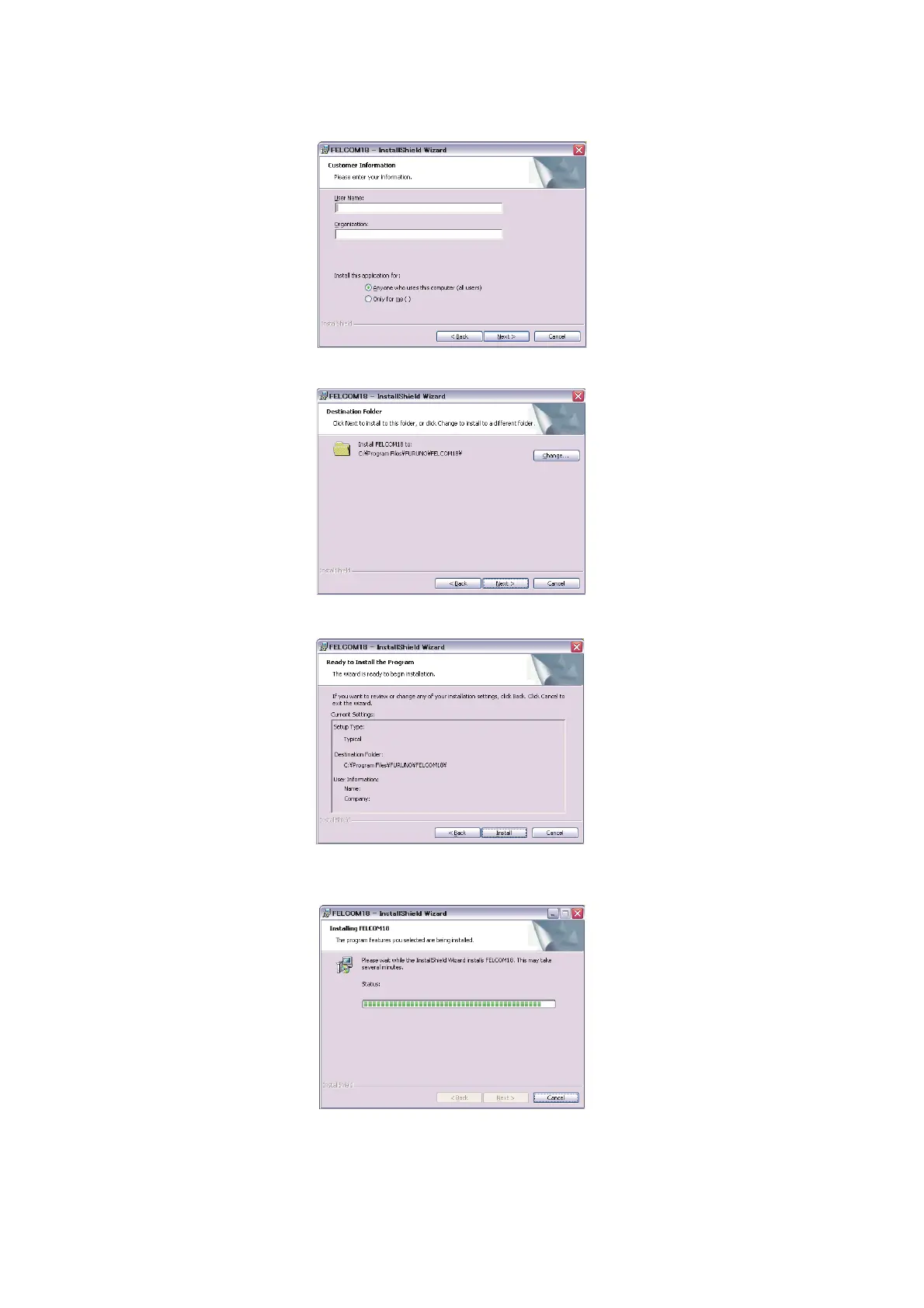
4. Click the [Next] button. Enter user name and organization. Click the applicable ra-
dio button at the bottom of the screen.
5. Click the [Next] button.
6. Click the [Next] button.
7. Click the [Install] button to start the installation. When the installation is completed,
the FELCOM dialog box appears.
8. Click the [Close] button at the top right corner of the dialog box. The [Setup Com-
plete] dialog box appears.
Note: If you want to launch the program now, click the box next to "Yes, launch
the program file." The application launches after the completion of step 9.



 To Next Page
 Loading...







