5. INMARSAT COMMUNICATIONS
5-3
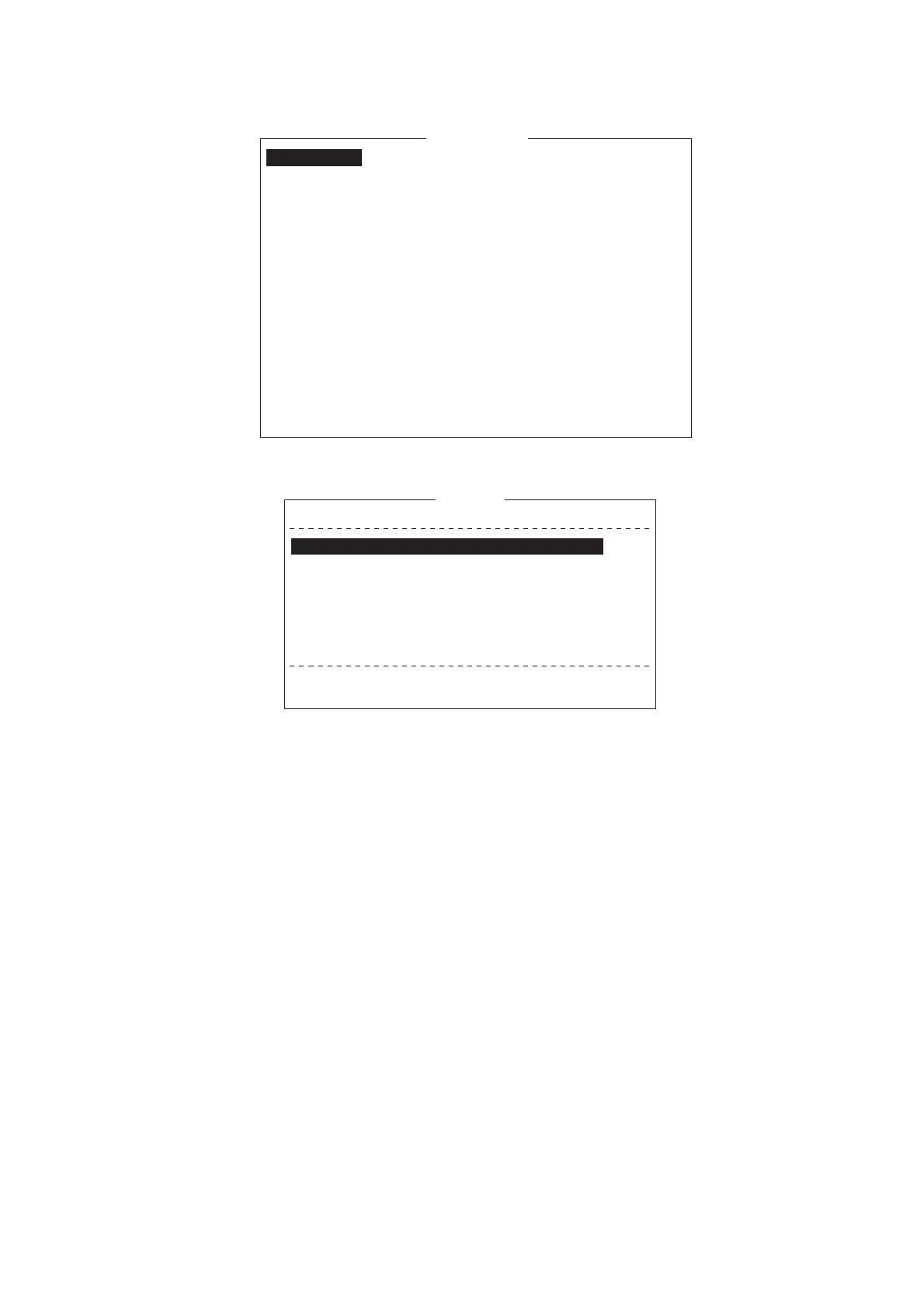
3. Press the 1 key to display the [Transmit Message] menu.
4. Select [Station Name] then press the Enter key to open the Station List.
5. Choose a station then press the Enter key. To select multiple stations* (simulta-
neous transmission), select a station and then press the Spacebar. Selected sta-
tions are marked with an asterisk (in case of Telex or FAX). For e-mail address,
press the Spacebar to select “To,” “Cc,”, Blank, “To” consecutively. * = Max. 10
telex stations, 7 FAX and 10 e-mail, and one SMS.
Note 1: Messages having different communication format or prefix code (two-digit
code) cannot be sent simultaneously.
Note 2: To cancel selection (erase asterisk, To or Cc), select station and press
the BackSpace key.
Note 3: You may sort the list by group name, station name or communication type
as follows:
Group name: Each press of Ctrl+G sorts the list by group name, ascending or
descending order.
Station name: Each press of Ctrl+N sorts the list by station name, in ascending
or descending order.
Comm. type: Each press of Ctrl+T sorts the list by communication type, in as-
cending or descending order.
1. Transmit Message
2. Cancel
3. Request Delivery Status
Transmit Message
Normal
Size 24
TELEX/MES
82
65-2111
303 (KDDI)
ON
00:00
Immediate
IA5
Priority
Message File
Station Name
Destination Type
Prefix Code
Country/Ocean Code
Destination
Modem Type
Address
Subject
Attach File
LES ID
Option
Confirmation
Send Delay
Delivery Delay
Code
[ TRANSMIT ]
ENTER: Station List DEL:
25 Char. [ Line 2/ 2 Col. 1 ]
[Insert ]
Station List
Group Station Name
Type Code ID / Address
321
343199999
TELEX/
TELEX/
81
583
FURUNO
FRNINMBTSTS
01
02
03
04
05
06
07
08
↑ ↓: Select SPACE: Select Stations B.SPACE: Cancel Mark INS: Edit
Sort (Ctrl+G: Group, Ctrl+N: Station Name, Ctrl+T: Type)
E-Mail
E-Mail
Seagull@furuno.co.jp
whale@furuno.co.jp
Seagull
whale



 To Next Page
 Loading...







