SpectroEye™ 21
2
2. Use
The SpectroEye has just two control devices to control the
instrument operations, the control wheel and the measurement
pad. The measurement pad is designed according to technical-
application criteria so the functions can be adapted to individual
user requirements quickly and easily.
Based on concrete examples, this chapter illustrates both the
principles of the instrument and its use.
2.1 Instrument philosophy and firmware
structure
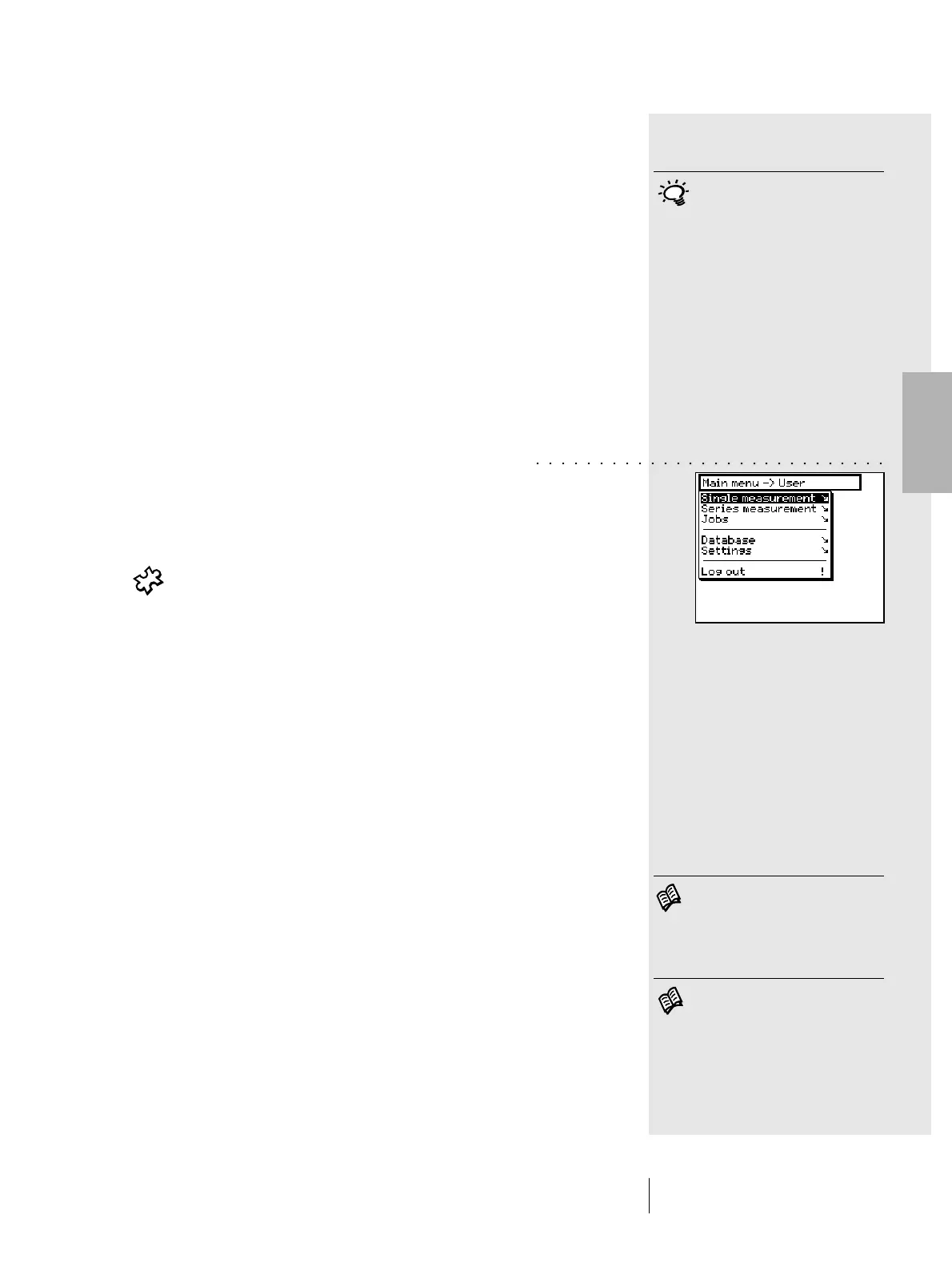
The starting point for instrument use is the Main Menu
(see figure). The Main Menu is subdivided into three activity
sectors as follows:
1. Colour measurement and comparison
2. Data management
3. User selection
A detailed illustration of these three sectors is given in the
following sections.
2.1.1 Color measurement and comparison
There are three ways in which sample measurement and
comparison can be accomplished. Which is chosen will depend
on the operating mode the operator wishes to use and the
measurement application.
The choices are:
• Single measurement
• Series measurement
• Jobs
In Single measurement you can measure a single sample, or
you can compare a single sample with a reference, without
saving the results into the instrument. Each new measurement
overwrites the preceding value.
In Series measurement you have the option of saving various
references into the instrument as Series. The measured sample
is assigned to the corresponding reference either automatically
or manually. While the reference values are kept stored until
deleted by the operator, the samples are overwritten for each
new measurement.
2 • Use
This chapter must be read carefully.
It contains important basic infor-
mation which is helpful for a quick
understanding of the SpectroEye
operation and how to obtain
the best possible performance.
Read chapter 2.4.1
Read chapter 2.4.2
○○○○○○○○○○○○○○○○○○○○○○○○○○○○



 To Next Page