SpectroEye™34
2
2.3.2.3 Measurement set-up
Settings of Measurement set-up menu are considered the
default ones. They are always taken as basic settings when
you are working with a Single measurement or when you create
a Series measurement or Jobs.
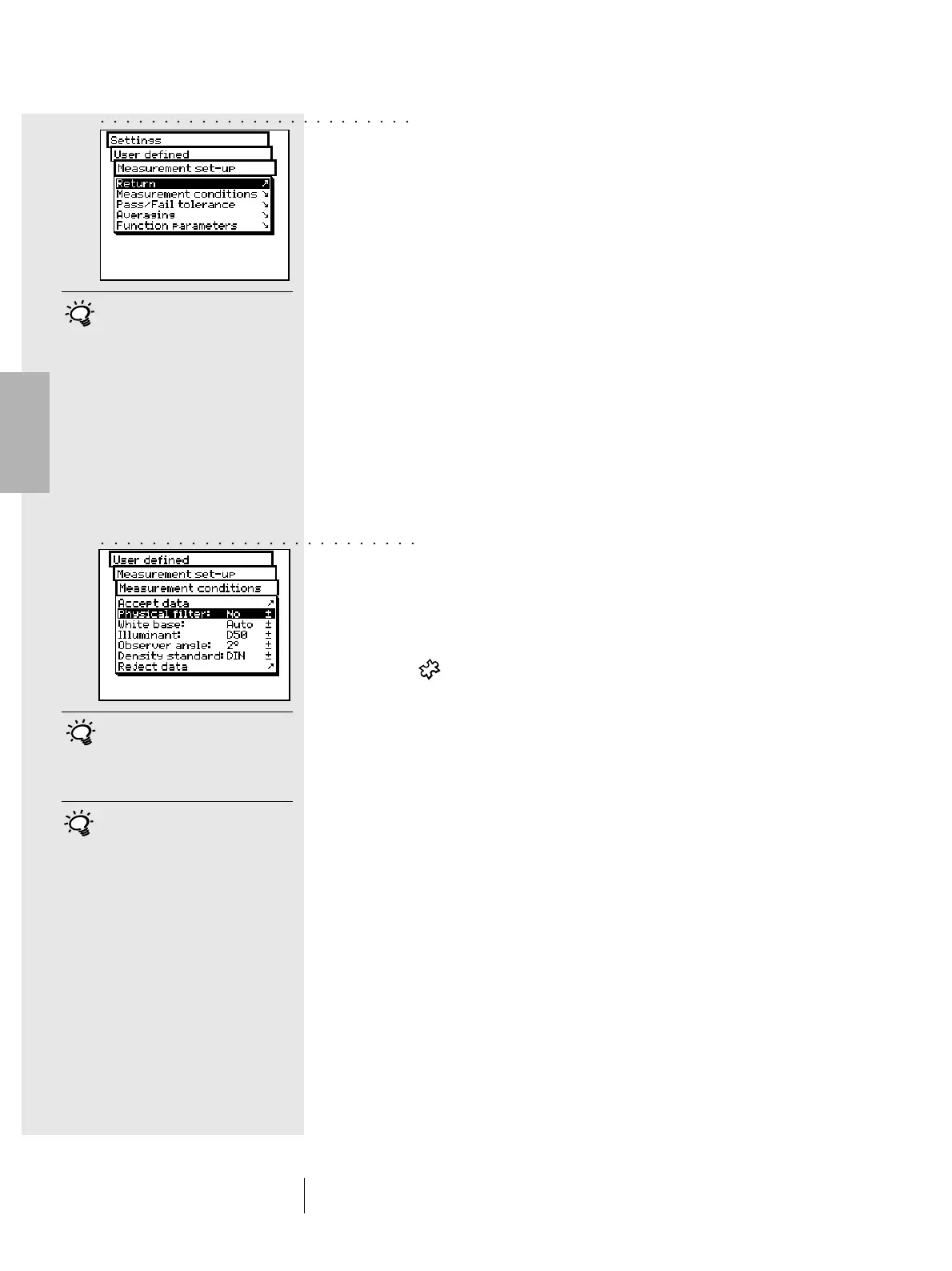
To define these basic settings, starting from the main menu
you must select
Settings > User defined > Measurement set-up
and then:
• Measurement conditions
All settings of the Measurement conditions menu should
be made with great care as they affect the measurement
results. They can be checked on the symbol bar of the
measurement window and can be changed to meet the
application requirements, at any time.
The measurement conditions include:
- Physical filter
Determine if the measurement must be performed
using a physical filter.
The following filter settings are available
-No -> without filter
- Pol -> polarisation filter
- D65 -> Average North Sky daylight
- UVCut -> UV suppression
- White base
For a correct spectral or density measurement,
the corresponding white base must be defined.
The following settings are available
- Auto -> automatic selection
- Pap -> paper white
- Abs -> absolute white
If you select Pap, as white base, all subsequent
measurements will refer exclusively to the printed ink layer,
while the paper color effect will not be included. To obtain
the basic base reference you should always measure the
paper used.
If you select Abs, besides the printed ink layer, the
measurement will also include the paper effect.
Here the integrated white reference will be used as
the white base.
2 • Use
Here you should select the most
frequently used settings in normal
operation. In this way it is possible
to guarantee a consistency to the
color measurement, which should
only be modified occasionally to
meet the application requirements.
If you don't know which filter is
to be used, select NO for spectral
measurements and POL for
densitometric ones.
In practice the densitometric
analyses are based on paper
(Pap setting) while the spectro-
photometric ones are based on
the integrated white reference
(Abs setting). It is advisable to
select the Auto setting and
change it only in special cases.
○○○○○○○○○○○○○○○○○○○○○○○○○
○○○○○○○○○○○○○○○○○○○○○○○○○



 To Next Page