SpectroEye™42
2
2 • Use
2.4.1.5 Printing the measurement values
To obtain a documentation of measurement results, the
SpectroEye may be connected directly to a printer.
If in the user defined settings a printer has already been defined,
the symbol bar shows the Printer icon.
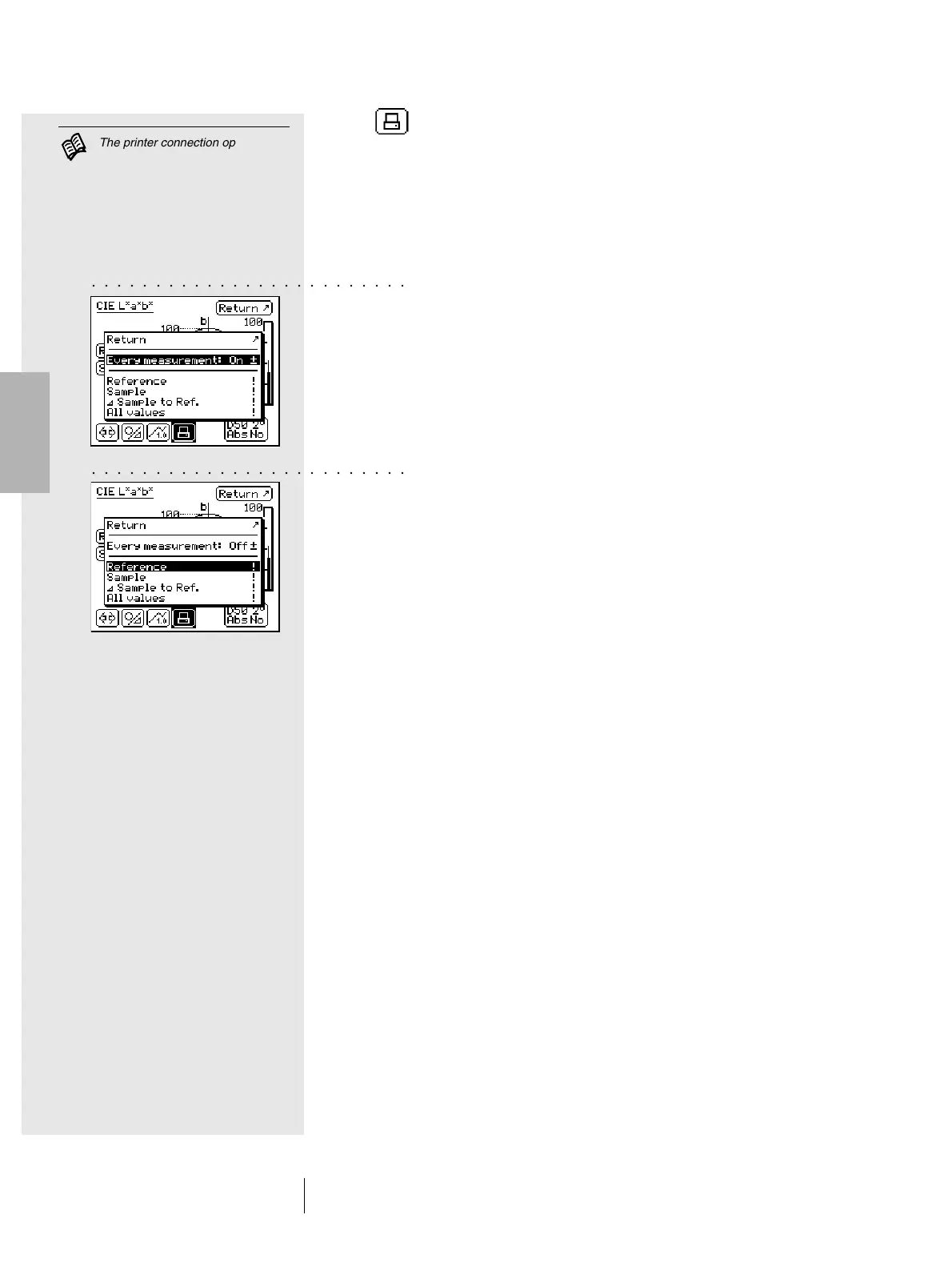
When you select this icon, a menu appears which allows you
to choose different printing possibilities:
1. If in general you wish to print all the measurements on a
single printer, select the Every measurement menu item and
set the display to On. From then on, all the measurements
performed will be printed automatically.
2. If you wish to obtain a printed result only for particular
measurements already performed and just shown on the
screen, set the Every measurement menu item to Off and
select which of the last measured values should be printed.
The following options are available:
- Reference
- Sample
- Sample to Ref.
- All values
The printing output is determined by the current display mode.
If the SpectroEye display is set to graphical mode, both graphics
and numerical values will be printed. If the numerical display is
selected, only the measurement values will be printed.
○○○○○○○○○○○○○○○○○○○○○○○○○
The printer connection options
are described in chapter 1.2.3.5
and 1.2.3.6.
The printer to be connected, as
well as the company data which
should appear on the printing
protocol, can be defined as shown
on chapter 2.3.2.2.
○○○○○○○○○○○○○○○○○○○○○○○○○



 To Next Page