SpectroEye™52
2
2 • Use
○○○○○○○○○○○○○○○○○○○○○○○○
○○○○○○○○○○○○○○○○○○○○○○○○
○○○○○○○○○○○○○○○○○○○○○○○○
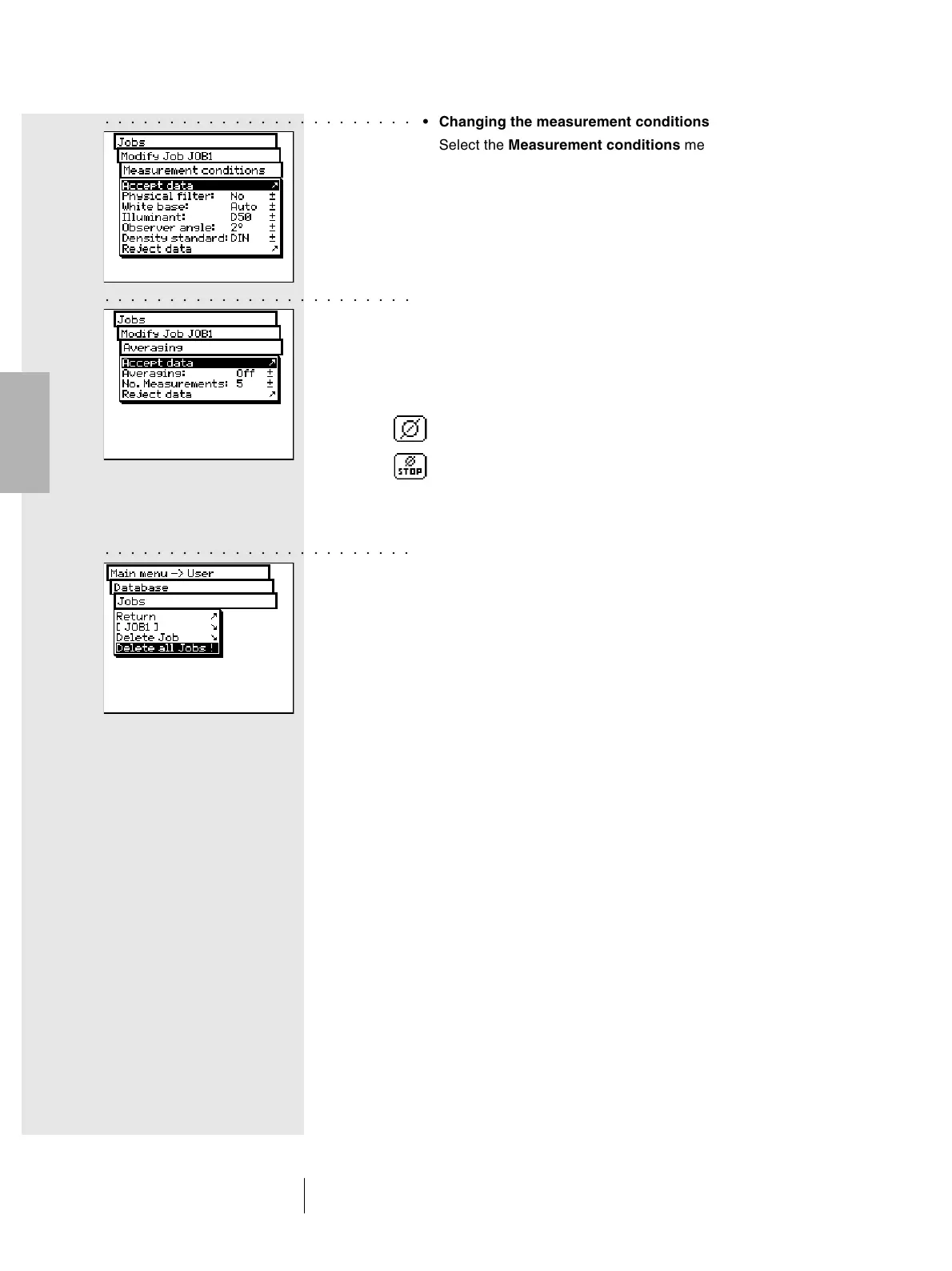
• Changing the measurement conditions
Select the Measurement conditions menu line and set up
the desired parameters:
- Physical filter
- White base
- Illuminant
- Observer angle
- Density standard
• Settings for averaging modification
Select the Averaging menu line. You can activate and
de-activate the automatic averaging feature, as well as
define the number of measurements to be used for the
averaging function.
If the averaging function is active, the toolbar buttons of the
measurement window will show the Averaging icon with
which you still have the possibility to change settings, and
the Stop Averaging icon, to immediately interrupt the
averaging function.
2.5.1.2 Delete Jobs
From Database > Jobs menu, choose the Delete Job menu
item to select a given job to be deleted. To delete all the job‘s
data, select the Delete all Jobs menu item. The data will
be deleted only if you choose Yes to the delete confirmation
request.



 To Next Page