SpectroEye™ 61
2
2 • Use
○○○○○○○○○○○○○○○○○○○○○○○○○○○○○○○○○○○○○○○○○○○
○○○○○○○○○○○○○○○○○○○○○○○○○○○○○○○○○○○○○○○○○○○○○○○○
2.6.1.7 Instrument type
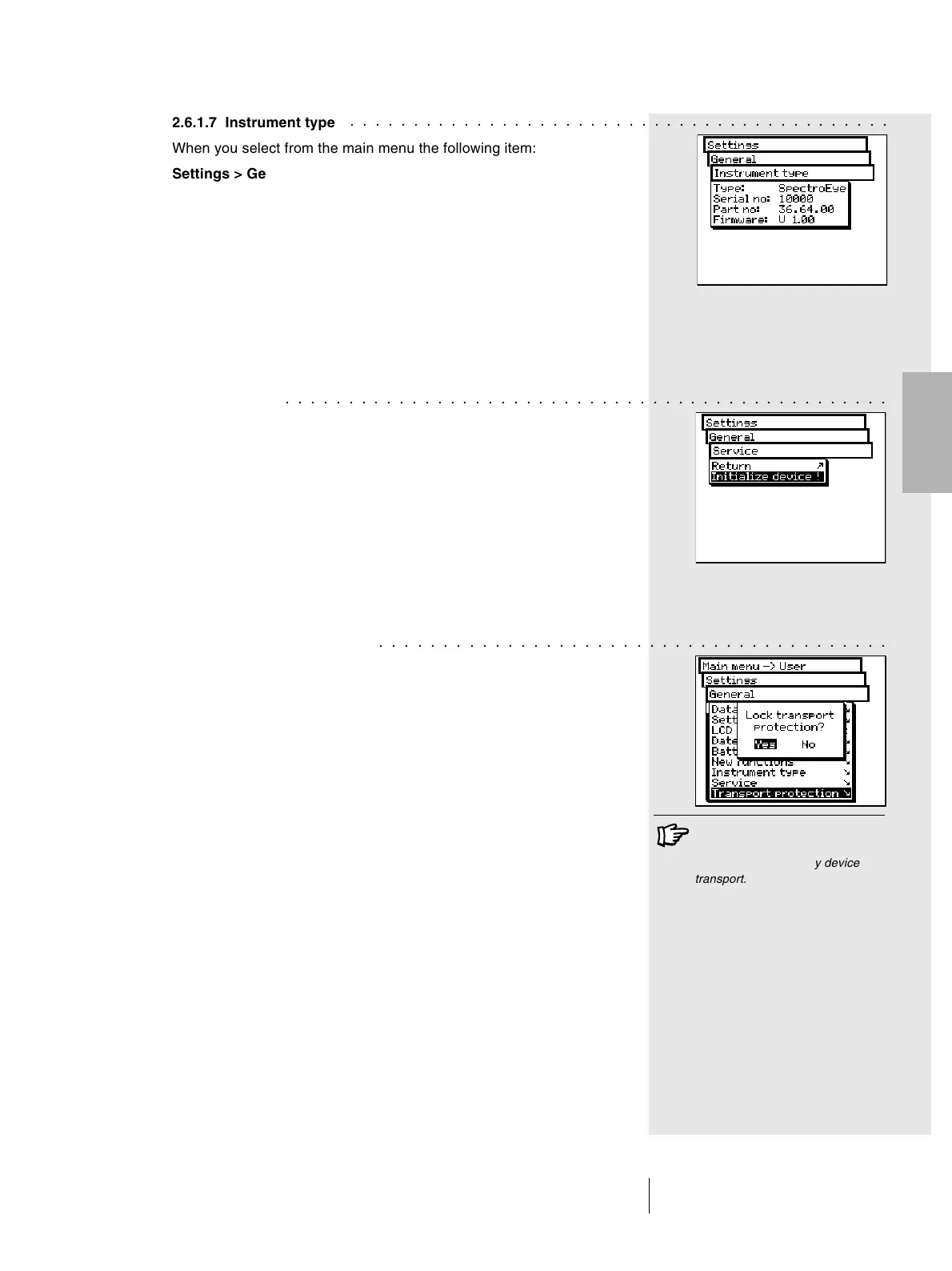
When you select from the main menu the following item:
Settings > General > Instrument type
the display will show all the information needed to identify
your instrument:
• Type
• Serial No
• Part No
• Firmware
These data are needed when you request service support,
either directly or via internet.
2.6.1.8 Service
In the case of a particular problem, your service centre will
request you to perform the instrument initialization.
To do this, select the Initialize device item from the Settings >
General > Service menu.
During the device initialization, the software will be restarted
and the interface will be reset. In this phase only the current
measurement data are deleted, while the series or jobs data
will not be affected. During the first measurement cancellation
phase, the filter wheel will also be re-inizialized.
2.6.1.9 Transport protection
Before packing and sending your SpectroEye or transporting
on long travels, it is advisable to activate the transport
protection feature. This will help to avoid damage to the
measurement head due to accidental bumps.
To activate the transport protection, select the following from
the main menu:
Settings > General > Transport protection > Lock transport
protection
and confirm with Yes.
To remove the transport protection, simply enter the
number 259.
○○○○○○○○○○○○○○○○○○○○○○○○○○○○○○○○○○○○○○○○
To avoid damage you are requested
to activate the electronic transport
protection before every device
transport.



 To Next Page