SpectroEye™56
2
2.5.3.2 Modify user
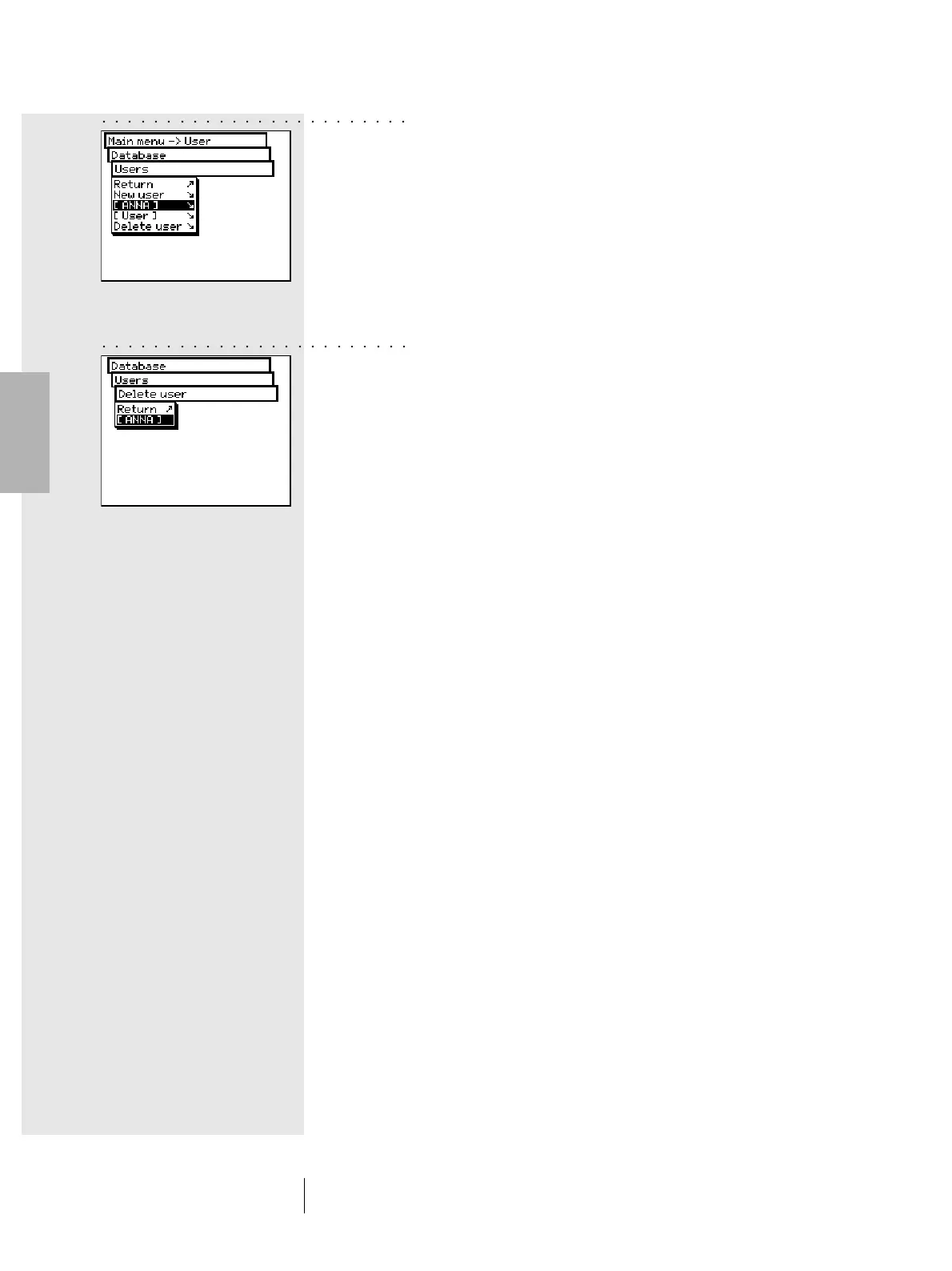
In order to modify data such as name, password or settings and
save them to a given user, first select the Database > Users
item from main menu, then select the user name from the list.
If the selected user has a password assigned, you will be
prompted to enter this password prior to making changes,
as described above.
2.5.3.3 Delete user
To delete a user select the Database > User > Delete user
item from the main menu. The display will show all the users
not currently active. If you select a user and reply with Yes
to the confirmation question, the user will be deleted.
2 • Use
○○○○○○○○○○○○○○○○○○○○○○○○
○○○○○○○○○○○○○○○○○○○○○○○○



 To Next Page