SpectroEye™ 57
2
2.6 Settings
When working with the SpectroEye, modification of some basic
settings are rarely done or never need to be performed. Many
of these default settings directly influence measured results, so
these settings must be reviewed immediately after deactivating
the transport protection!
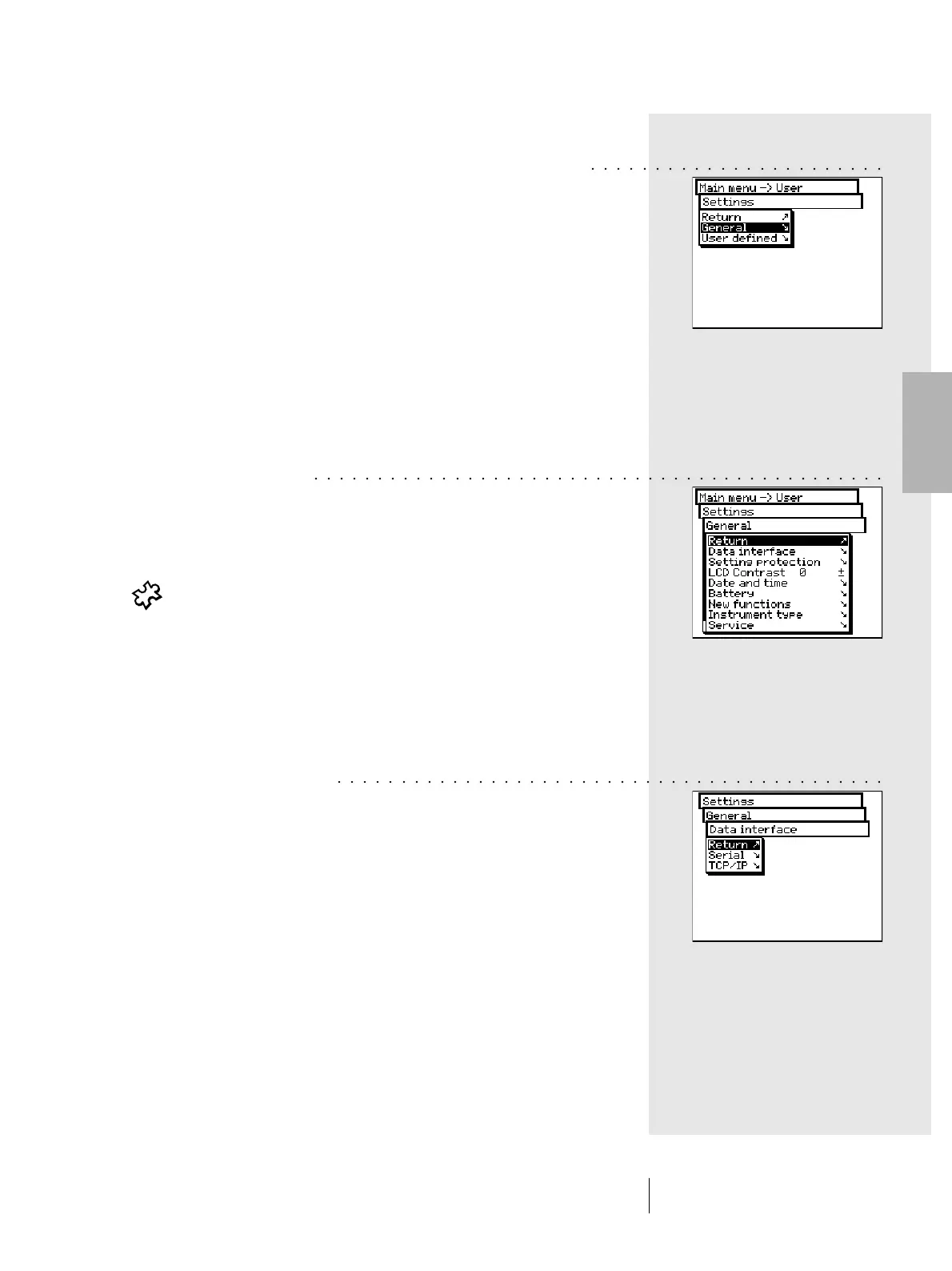
The basic settings can be found in the main menu under the
Settings option. These are subdivided into General and User
defined settings. General settings are global i.e. even if the
SpectroEye will be configured for several users, these settings
will apply to all. These are maintained until they are explicitly
modified. User defined settings refer to specific applications.
If the SpectroEye is subsequently configured for various users,
these can be independently configured for each user.
2.6.1 General settings
From the main menu, first select:
Settings > General
The following settings can be modified:
• Data interface
• Setting protection
• LCD contrast
• Date and time
• Battery
• New functions
• Instrument type
• Service
• Transport protection
2.6.1.1 Data interface
In order to correctly make the serial connection to the printer,
a computer, or to the Ethernet connection of the computer or
network, the interface parameters must be correctly configured.
The following is a description of the variations offered by the
Menu options:
Settings > General > Data interface
2 • Use
○○○○○○○○○○○○○○○○○○○○○○○
○○○○○○○○○○○○○○○○○○○○○○○○○○○○○○○○○○○○○○○○○○○○○
○○○○○○○○○○○○○○○○○○○○○○○○○○○○○○○○○○○○○○○○○○○



 To Next Page