4-12 1. Ethernet
2. Communication parameter setting
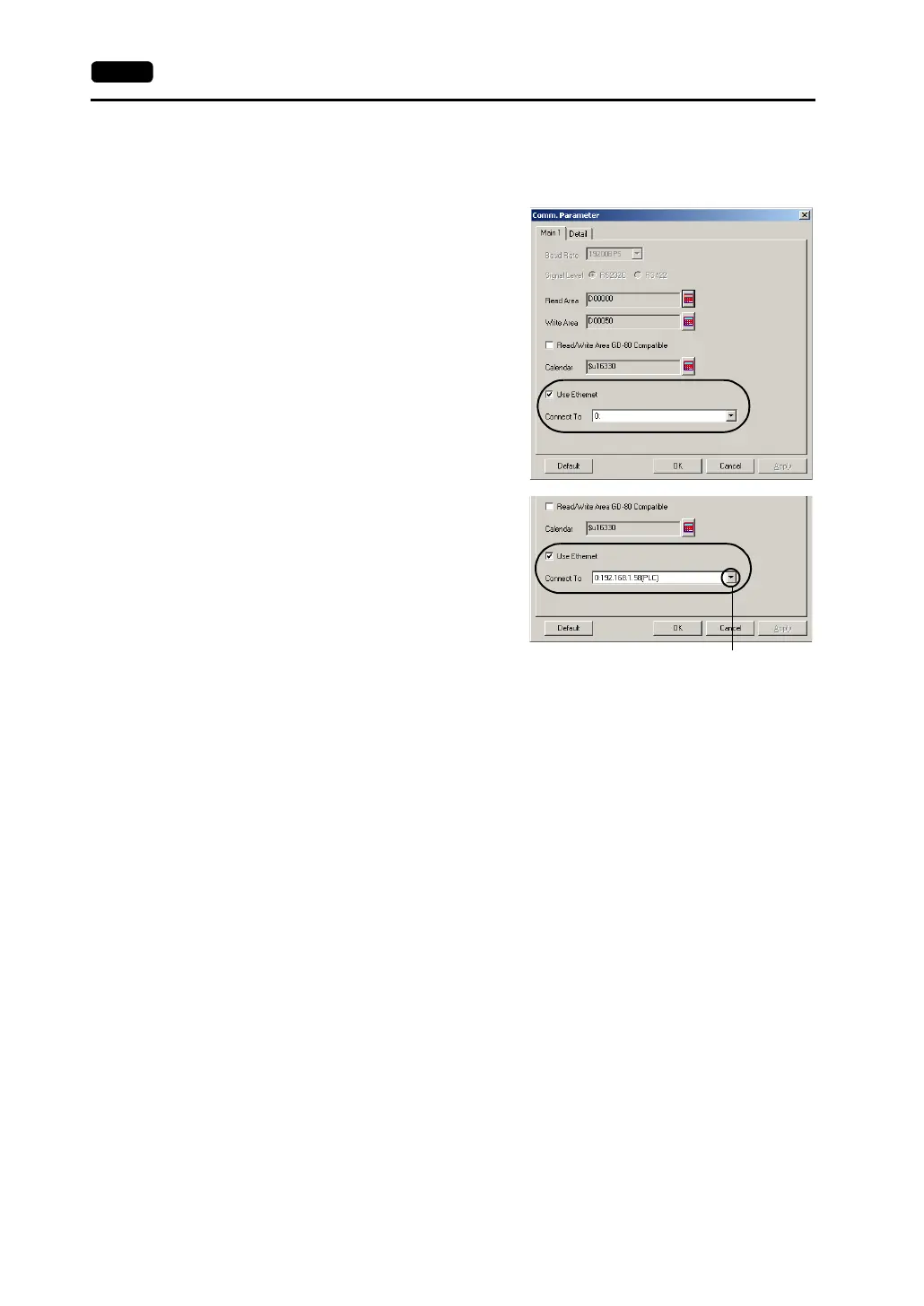
• Select [System Setting] → [Comm. Parameter]. Set the PLC to the V7 series which
is connected.
When the network table is not set:
Network table No. 0 is displayed.
It is not possible to select an option
for [Connect To]. Select [System
Setting] → [Network Table Setting] →
[Ethernet]. The [Edit Network Table]
window is displayed. Set the
network table, and then go back to
the communication parameter
setting. For more information on
network table editing, refer to page
4-14.
When the network table is set:
The IP addresses that are set on the
network table are displayed. Select
the IP address of the desired PLC.
Click here. A drop-down list is displayed.



 To Next Page