4
1. Ethernet 4-15
Network Communications
Starting and Closing
• Starting
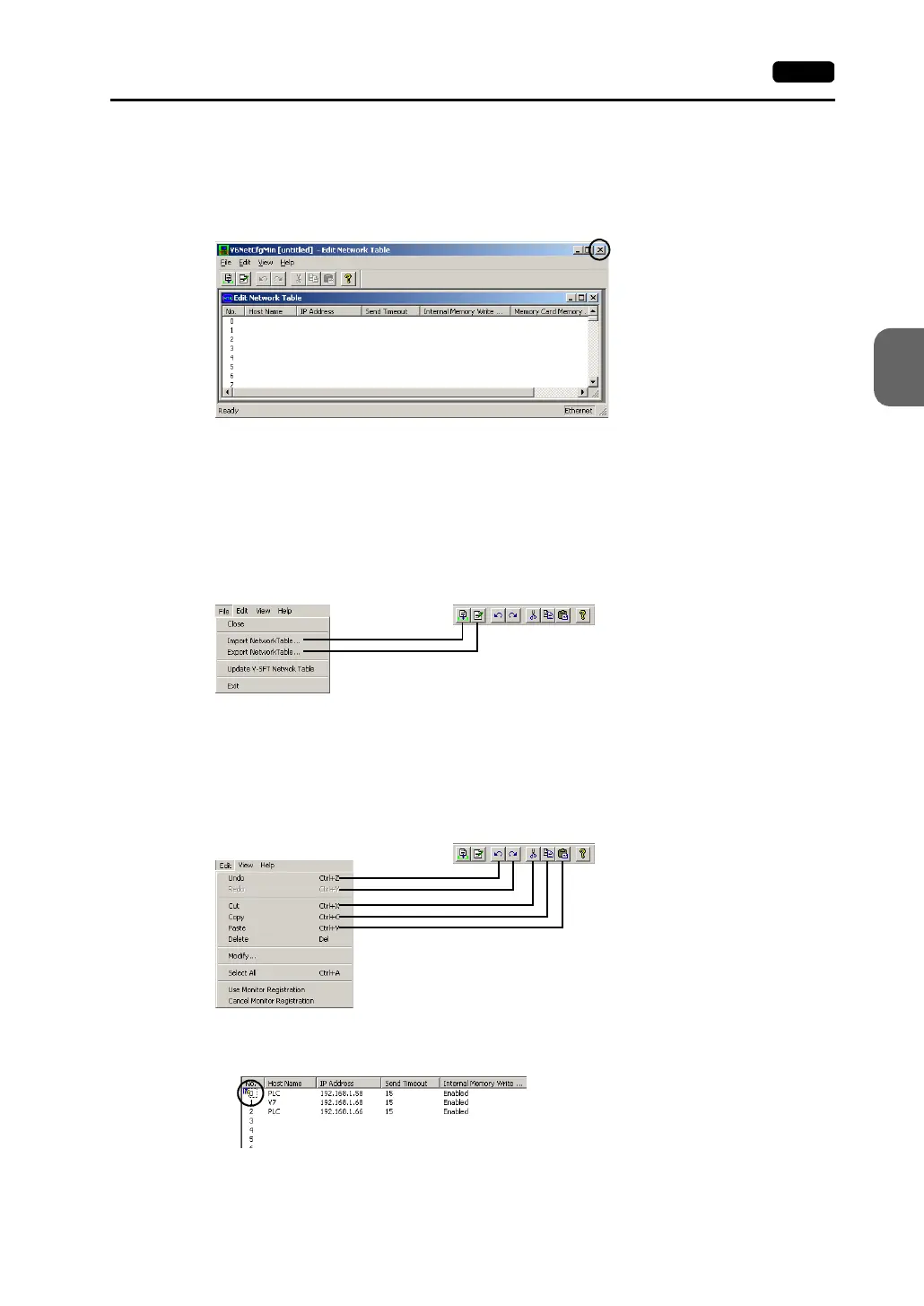
Select [System Setting] → [Network Table Setting] → [Ethernet]. The network table edit
window is displayed.
• Closing
Select [File] → [Exit], or click the [Close] button.
Menu and Icons
Each menu item corresponds to the icons as shown below.
• [File] menu
- Import Network Table
Imports a network table saved as a file “∗.ntb.”
- Export Network Table
Exports a network table as a file “∗.ntb.”
• [Edit] menu
- Use Monitor Registration
Only one V7 series can be registered as the monitor for Ethernet communications.
A mark is shown on the left of the network table number.
- Cancel Monitor Registration
Click this menu when canceling monitor registration.
[Close] button



 To Next Page