2
1. Operation of V7 Main Menu 2-7
MONITOUCH Operations
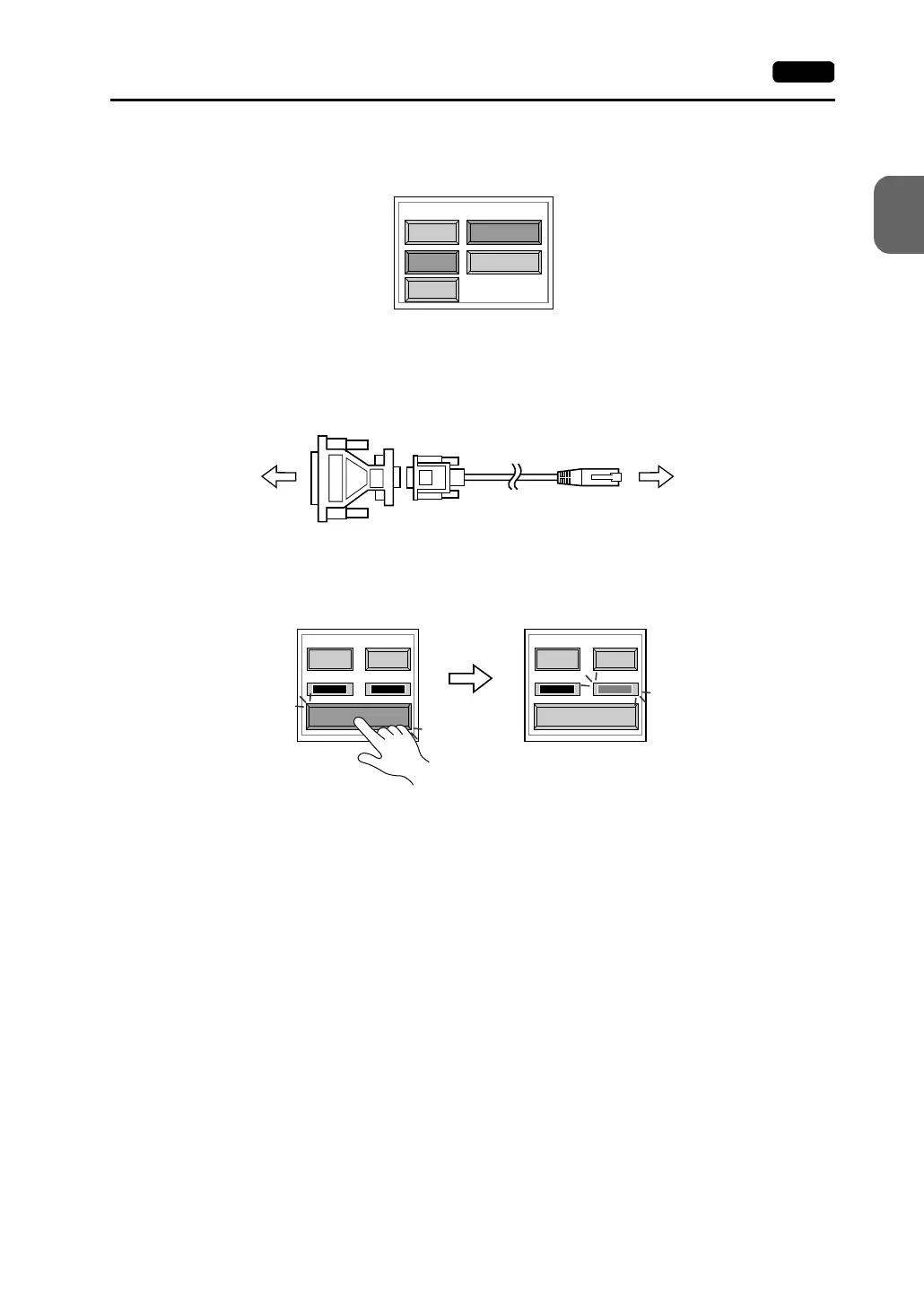
MJ1/2: RS-232C Signal Test
Turn the [MJ1] (or [MJ2]) and [RS232C] switches on.
• RS-232C Self-loop Test
Check the signals [SD] and [RD]. Connect the data transfer cable (V6-CP) to CN1 for
the test.
1. Set the adaptor ADP25-9 (attached to V6-CP) to the cable V6-CP. Connect the
modular jack side of the cable to MJ1 (or MJ2) and the ADP25-9 side to CN1.
2. Press the [Self-Loop Test] switch. When the [OK] lamp lights up, the test is
successfully completed.
* If the [NG] lamp lights up, consult your local distributor.
MJ1/2: RS-485 Signal Test
If you would like to perform MJ1/2 RS-485 signal test, consult your local distributor.
CN1
RS232C
MJ1 RS485
MJ2
Communication Port
CN1 MJ1/2
V6-CP
ADP25-9
Self-Loop Test
CTS RTS
NG OK
Self-Loop Test
CTS RTS
NG OK



 To Next Page