Chapter 4 Transport Stream Configuration
© 2013 Harmonic Inc. Harmonic All rights reserved. 84 Ellipse 3000 Release 3.0, Rev. B
Services Sub-Menu/Tab
The 1. Select PID option allows selecting the elementary stream requested for setting its
scrambling mode. The parameter displays a list of available elementary streams in the selected
service. The available options appear as a list of currently-used elementary streams for the
selected service. The list details the elementary stream's PID number.
Once the stream is selected, the 2. Select Mode option in the Scrambling Menu sets the
scrambling mode for the selected elementary stream (Clear or Scrambled, see the following
example).
Web Manager
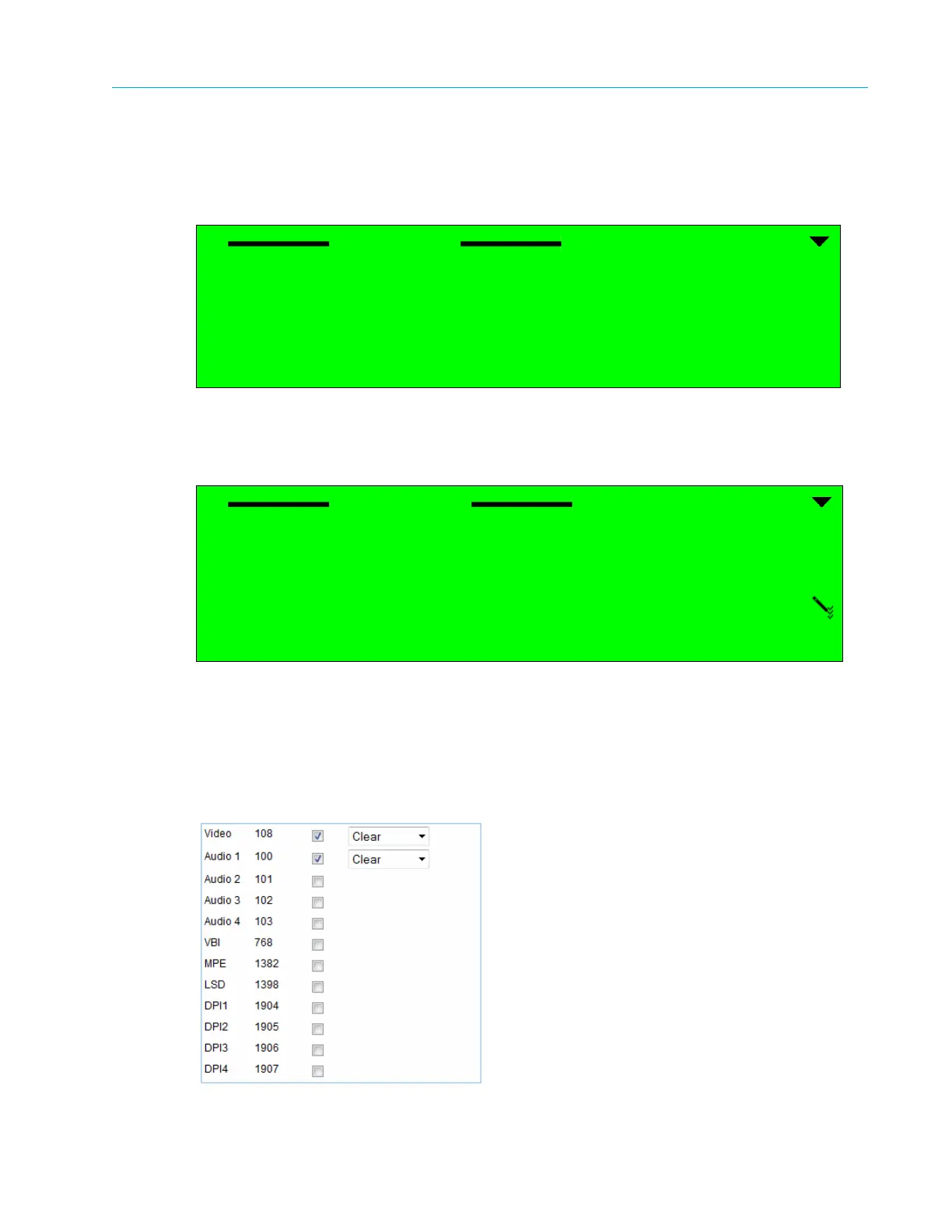
To set the Clear Scrambling parameters using the Web Manager:
❖ Select Transport > Services > Service Name.
Selecting the Clear scrambling mode option sets the stream scrambling mode to Clear and returns
the front panel menu to the Scrambling Mode higher level menu.
Select PID
1 ƒ Video H.264 - PID 513
2 ‚ AUD5 - PID 4116
Select mode
1 ƒ Clear
2 ‚ Scrambled



 To Next Page