Chapter 4 Transport Stream Configuration
© 2013 Harmonic Inc. Harmonic All rights reserved. 94 Ellipse 3000 Release 3.0, Rev. B
M-SPTS Sub-Menu/Tab
4.3.1.1 Listing Available M-SPTS
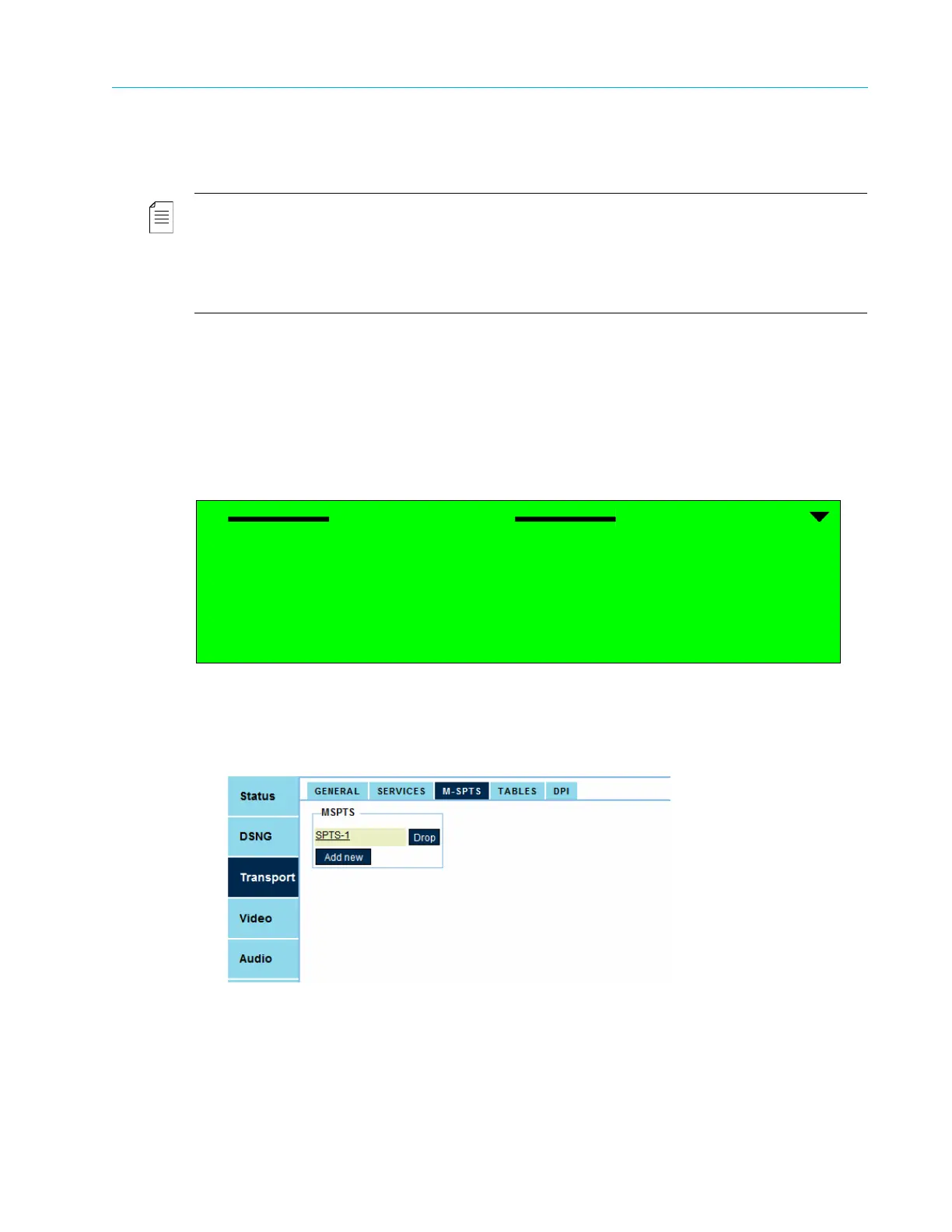
The Transport List option displays a list of all M-SPTS streams defined for the encoder.
NOTE: If the M-SPTS List is empty (in other words, there are no IP service defined for the stream), click the
[Add New] button to add an entry.
The Add Service Menu is displayed only when one or more unused channels are available.
The number of available IP services is set according to license permission.
The license permission can start from one service per IP channel and up to 16 M-SPTS per unit. The default
value is set to 1 M-SPTS.
Selecting a stream from the list displays the stream monitoring and configuration menu. Section
4.3.2 M-SPTS Configuration Management details the stream managing options provided by this
menu.
Front Panel
To display the list on the front panel:
❖ Navigate Root > Configuration > Transport Stream > MSPTS > Transports List.
Web Manager
To view the list of M-SPTS streams using the Web Manager:
❖ Select Transport > M-SPTS.
Transports List
1 SPTS-1



 To Next Page