Chapter 4 Transport Stream Configuration
© 2013 Harmonic Inc. Harmonic All rights reserved. 95 Ellipse 3000 Release 3.0, Rev. B
M-SPTS Sub-Menu/Tab
4.3.1.2 Adding an M-SPTS Transport
The Add Transport option creates and adds a new M-SPTS transport stream.
Front Panel
To add a new M-SPTS using the front panel:
1. Navigate Root > Configuration > Transport Stream > M-SPTS > Add Transport.
2. Select 1. Transport Name in the Add Transport screen to display an edit value screen for
entering a new stream name (using the alphanumeric touch-pad).
3. Press <Enter> to approve the name and return to the Add Transport menu.
4. Select 2. Add in the Add Transport menu to add the new transport to the M-SPTS stream.
Web Manager
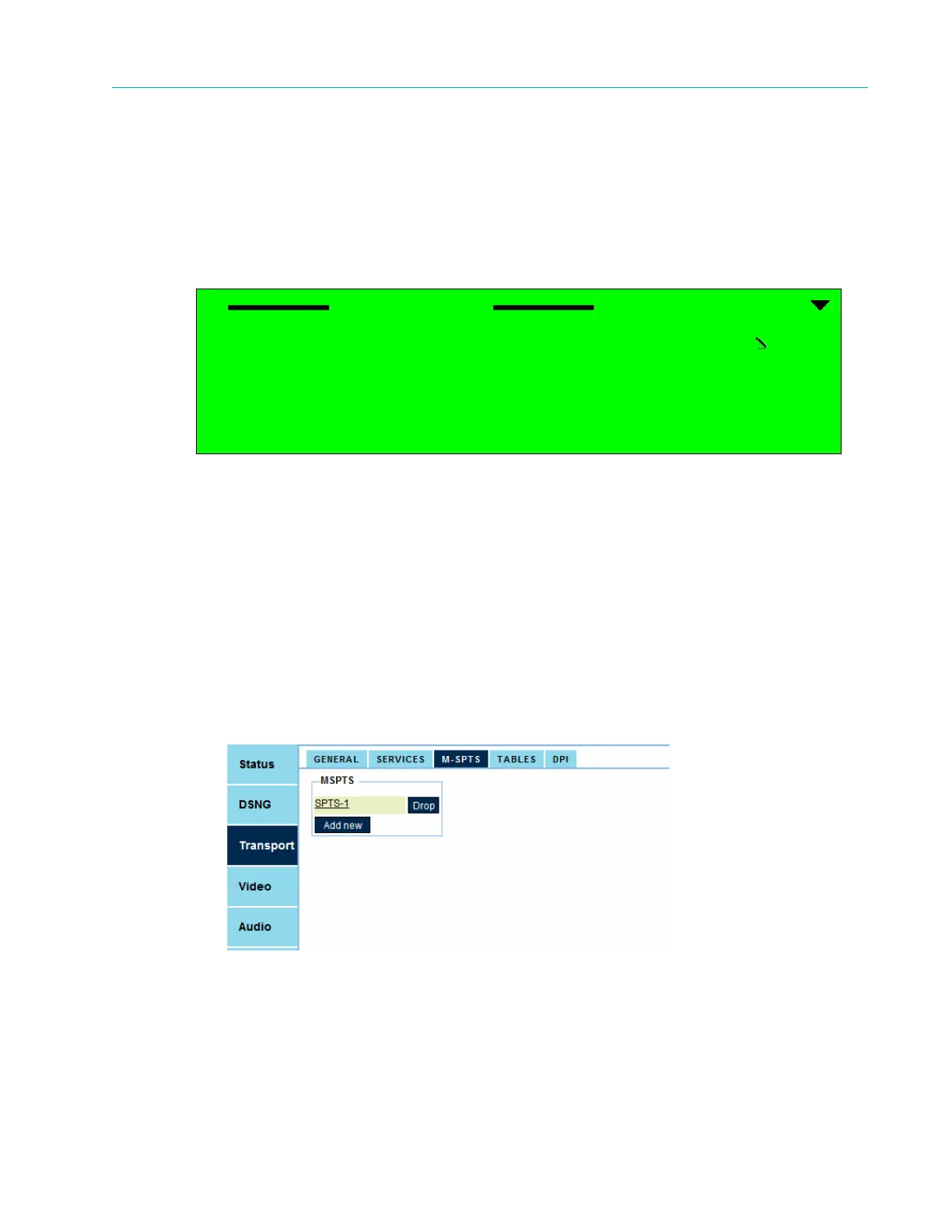
To add a new M-SPTS using the Web Manager:
1. Select Transport > M-SPTS.
2. Select Add New.
It creates a new service in the service list (for configuring the new service, refer to
4.3.2 M-SPTS Configuration Management).
Add Transport
1 Transport Name
SPTS-2
2 Add



 To Next Page