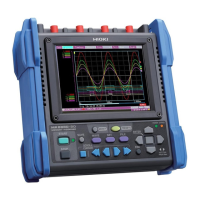
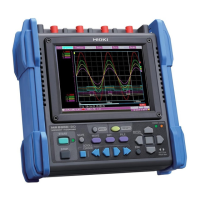
Set the recording conditions (trigger func-
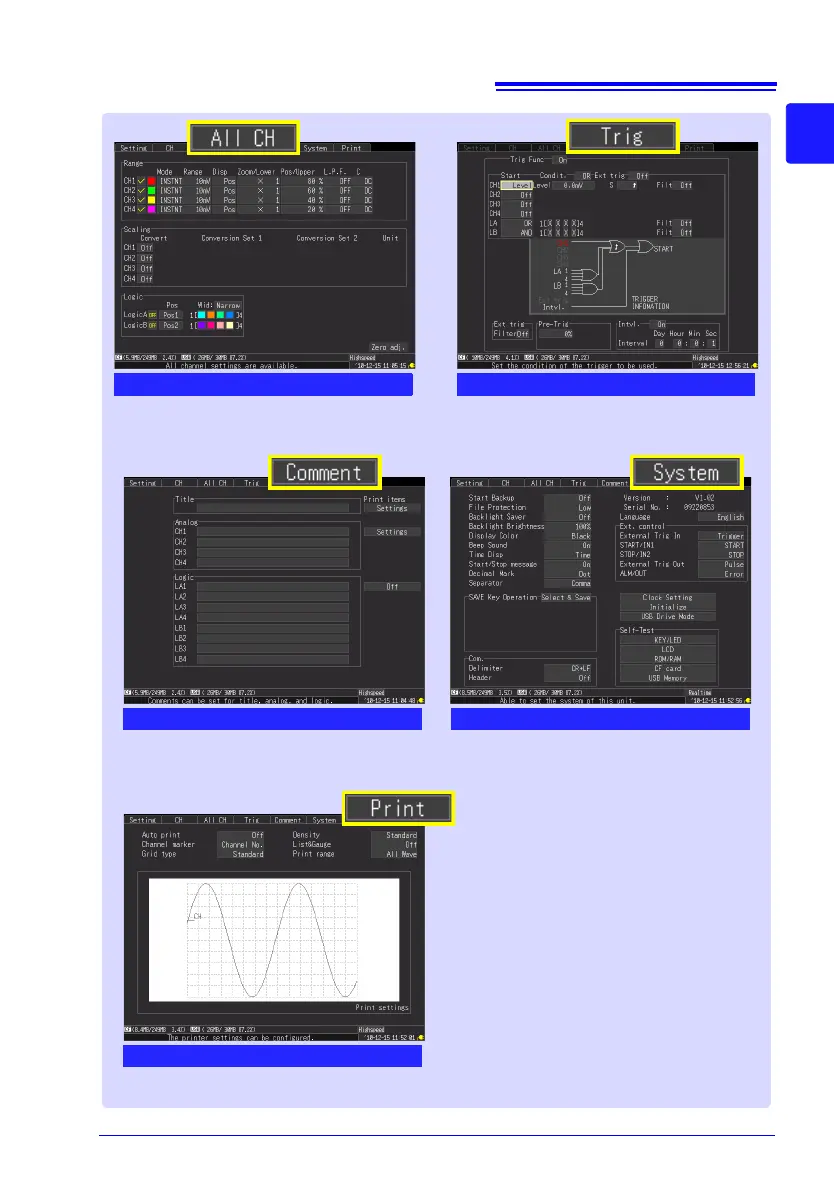
tion) for each input channel (p. 110).
Make settings while viewing all channel set-
tings.
[ALL CH] Screen
[Trig] Screen
Configure the system environment (p. 197).
Enter channel comments (p. 128).
[Comment] Screen
[System] Screen
This is only displayed when an optional
printer is connected.
Set the printer settings (p. 165).
[Print] Screen


 To Next Page
 Loading...