2-19
4After completion of the measurement, a coefficient (calculated value) is
displayed. When updating (calibrating) this coefficient, press Execute.
The calibration is completed.
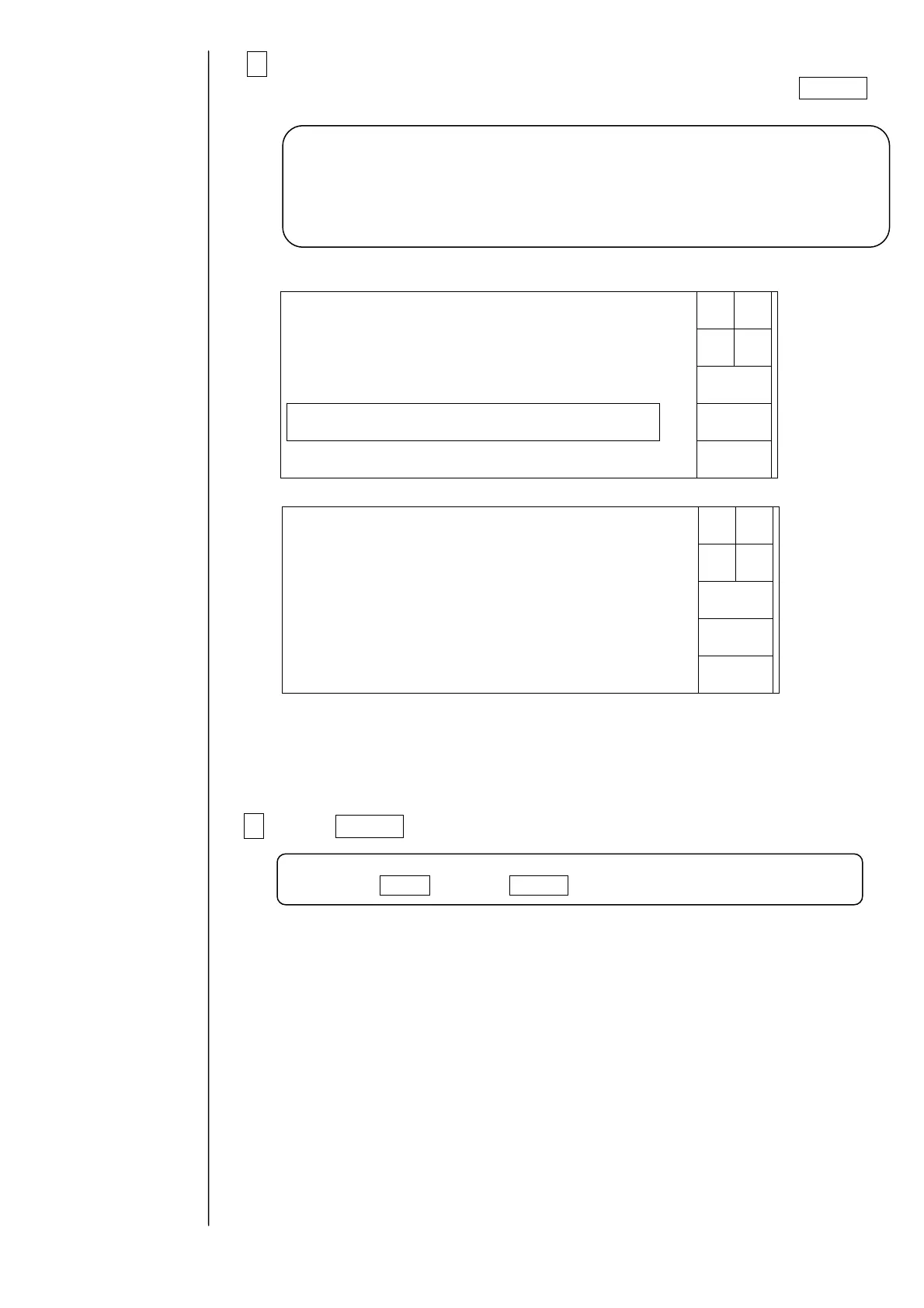
First page of viscometer display screen
Second page of viscometer display screen
If the process status is “abnormal” and message “Check the viscometer” appears,
normal measurement has not been executed. See sections 6.48 and 6.49 in
“6. Troubleshooting”.
5 Press Execute.
The coefficient will be registered, and the circulation control screen will be
restored.
Note:
It is recommended that you always record the coefficient value or back it up.
The coefficient will be stored in the memory of EZJ102 board. If the coefficient
is not recorded or backed up, you will need to execute this work with new ink
whenever you replace the EZJ102 board.
Next
menu
Execute
Viscometercalibration
Cancel
Status:XXXXX
<thepreviouscalibration>
Exec.time 0000.00.0000:00 Exec.time 2005.07.0711:30
Standard 0.000(mPa・s)
Coefficient 0000
Inktemperature 00(℃)
Standard 2.562(mPa・s)
Inktemperature 26(℃)
Proc.status:Ended.
<thecurrentcalibration>
Whenupdatingcoefficient,press<Execute>.
Coefficient[1637]
0987654321
Next
menu
Execute
Viscometercalibration
Cancel
Status:XXXXX
<thepreviouscalibration>
Plungerfallingtime
№10.00(sec)
Average 0.00(sec)
№20.00(sec)
№30.00(sec)
№40.00(sec)
№50.00(sec)
Plungerfallingtime
№11.56(sec)
Average 1.54(sec)
№21.55(sec)
№31.54(sec)
№41.53(sec)
№51.55(sec)
Proc.status:Ended.
<thecurrentcalibration>
Caution:
If you press Cancel instead of Execute, the coefficient will not be registered.



 To Next Page