2-24
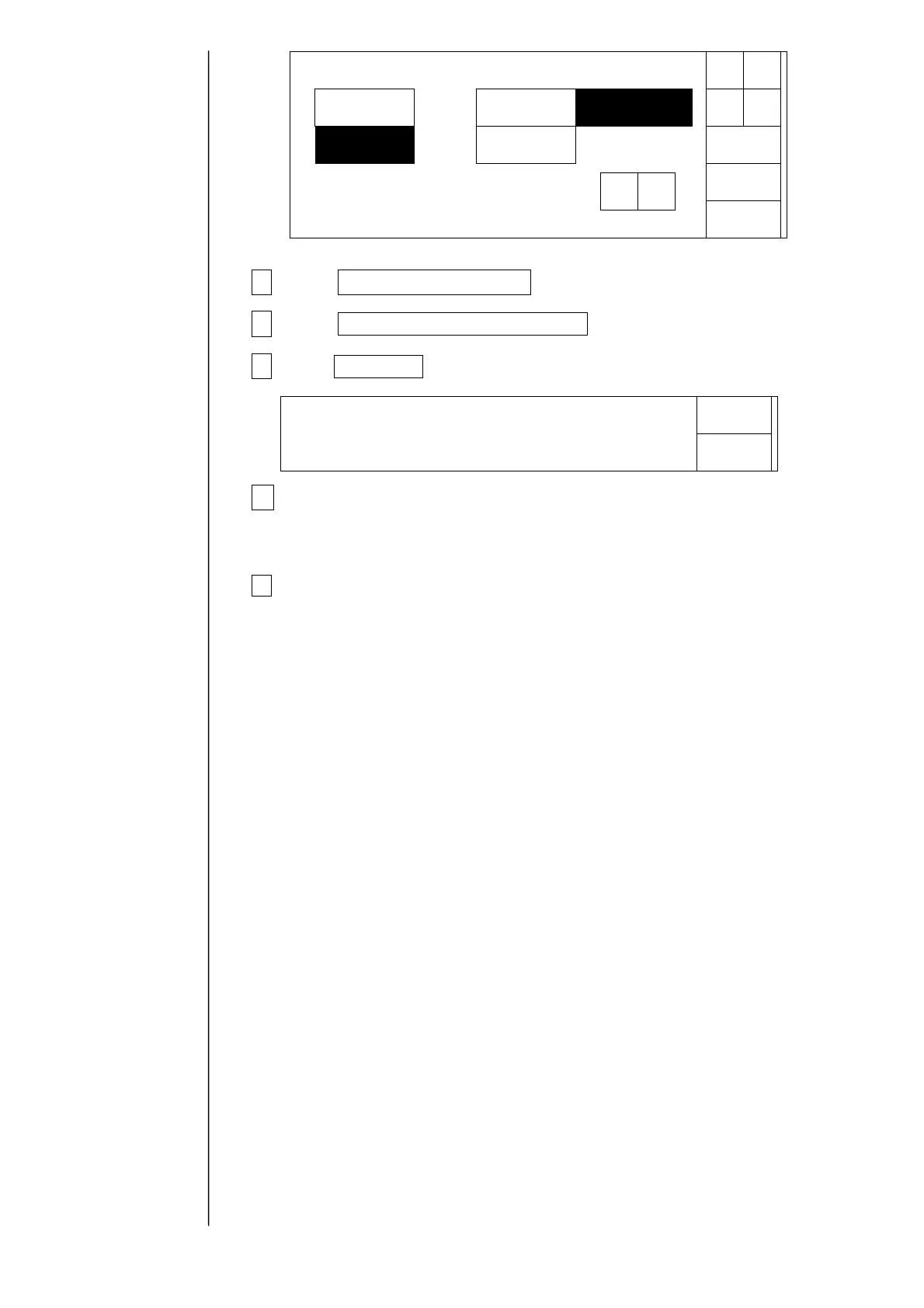
5 Press Memory card → IJP and specify a direction of copy.
6 Press User data, Unit-specific data .
7 Press Start Copy.
8 After the copying is over, press the ejector (button) and take the
Memory
card out of the slot.
9Reattach the operation panel to printer.
Cancel
StartCopy
Datacopy
CopydirectionDatatype
SelectthecopydirectionandthenpressStartCopy.
IJP→
Memorycard
Memorycard→
IJP
Userdata
Unit-specificdata
Userpattern
Printdata
Userpattern
Foldertobecopied[PB99999]
SerialnumberPB99999999
↑ ↓
Status:XXXXX
Copyinginprogress.Proc.status:NNN/MMM



 To Next Page