Configuring via IP-AK2 Web Server
Figure 5-2 IP-AK2 Web Server Direct Connection
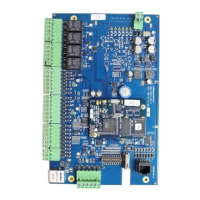
IP-AK2
Ethernet
Crossover
Cable
Connect the computer’s Ethernet
port directly to the IP-AK2 panel’s
Ethernet port with an Ethernet
cable.
Note
The IP-AK2 panel connected is the Master panel. DIP switch 6 on a Master panel
must be set to “ON”.
Configuring Network Connection
1. On the computer Desktop, click Start Æ Control Panel Æ Network Connections.
2. Identify your local Ethernet connection (commonly labeled Local Area Connection),
and right click the icon, the Local Area Connection Properties page will display.
Figure 5-3 Local Area Connection Properties
3. Highlight the “Internet Protocol (TCP/IP)” connection, and click【Properties】to
display your system’s current Internet Protocol properties.
Note Keep a record of your computer’s current network configuration for future use.
4. Select【Use the following IP address】and configure the parameters as below:
16


 To Next Page