Honeywell
8 Troubleshooting
Table 8-1 Troubleshooting Problems and Solutions
Problem Solution
The panel powers up, but it does not
respond to any communication, cards
reads, or input activation.
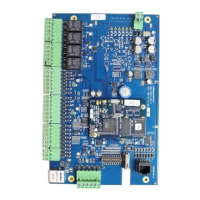
Ensure that the Address DIP switches are set to a value
other than zero.
Turn off the power (including battery), change the settings,
and re-apply the power.
No communication exists with the
Ethernet port.
Only a panel set to be Gateway (DIP switch 6 = ON) will
have communications on the Ethernet port. If you need to
use that port to access the panel, turn off the power
(including the battery), change the switch setting, and
reapply the power. Note that if the panel is normally not a
Gateway on a Multidrop communication bus, then the Host
RS-485 connection (TB7) should also be disconnected
while DIP switch 6 is ON. After completion of the Ethernet
session, turn off the power (including the battery), change
the switch setting, re-connect the Host RS-485 terminal
block, and re-apply the power.
Note
The IP-AK2 EOL network is AC-coupled. There is no resistance difference
between the RS-485 positive and negative terminals no matter the EOL network
is on or off.
51


 To Next Page