MX8000 Installation and Operation Guide
8–26
8.8.2 Calls From Panels
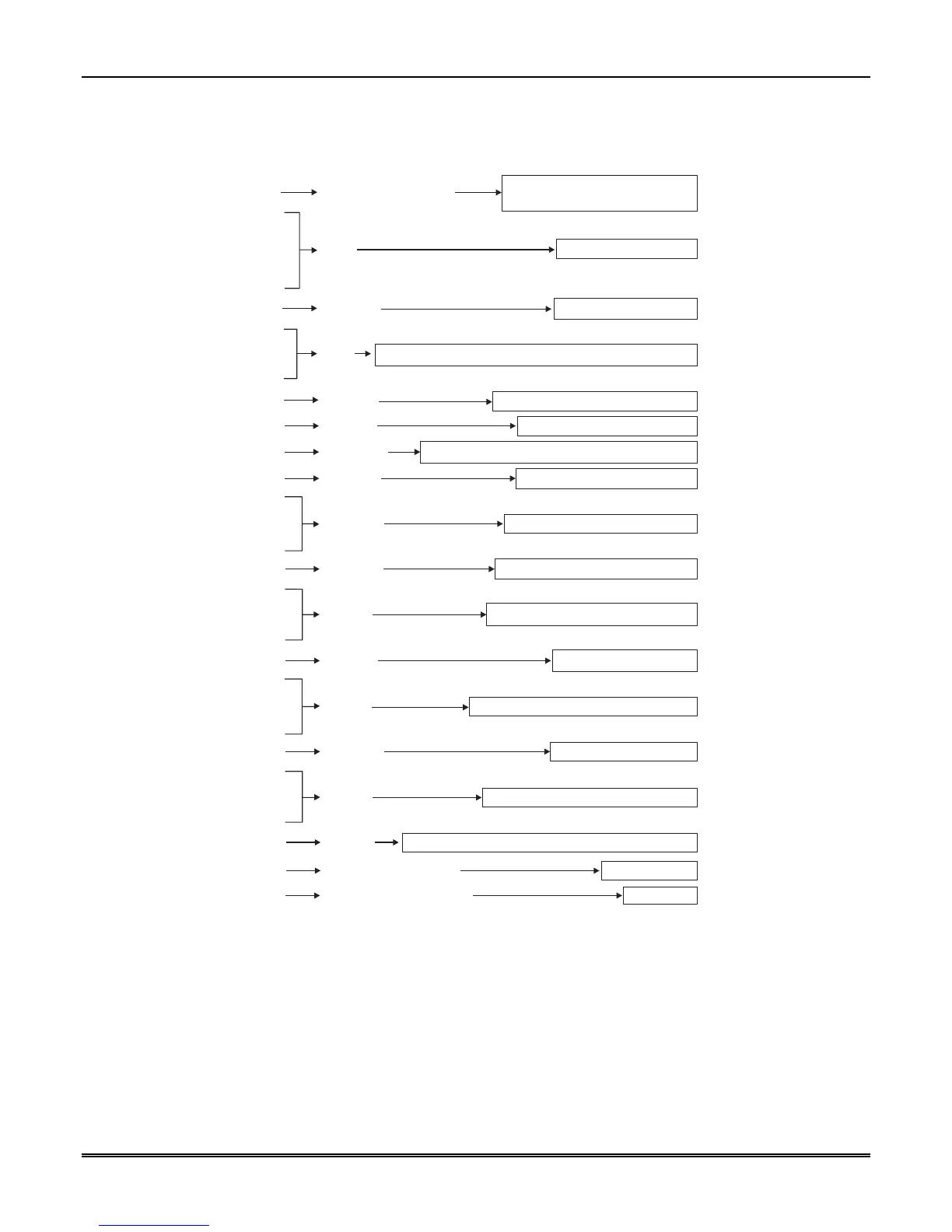
The basic format of a message is shown in the example below. For a complete description of each data
element, see Table 8–26.
Time that the message was received in hhmm, 24hr format.
$27
$30
$36
$32
$37
$39
$34
$22
$30
$33
$34
$35
$22
$35
$31
$05
$31
$32
$33
$34
$22
$42
$41
$30
$31
$22
$42
$41
$30
$32
$22
$42
$41
$30
$34
New Message Indicator
Indicates whether message is a call
from a panel or a system message.
Date
Date in MMDDYY format.
Separator
Separates date from time.
Time
Separator
Separates time from data that follows.
Format # Format of the received message.
Line card # Number of the line card that received the message.
Separator Separates Header from call data.
Account # Account number. Can be 1-8 bytes.
Separator Separates Account # from first event.
Event 1 First event. (Burglary alarm in Zone 1.)
Separator Separates multiple events.
Event 2 Second event. (Burglary alarm in Zone 2.)
Separator Separates multiple events.
Event 3 Third event. (Burglary alarm in Zone 4.)
$2A
Listen In Only output when listen in is on and account # is in list.
$OD
Indicates End Of Message Always $OD.
$7E
Validation Byte (V-Byte) Error-check byte.
Figure 8–13: SK9000 Example Message
8.8.3 Long Calls
The MX8000 can send up to 70 bytes per message to an automation computer. When event data is more than
70 bytes, the MX8000 breaks up the data into 70-byte chunks ending in a separator $2C, a V-Byte, and the
end of message indicator $0D
.



 To Next Page