MX8000 Installation and Operation Guide
5–20
Table 5–7: ITI Automation Format Options
Option Choices Default Meaning Comments
Log Recs Y (Yes) N Log records identify the time and date of an incoming
report.
N (No)
XID Y (Yes) N Extended panel Identification code. See 8.9.2.2.
N (No)
SupCh s Supervisory Character is sent from the automation
computer. The receiver will respond with an OKAY or
supervisory record. See Sections 8.9.5 and 8.10.5.
No Data 0 Identifies the no data character in the log record.
Note: ITI automation formats are covered in greater detail in Sections 8.8 and 8.10.
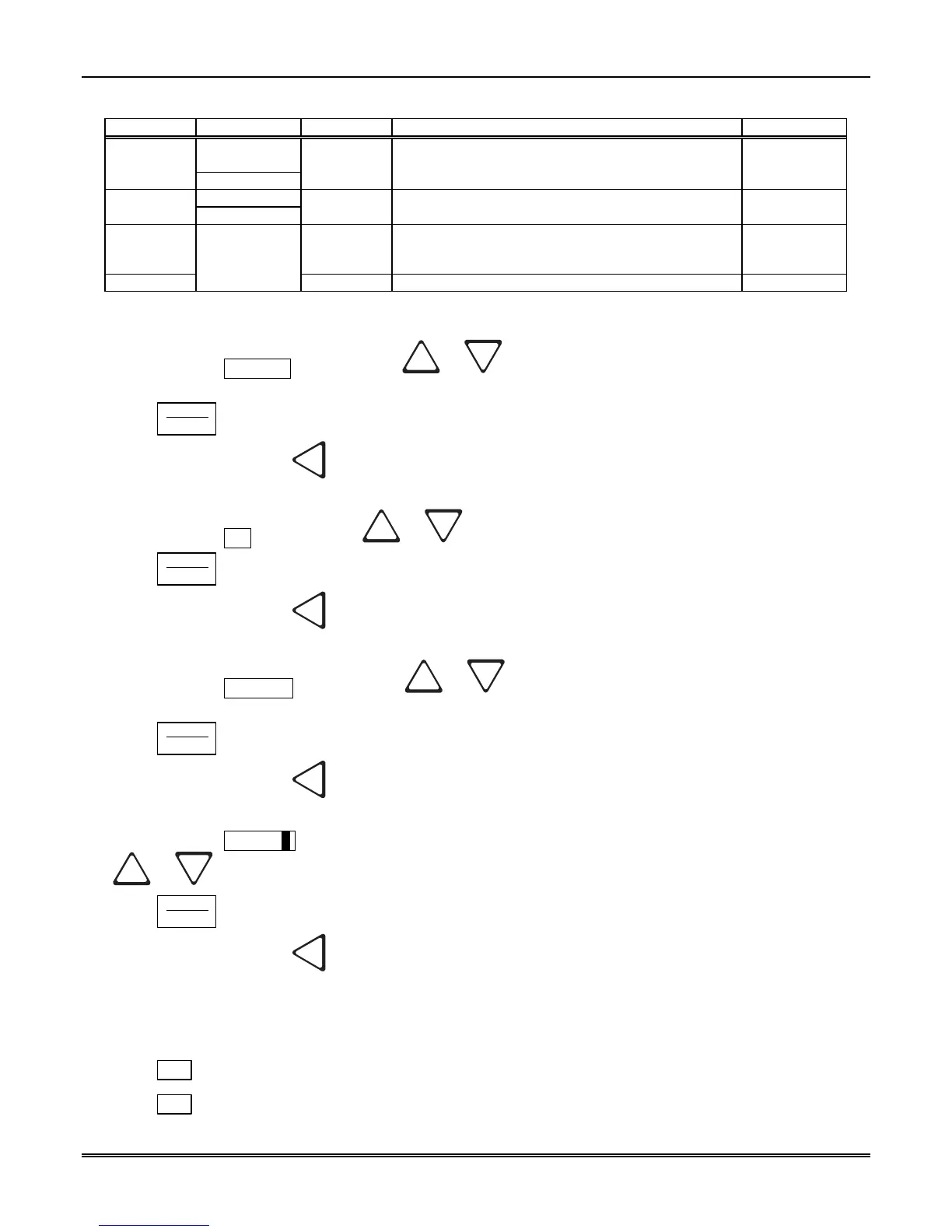
Log Recs (For ITI Formats):
1. At the flashing Log Recs field press the
or button until the display flashes on the desired
setting.
2. Press
ENTER
MENU
.
3. If you wish to exit, press
until you exit this menu.
XID (Extended ID for ITI Panels):
1. At the flashing XID field press the
or button until the display flashes on the desired setting.
2. Press
ENTER
MENU
.
3. If you wish to exit, press
until you exit this menu.
SupCh (Supervisory Character):
1. At the flashing SupCh [s] field press the
or button until the display flashes on the desired
setting.
2. Press
ENTER
MENU
.
3. If you wish to exit, press
until you exit this menu.
NoData (No Data Character for Log Record):
1. At the flashing NoData[0] field enter a digit from 0-9 from the touchpad or press the
or button until the display flashes on the desired setting.
2. Press
ENTER
MENU
.
3. If you wish to exit, press
until you exit this menu.
5.4.3.6 How to Configure the On-board Annunciator Outputs
Program what will give a trouble annunciation or what will not annunciate from the on-board annunciator.
1. Enter program mode. (See Section 5.1.)
2. Press
1
for general options.
3. Press
3
for communications.



 To Next Page