Section 5 – Programming
5–27
5.4.6.2 View Slave
To view a slave to a master receiver:
1. Enter program mode. (See Section 5.1.)
2. Press
1
for general options.
3. Press
6
for slave list options.
4. Press
2
to select view slave.
5. The receiver will display a listing of slave receivers assigned.
To Exit:
Press
until you return to the main menu.
5.4.6.3 Delete Slave
To delete a slave from a master receiver:
1. Enter program mode. (See Section 5.1.)
2. Press
1
for general options.
3. Press
6
for slave list options.
4. Press
3
to select delete slave.
5. The receiver will display a listing of slave receivers assigned.
6. Select a receiver for deletion using the
or keys.
7. Press
ENTER
MENU
.
8. The receiver will display:
Snn 8000 Slave
Delete Record? No
9. Toggle the yes/no display using the or keys.
10. Press
ENTER
MENU
with yes displayed to delete the receiver.
11. Repeat steps 4 through 10 to delete another receiver.
To Exit:
Press
until you return to the main menu.
5.4.7 Virtual Receiver/Line Numbers
The use of virtual receiver numbers allows multiple receiver
numbers to be assigned in the same MX8000 or multiple
MX8000s if operating in the master/slave configuration. Each
virtual receiver number can have from 1 to 99 line(s) assigned
to it.
The virtual receiver and line number(s) are used when
displaying, printing, or sending data to the automation
system. If desired, the same virtual line # can be assigned to
more than one line in the same MX8000.
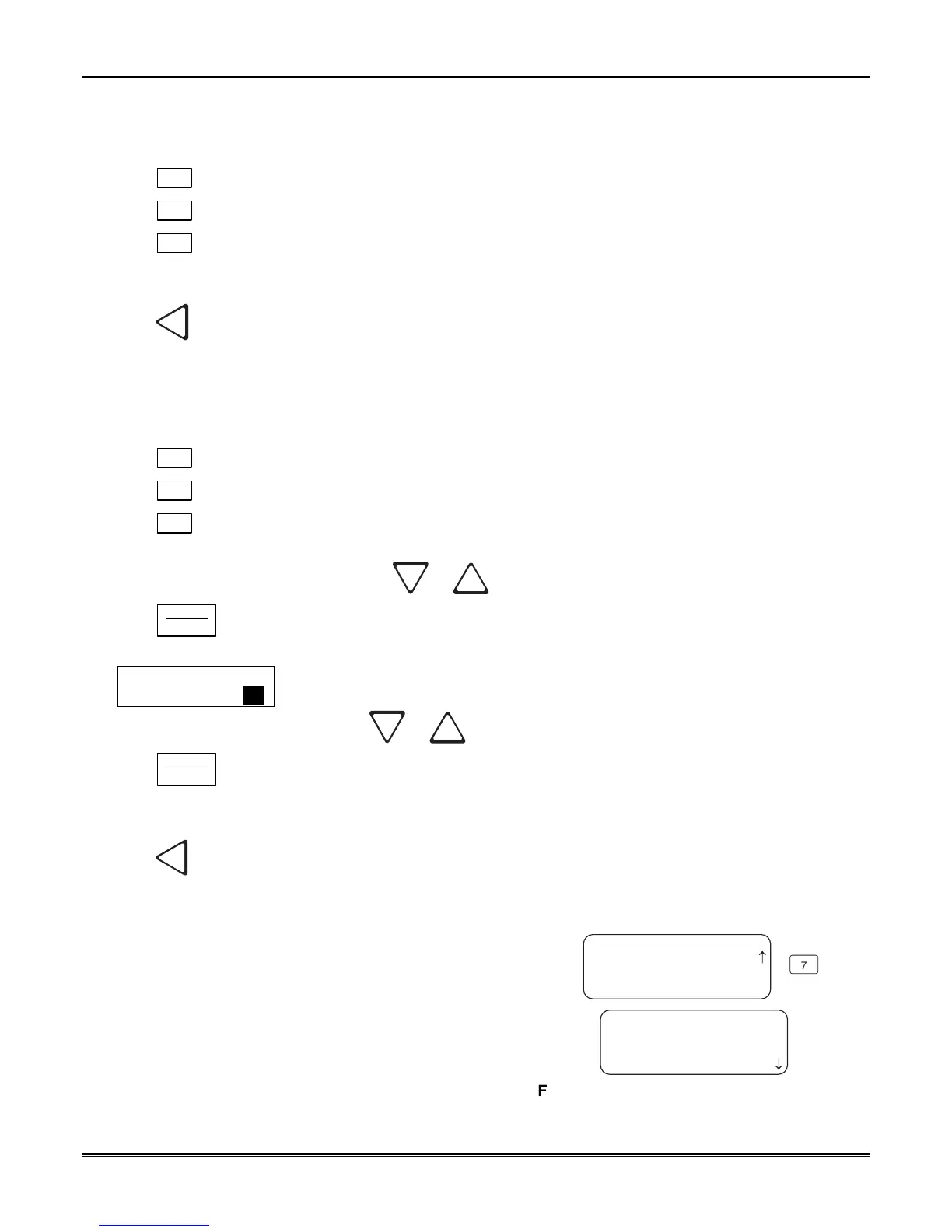
<General Options>
L01=Rec#00 Lin#001
L02=Rec#00 Lin#001
L03=Rec#00 Lin#001
<Virtual Receiver>
7
7=Virtual Receiver
< Exit Menu
¯
Figure 5–11: Virtual Receiver/Line Numbers
Display



 To Next Page