Section 5 – Programming
5–25
5. Press the
or button until the display flashes on the desired setting.
6. Press
ENTER
MENU
.
To Exit:
Press
until you return to the main menu.
5.4.5 Message Queue Options
Set the percentage of how full the message queue must
be before a “Message Queue Warning' and “Message
Queue Warning Restore” occur. See Section 7 for
trouble messages.
Note: The “Warning On” can be set from 10% to 99%;
the “Warning Off” can be set from 1% to 90%. A mini-
mum separation of 5% will be set between the On % and
the Off %. For example, if the “Warning On” is set to
82% the “Warning Off” maximum setting can be 77%.
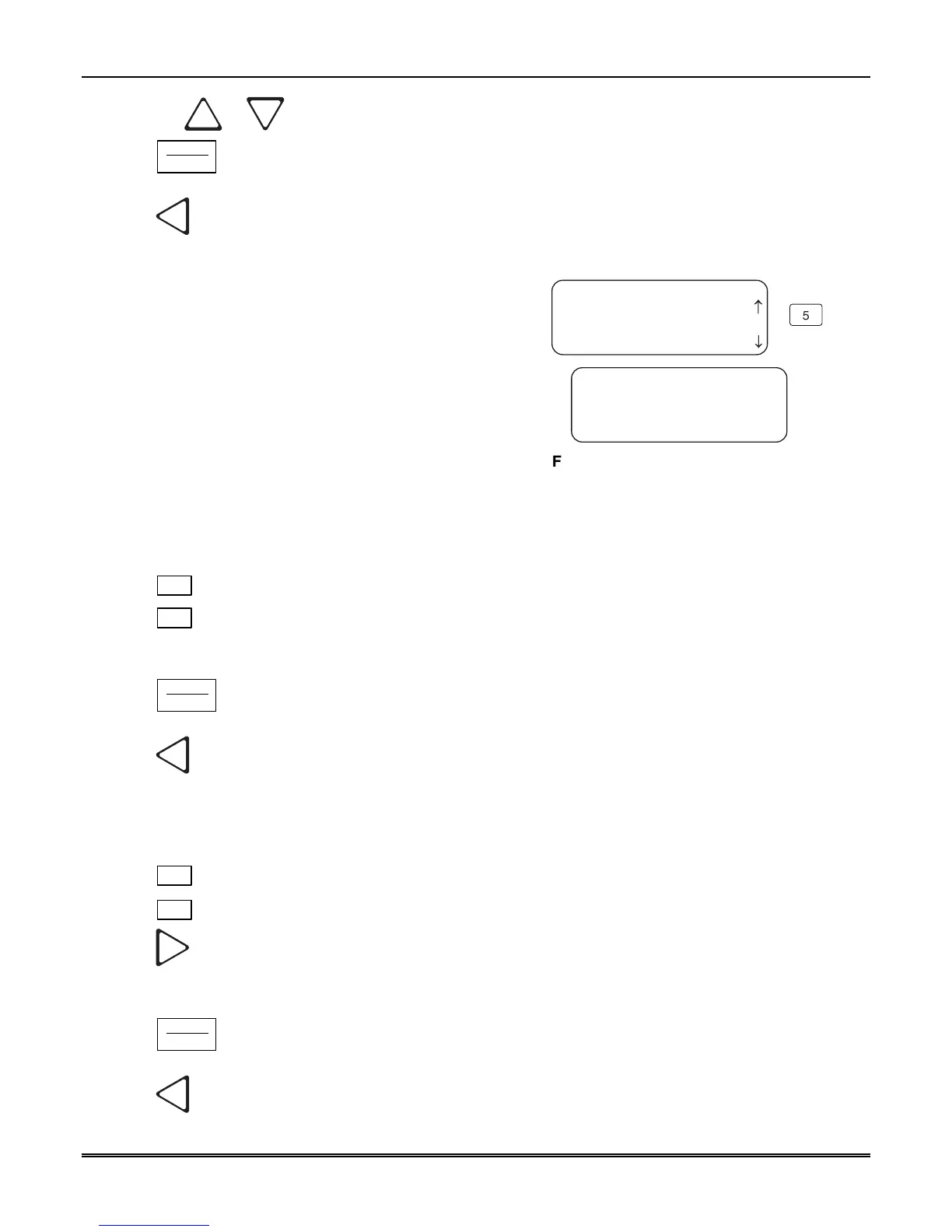
<General Options>
5=Msg Queue Opt.
6 Slave List
<Msg Queue Menu>
Wrn Lvl On:75 Off:50
Event Release: 060
<%Wrng On <=Exit >
5
7 Virtual Receiver
¯
Figure 5–9: Message Queue Display
5.4.5.1 Set the Message Queue Warning On level
Set the percentage of how full the message queue can get before the receiver indicates a “Message Queue
Warning” condition.
1. Enter program mode. (See Section 5.1.)
2. Press
1
for general options.
3. Press
5
for message queue options.
4. Enter the level (in %) you wish the receiver message queue to get before it will indicate a message queue
warning.
5. Press
ENTER
MENU
.
To Exit:
Press
until you return to the main menu.
5.4.5.2 Set the Message Queue Warning Off Level
Set the percentage level where the receiver will indicate a restore condition for a “Message Queue Warning”.
1. Enter program mode. (See Section 5.1.)
2. Press
1
for general options.
3. Press
5
for message queue options.
4. Press
until the display flashes on the Off field.
5. Enter the level (in %) you wish the receiver message queue to get before it will indicate a message queue
warning restore.
6. Press
ENTER
MENU
.
To Exit:
Press
until you return to the main menu.



 To Next Page