MX8000 Installation and Operation Guide
5–38
Table 5–11: Line Device Menu Options (cont’d)
Select
Device
Type
Line
Device
Menu
Choice Choice Choice Choice Default Comments
Use
Defaults
Choose
Device(s) #
Choose Device(s) #
that you wish to be
programmed to factory
defaults.
Copy
Device(s)
Copy
Existing
Choose
Device # of
Source &
Target
Device
Copy the program-
ming of one Device
(source) and paste it
into one or several
(target) Devices.
Clear
Device
Choose
Device #
Deletes a Device from
the receiver.
MX8000–
LC1
1 Line
(cont’d)
View
Device
Choose
Device #
Views what Devices
are installed.
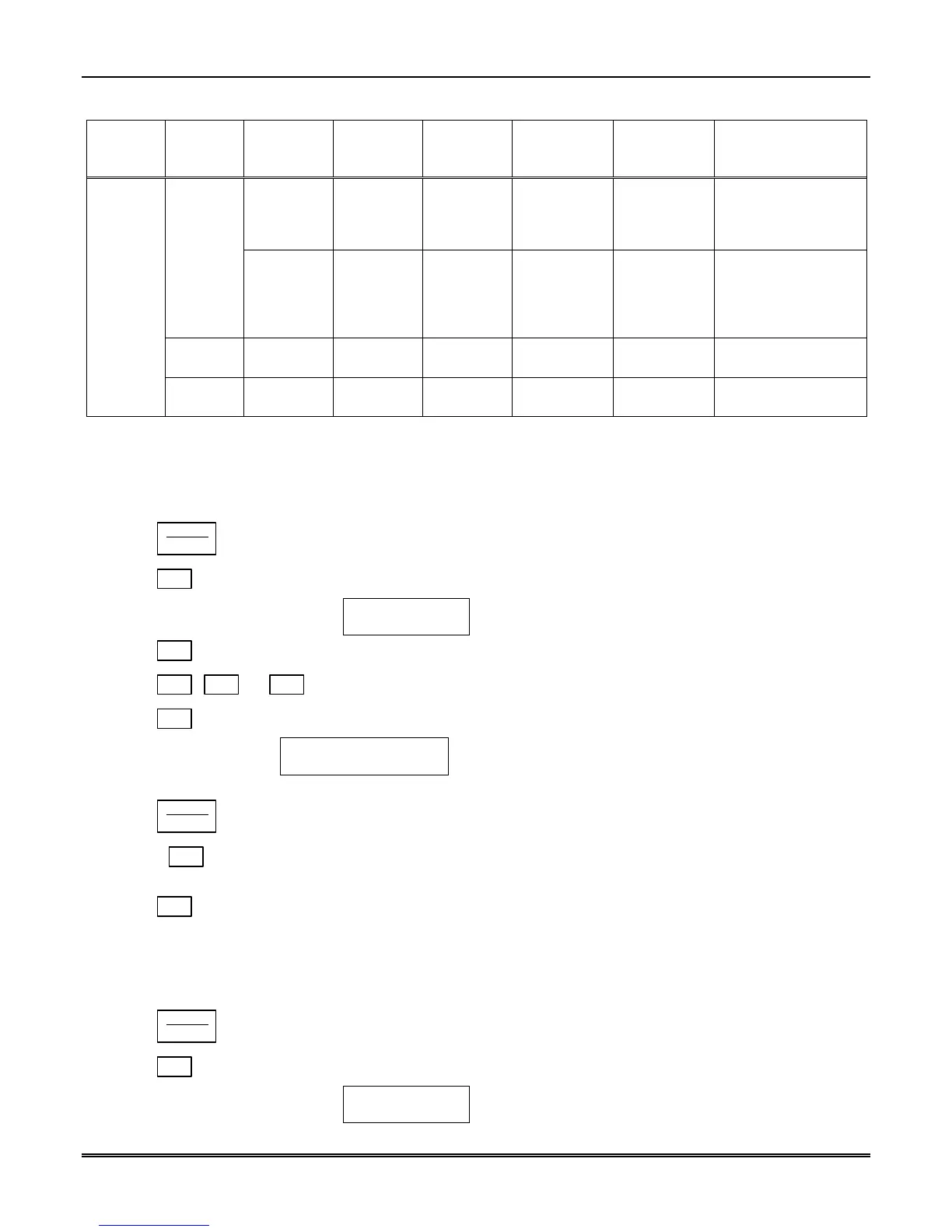
5.5.1 Add Line Device
To program in a new line device, follow these steps:
1. Install the new line device. (See Section 3.7.)
2. Log on to the receiver. (See Section 4.4.4 for log on procedure.)
3. Press
ENTER
MENU
button.
4. Press
7
for program menu.
The display will briefly display
Initializing
Please wait . . .
5. Press
2
to choose Line Device menu.
6. Press
1
,
2
, or
3
to select the device type.
7. Press
1
to add the device.
The Display will show
<Add Device> _ _
Enter Device #:
8. Enter the slot number of the device being added (1-12).
9. Press
ENTER
MENU
button.
10. Choose
1
to use defaults.
or
11. Press
2
to use the programming of another Line.
5.5.2 Edit Line – MX8000–LC3 (3 Line)
To edit an existing Line, follow these steps:
1. Log on to the receiver. (See Section 4.4.4 for log on procedure.)
2. Press
ENTER
MENU
button.
3. Press
7
for program menu.
The display will briefly display
Initializing
Please wait . . .



 To Next Page