Section 5 – Programming
5–21
4. Press
6
to set annunciator configuration.
A list of the annunciator output options appears.
5. Press the
or button to move through the annunciator output options.
6. When the equal sign highlights the option you wish to change, press
ENTER
MENU
.
Note: Additional presses of the enter button toggle the setting between “yes” or “no”. See Table 5–8.
7. Repeat steps 5 through 6 for all annunciator options you wish to change. See Table 5–8 for list of
additional options.
5.4.3.7 How to Configure the Auxiliary Relay Outputs
Program what will give a trouble output to the auxiliary relay contact. (To program the normal state of the
auxiliary relay, see Section 5.4.4.)
Note: Pressing
ACK
will silence an alarm, (essentially acknowledging the event), but the only way to reset
the auxiliary relay contacts is to actually restore the trouble. As long as there are any troubles in the system,
the contacts will be set.
1. Enter program mode. (See Section 5.1.)
2. Press
1
for general options.
3. Press
3
for communications.
4. Press
7
to set relay configuration.
A list of the relay output options appears.
5. Press the
or button to move through the relay output options.
6. When the equal sign highlights the option you wish to change, press
ENTER
MENU
.
Note: Additional presses of the enter button toggle the setting between “yes” or “no”. See Table 5–8.
7. Repeat steps 5 through 6 for all relay options you wish to change. See Table 5–8 for list of additional
options.
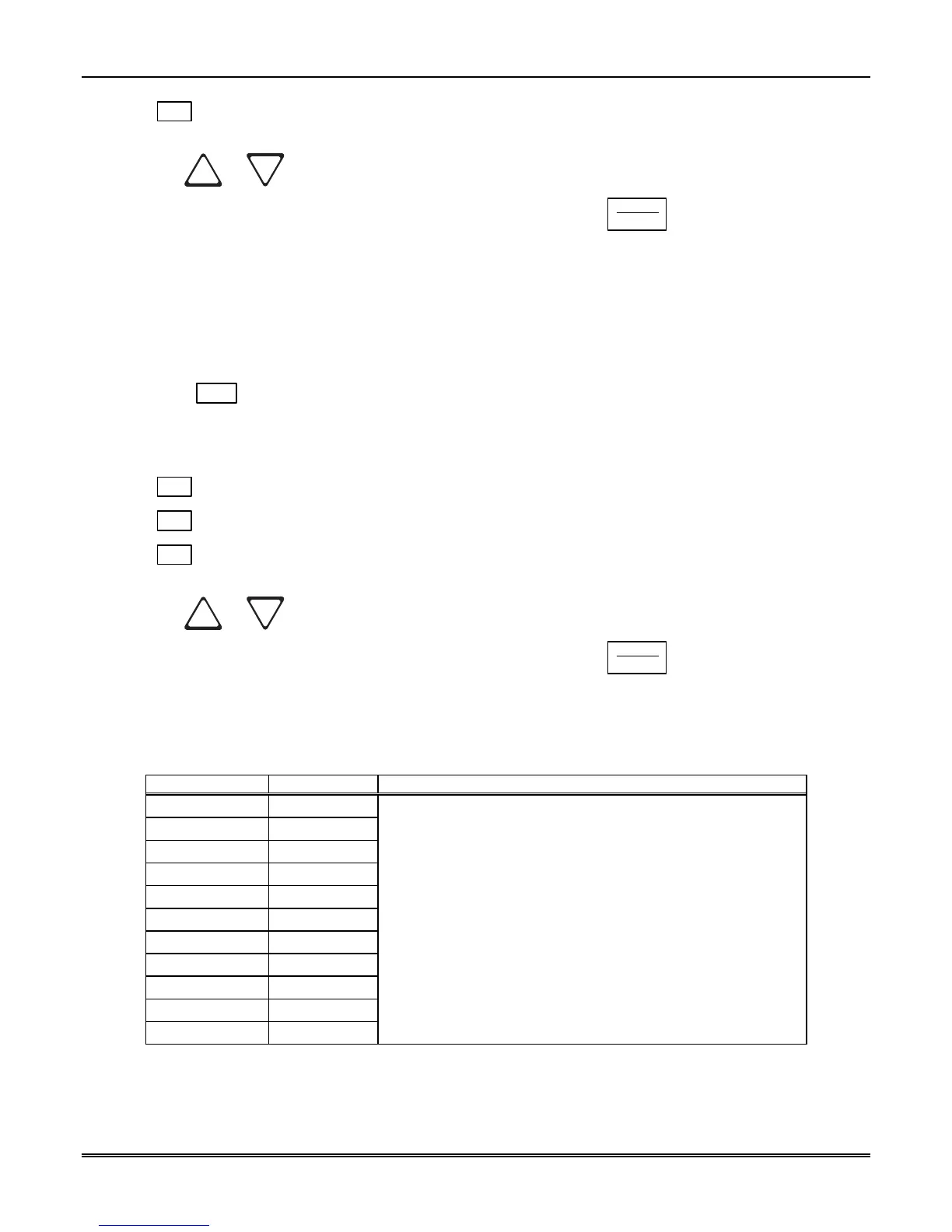
Table 5–8: On-board Annunciator and Auxiliary Relay Options
Option Choices Comments
Printer Y (Yes)/N (No)
Bkp Printer Y (Yes)/N (No)
Auto Comp Y (Yes)/N (No)
Bkp Auto Comp Y (Yes)/N (No)
Y = Annunciator will beep and relay energize if there is an error
condition.
N = No on-board annunciation or relay energizing if an error
condition exist.
Battery Y (Yes)/N (No)
Device Y (Yes)/N (No)
Line Fault Y (Yes)/N (No)
AC Power Y (Yes)/N (No)
Buffer Full Y (Yes)/N (No)
Listen In Y (Yes)/N (No)
Call Pending Y (Yes)/N (No)



 To Next Page