MX8000 Installation and Operation Guide
5–2
5.2.2 How to Maneuver Around in Program Mode
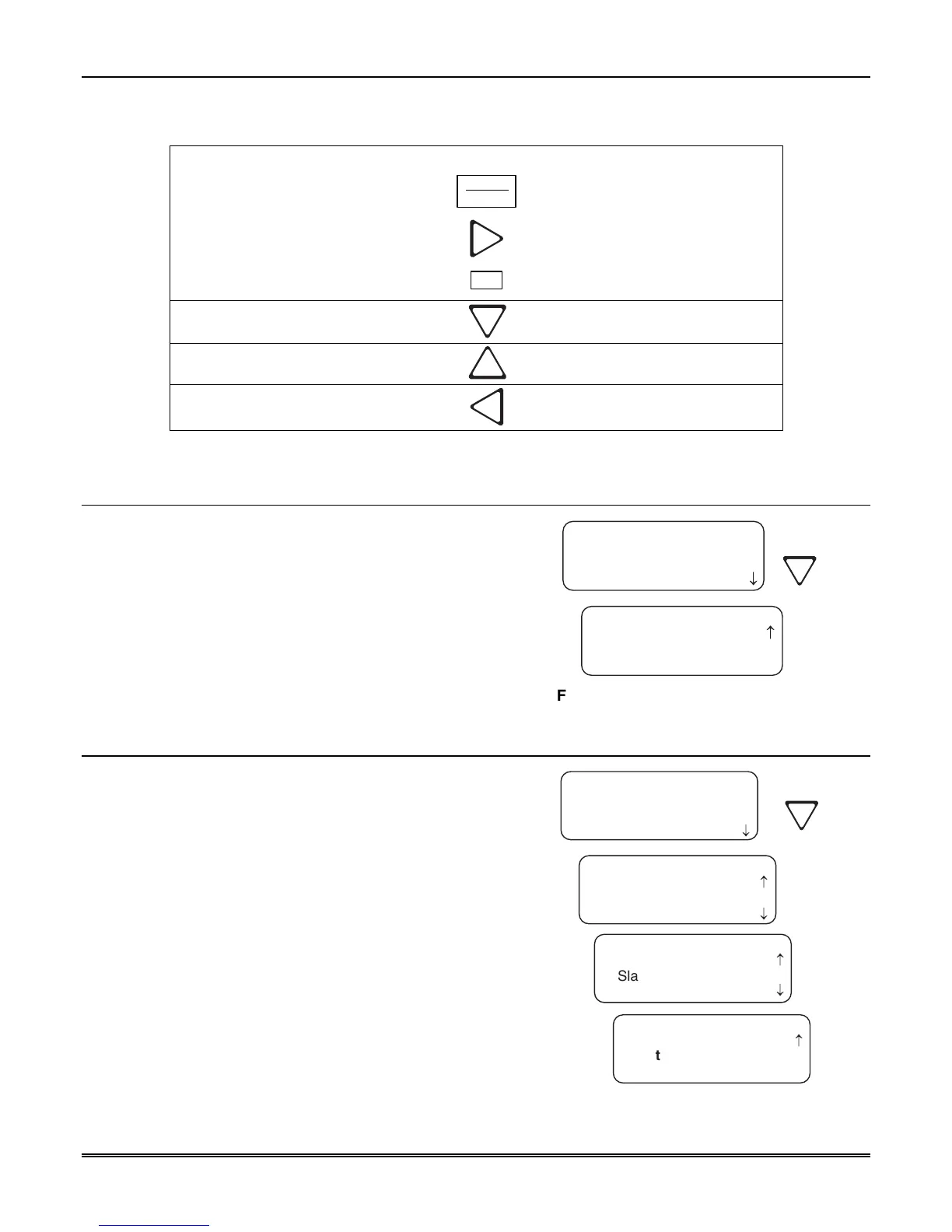
Figure 5–1 shows what keys on the touchpad are used to maneuver in program mode.
Menu Controls
To accept a menu item, press
ENTER
MENU
Or press
Or press the number key corresponding
to the desired menu option
1
Number can also be used to enter
numeric information where needed
To Choose the next menu item, press
Go back to the previous choice
Exit current menu or menu item.
Move back to previous entry.
Figure 5–1: Programming Controls
5.3 Programming Choices
In programming mode your first set of choices are general
options, line devices, and user list. (Each of these choices
will be described in greater detail in the following
sections.) Figure 5–2 shows what the display will look like
before and after the down arrow is pressed.
<Program Menu>
1=General Options
2 Line Device Menu
3 User List
<Program Menu>
2=Line Device Menu
3 User List
< Exit Menu
¯
Figure 5–2: Program Menu Choices
5.4 General Options
The features available for programming under general
options are operation mode, display options,
communications, system options, message queue options,
slave list, and virtual receiver/line numbers.
Table 5–2 lists the available choices under General
Options and gives a description of those choices.
<General Options>
1=Operation Mode
2 Display Options
3 Communications
<General Options>
2=Display Options
3 Communications
4 System Options
<General Options>
5=Msg Queue Opt.
7 Virtual Receiver
¯
¯
6 Slave List
<General Options>
6=Slave List
< Exit Menu
7 Virtual Receiver
¯
Figure 5–3: General Options Display



 To Next Page