MX8000 Installation and Operation Guide
5–44
5.5.2.4 Listen-In
The listen in feature is used to perform two-way voice alarm
verification between the central station and the alarm
installation site.
Note: See Section 4.7 on page 4–19 for a description of the
listen-in modes.
To Change the Listen Mode:
1. Follow the procedures in Section 5.5.2.
2. Press
4
for the listen in options menu.
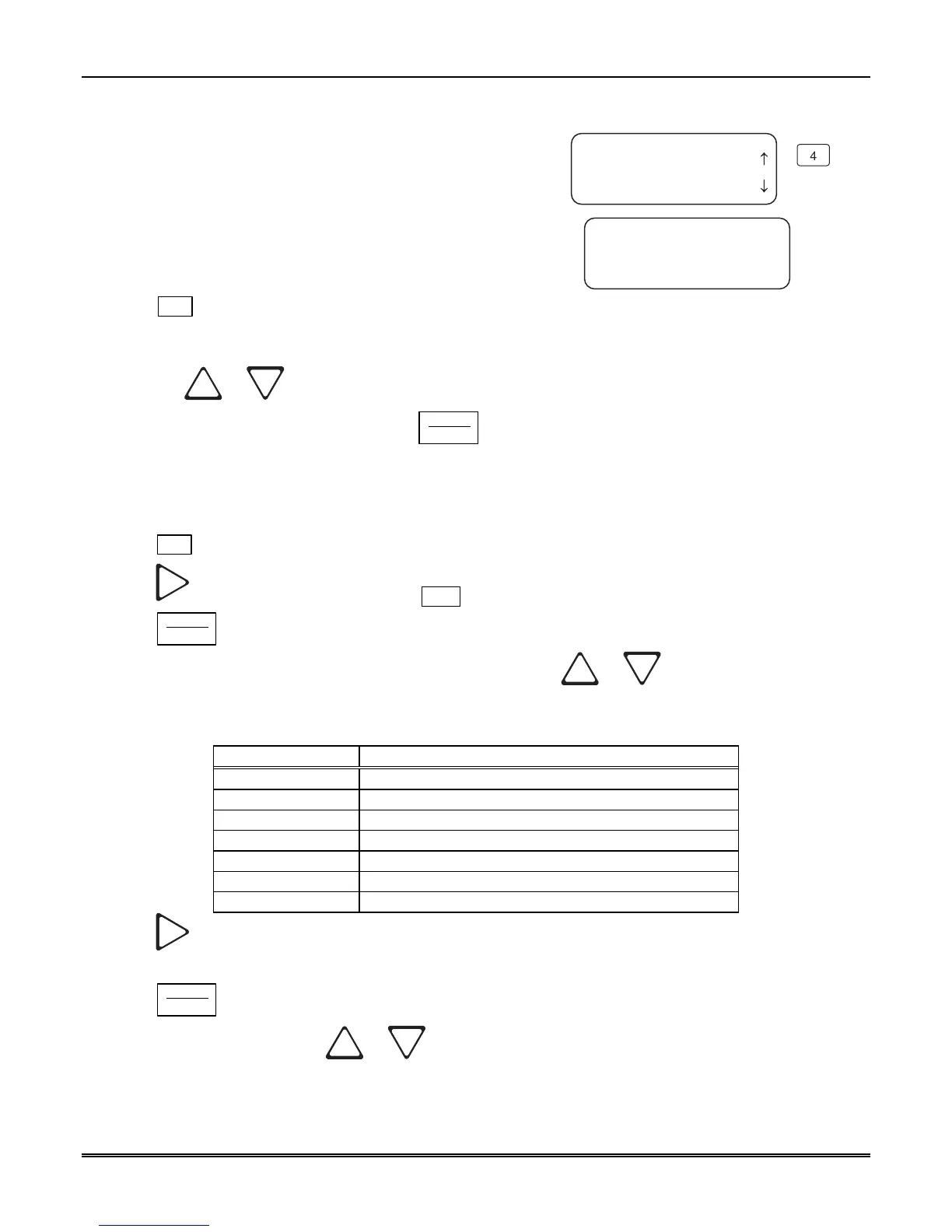
3. When the display shows the listen in options menu (see
Figure 5–16):
<Edit Line :01>
4=Listen In
5 Misc. Line Opt.
6 Ademco Auto Opt.
Mode=Not Used
Timeout=000
<Account List>
<Listen Mode <=Exit>
¯
4
Figure 5–16: MX8000–LC3 Listen Mode
Menu Display
Press the
or button to change the listen mode setting.
4. When the desired setting is flashing press
ENTER
MENU
.
To Change the PBX String:
This option only appears if PBX is selected as the mode.
1. Follow the procedures in Section 5.5.2.
2. Press
4
for Listen In options menu.
3. Press
until the display flashes on the <Str> field.
4. Press
ENTER
MENU
.
5. Enter the desired numeric value from the keypad or press the
or button to enter any special
characters.
Table 5–13: Valid Programmable String Characters
Character Description
F Flash hook.
P Delay 500ms
, Delay 2 seconds
H Force a hang up of the line.
@ Detect dial tone.
t Check to see if the line is busy by looking for a busy tone.
0-9, *, #, A, B, C, D DTMF digits.
6. Press to move to the next character.
or
7. Press
ENTER
MENU
to enter the PBX string.
8. Select Y or N by pressing the
or arrows.
Y = Yes, erase or clear the PBX string. N = No, do not clear the PBX string, save the entered value.
Note: If Yes is selected the PBX string will be cleared and the “Clear String” option will revert to N (No).



 To Next Page